Chapter 2 General Operation
Using the front panel
26 9102 Handheld Spectrum Analyzer Software version 5.31
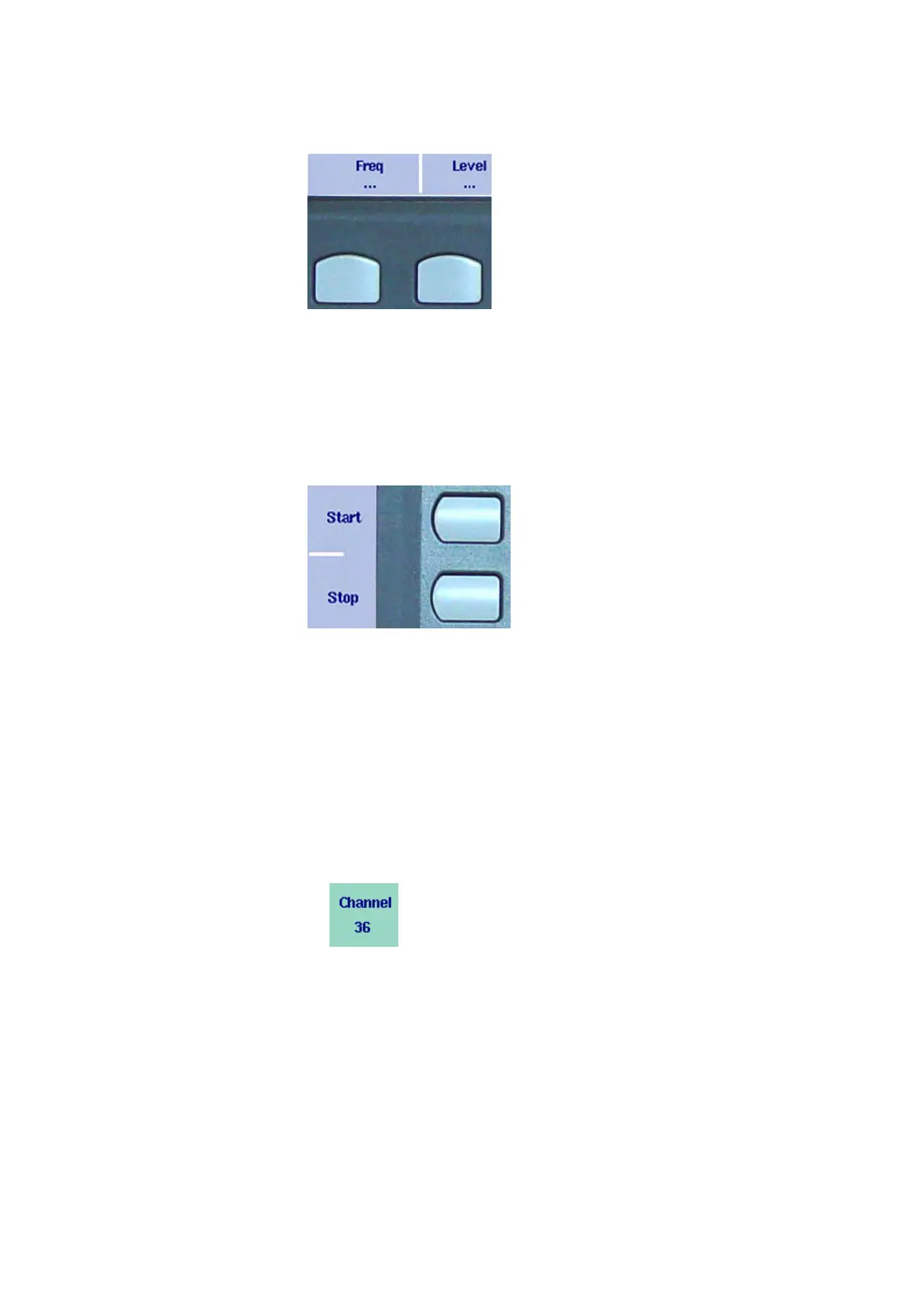
Horizontal (menu) softkeys
The horizontal softkeys provide access to the various menus. The name
of the active menu is highlighted; the functions of a menu are offered
on the vertical softkeys. Submenus are indicated with three dots (“...”);
the menu softkey without the dots leads you one level up in the menu
hierarchy.
Vertical (function) softkeys
The vertical softkeys allow you to change the settings of the 9102.
The vertical softkeys in the 9102 carry out one of the following func-
tions:
– Normal settings – by pushing the softkey, an entry field appears on
the top of the display, allowing you to enter numerical or alphanu-
merical data. The data become valid after pushing one of the enter
keys. Some of the softkeys for normal settings also describe the
currently set value.
Example: The Channel softkey in channel power mode.
– Combined entry and selection – this type of softkey allows you to
change a value and also to change a related setting, for example
changing between automatic and manual parameter setting. The
first push on the softkey opens the entry field like the normal
settings softkey. Pushing it several times results in the 9102
toggling between the available options. The option currently
selected is indicated in blue while the inactive options are shown in
white.
Example: The RBW softkey.



 To Next Page