Chapter 2 General Operation
Selecting the measurement mode
30 9102 Handheld Spectrum Analyzer Software version 5.31
If the 9131 EMF Measurement Option is installed and activated on your
9102, an additional measurement mode is available for selection:
The EMF (EMI) mode allows you to measure radiation from transmitters,
e.g. base stations and broadcast stations, easily and efficently. In this
mode the 9102 measures the electromagnetic field over a user-defin-
able frequency range and displays field strength or power density.
Read more about this mode on page 181.
In addition, the Mode menu provides access to the system settings, e.g.
the I/O configuration, and to version information. See section
“Checking general settings” on page 41 for more details.
To select the measurement mode, proceed as follows:
1 Push the M
ODE function key.
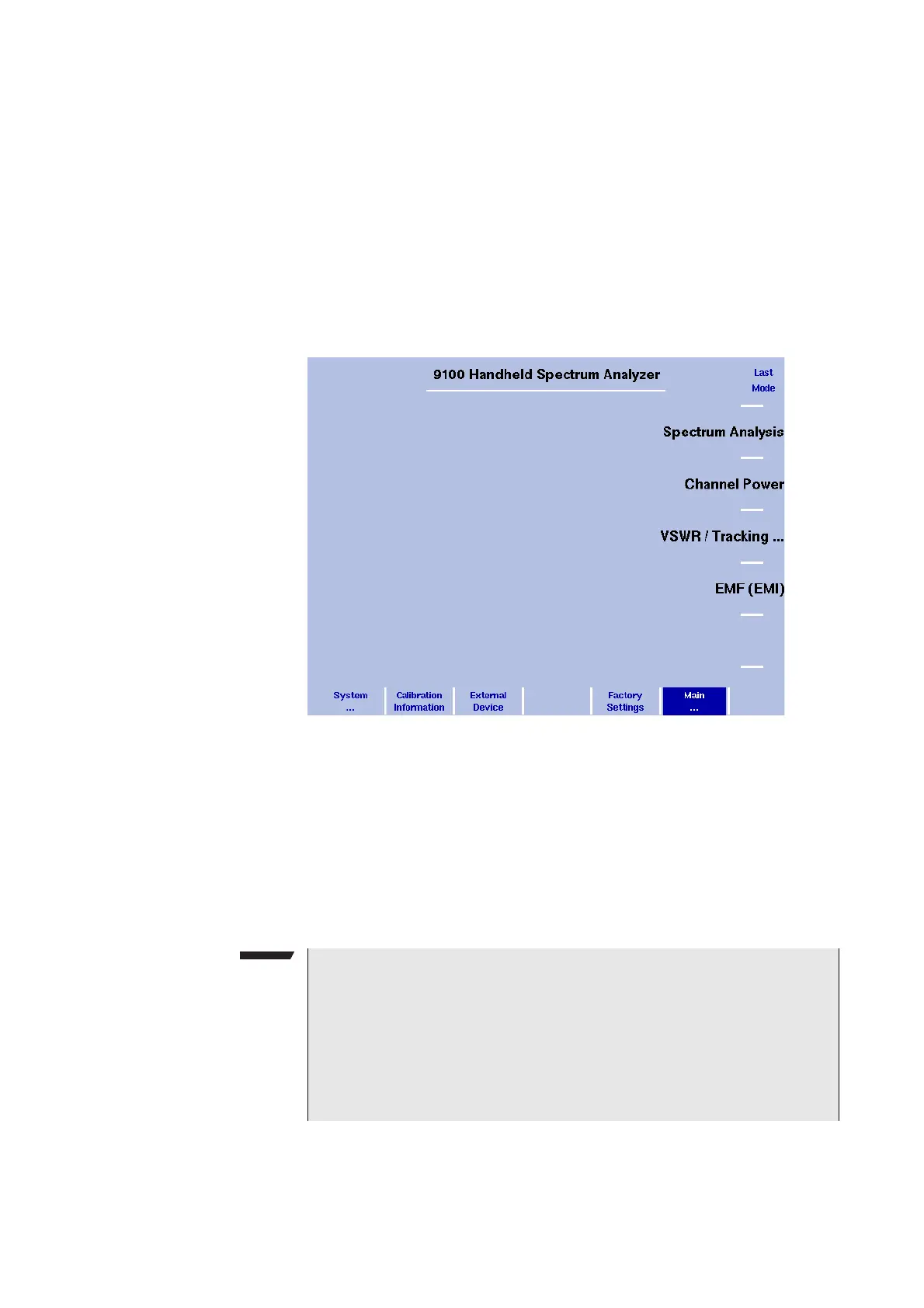
The Mode menu appears (see Figure 5).
2 Select a new mode or return to the mode last active by pressing
the respective softkey. To select the modes signal generator, trans-
mission, reflection, distance to fault and cable loss select the
(VSWR/)Tracking... softkey followed by the relevant mode softkey.
Figure 5 Selecting a measurement mode
NOTE
The modes reflection, distance to fault and cable loss are available if
the 9130 VSWR/DTF Reflection Measurement Option is installed and
activated on your 9102. The EMF (EMI) mode is available, if the 9131
EMF Measurement Option is installed and activated. For details on
checking installed options and installing new ones refer to “Check-
ing installed options” on page 43 and “Installing a new option” on
page 44.



 To Next Page