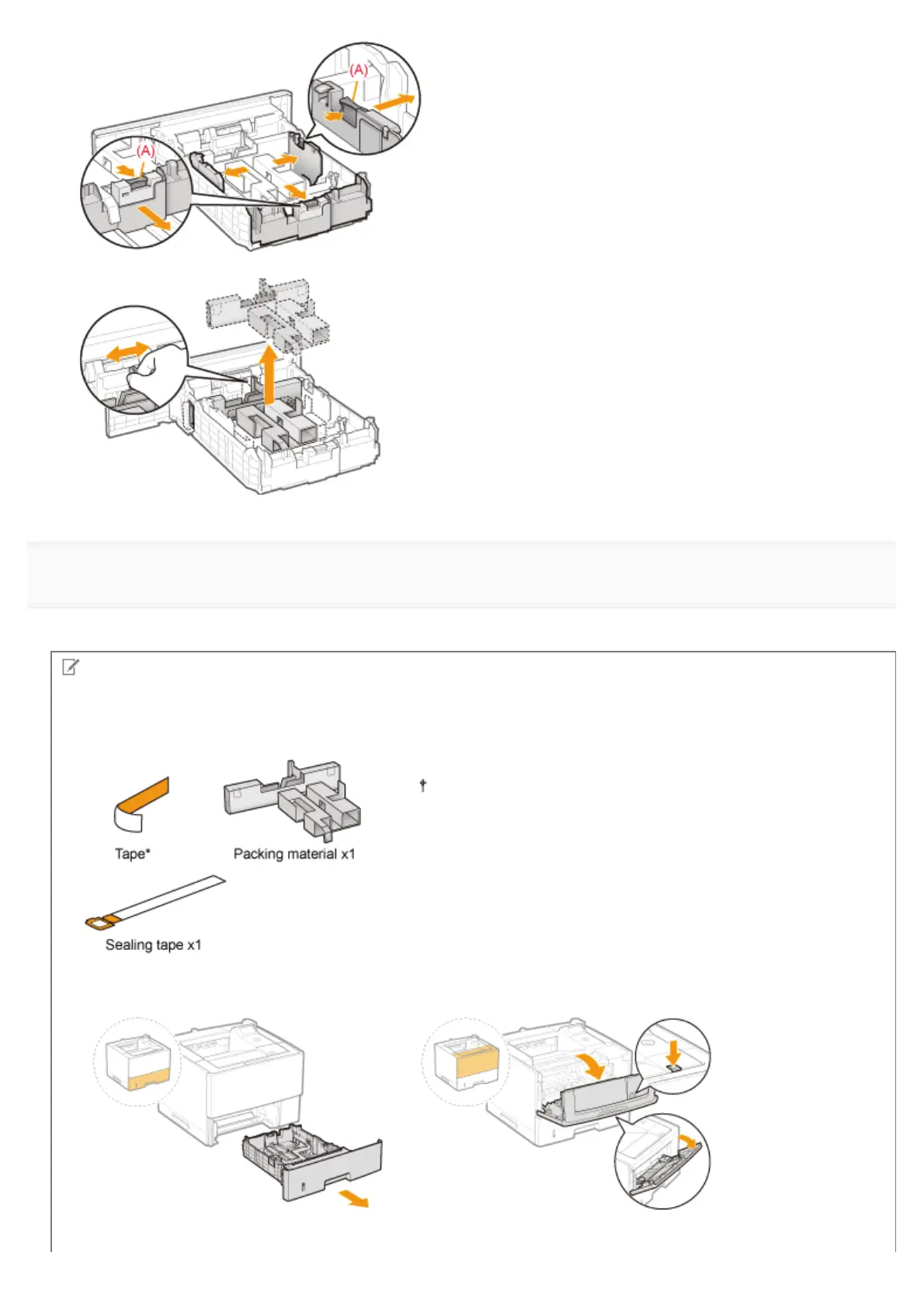
(3) Remove the packing material.
10
Insert the paper drawer into the printer.
Push it into the printer firmly.
Check !
Checking if the packing materials are removed
Check that the following packing materials are completely removed.
Dispose of the left packing materials according to local
regulations.
*
Make sure that all the orange tape is completely removed.
㻝㻜㻜㻌㻛㻌㻥㻣㻜



 To Next Page