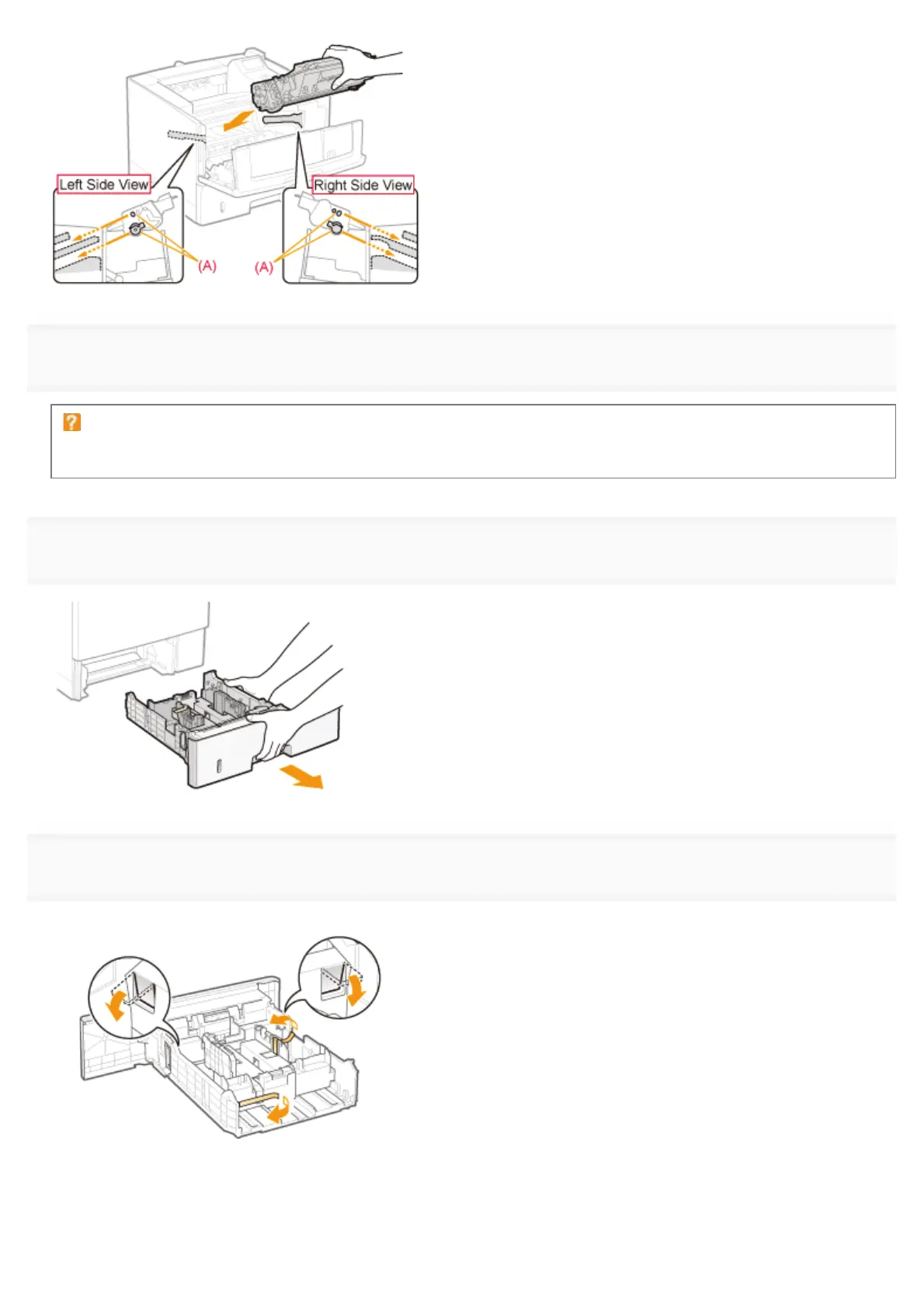
7
Close the front cover.
If you cannot close the front cover
Make sure that the toner cartridge is installed in the printer properly. Do not try to forcefully close the front cover, as
this may damage the printer.
8
Pull out the paper drawer.
9
Remove the packing material as shown in the figure.
(1) Remove the tape, and fold the protrusions of the packing material on each side.
(2) While holding the lock release levers (A), slide the paper guides in the directions of the arrows.
㻥㻥㻌㻛㻌㻥㻣㻜



 To Next Page