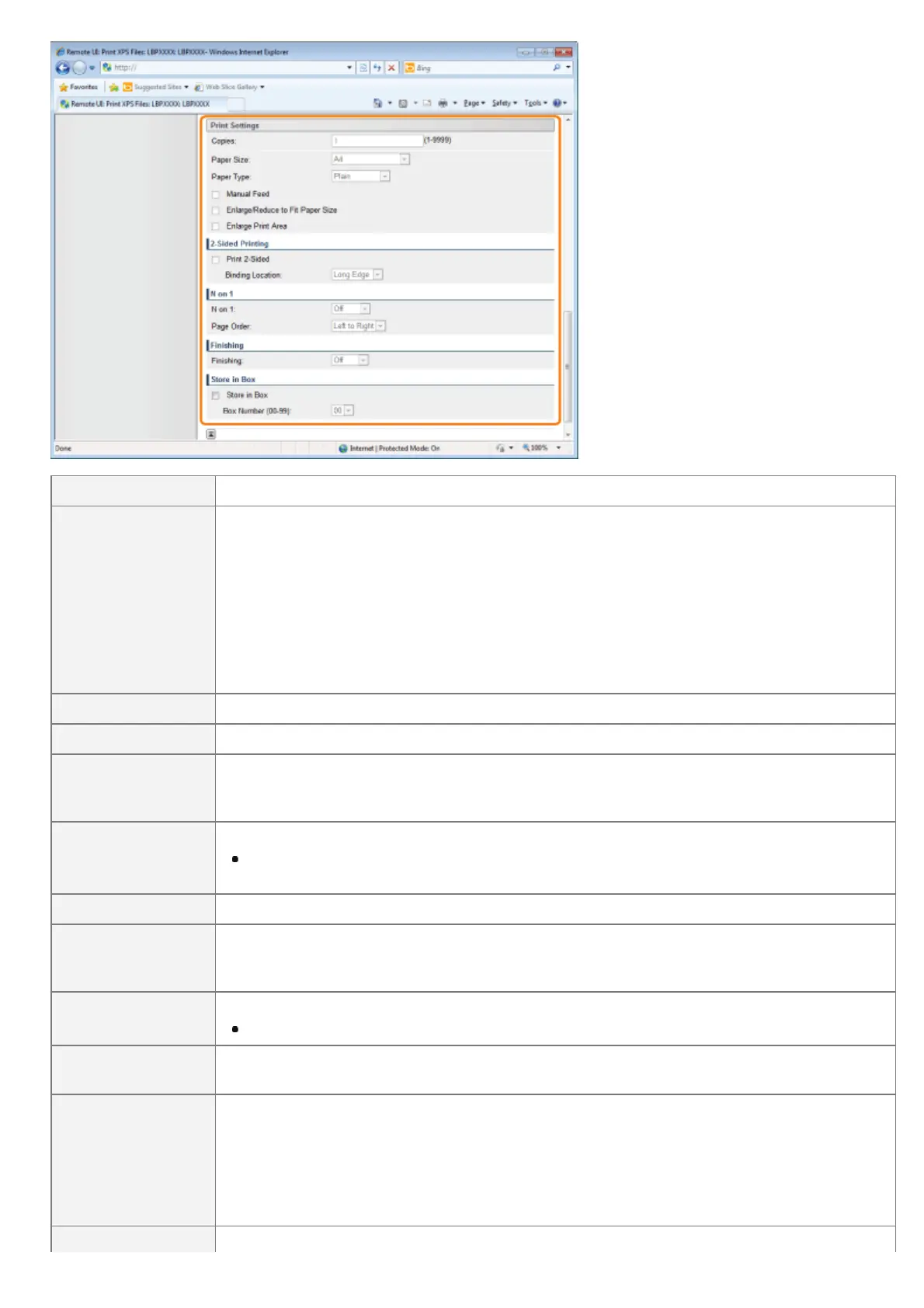
[Copies] Specify the number of copies to be printed.
[Paper Size]
Specify the size of paper to print.
If data is input that is outside the engine's maximum and minimum paper size range when the
paper size is automatic, it is printed on the paper size that is set with [Standard Paper Size].
[Auto]: It selects the most suitable paper source for the XPS file page size, and
prints.
Other than
[Auto]:
It prints so that the long side of the XPS file and the long side of the selected
paper size go in the same direction.
[Paper Type] Specify the type of paper to print.
[Manual Feed] You can fix the paper source in the multi-purpose tray.
[Enlarge/Reduce to
Fit Paper Size]
If the check box is selected, it fixes the aspect ratio and scales it to fit with the effective print
area of the paper size that is set and prints. However if [Paper Size] is set as [Auto], this item
cannot be set.
[Enlarge Print Area]
Specify whether to expand the printable area and print.
Depending on the document to be printed, part of the edges of the paper may not be
printed.
[Print 2-Sided] Specify 1-sided or 2-sided printing.
[Binding Location]
Set the binding position on the long side of the paper (long-edged binding) or the short side of
the paper (short-edged binding). If binding is set from the printer side, the position of the
"gutter" is automatically adjusted on the front and back sides of the paper.
[N on 1]
You can print multiple pages of the XPS file data arranged on one page.
When printing multiple pages side by side, set [Paper Size] to a setting other than [Auto].
[Page Order]
The [N on 1] setting enables you to set the order the pages will be arranged on the paper
when printing multiple pages on one page.
[Finishing]
(It is only displayed when an SD card is used.)
It collates and prints in page or section units.
[Off]: Print the number of copies specified for every page.
[Collate]: The specified number of copies are collated.
(It is only displayed when an SD card is used.)
㻞㻥㻞㻌㻛㻌㻥㻣㻜


 To Next Page
 Loading...











