[Store in Box]
When storing it in a box, check the [Store in Box] check box before selecting the box where
you want to store it.
9
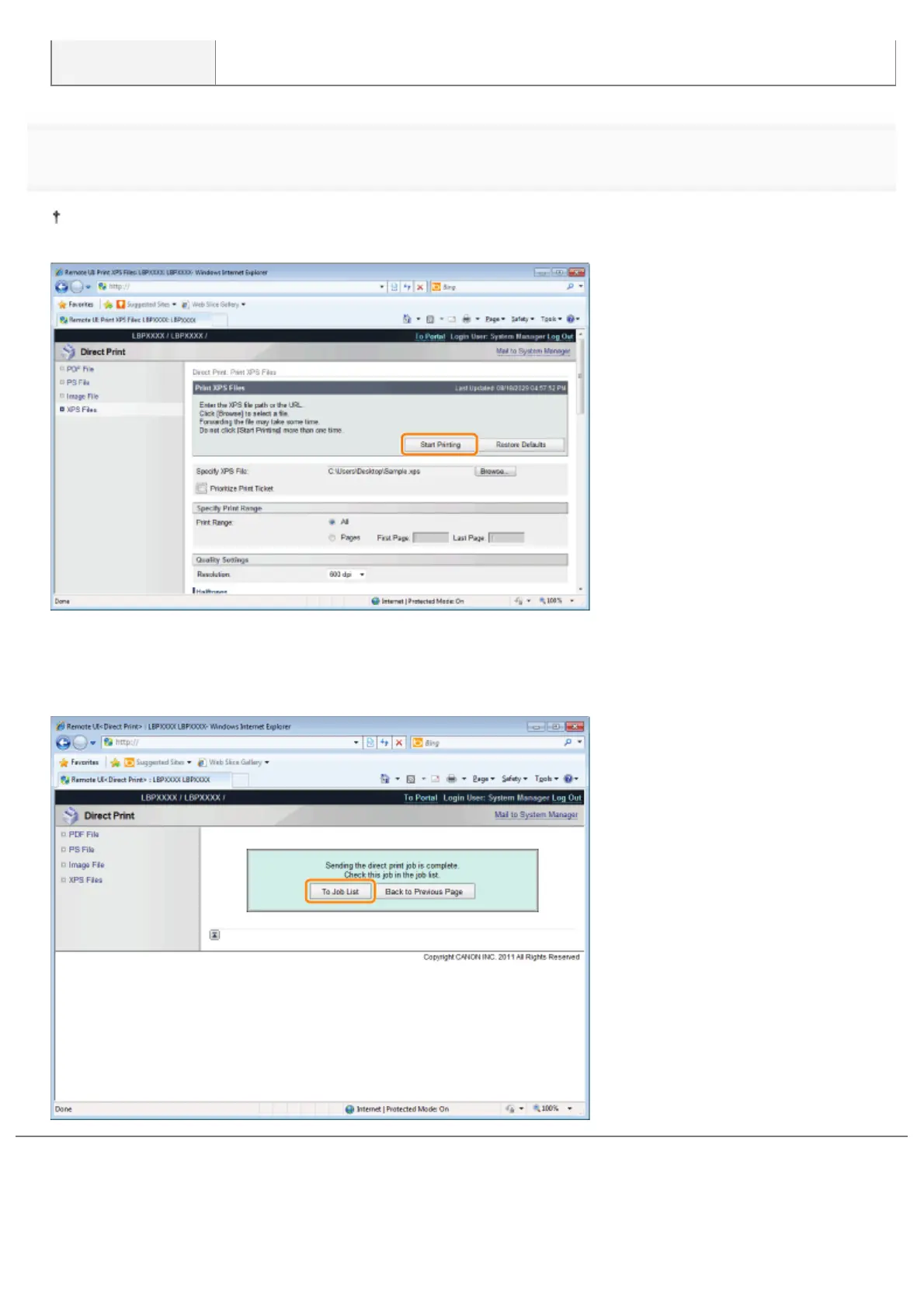
Click [Start Printing].
Do not keep clicking [Start Printing] while the file is transferring. Sometimes it takes time to transfer a file, but if you
keep clicking during the transfer, a file failure may occur and it may be impossible to transfer it.
ĺ When the print job has finished sending, the display switches and the following message is displayed.
Press [To Job List] to check the print job that was sent.
㻞㻥㻟㻌㻛㻌㻥㻣㻜



 To Next Page