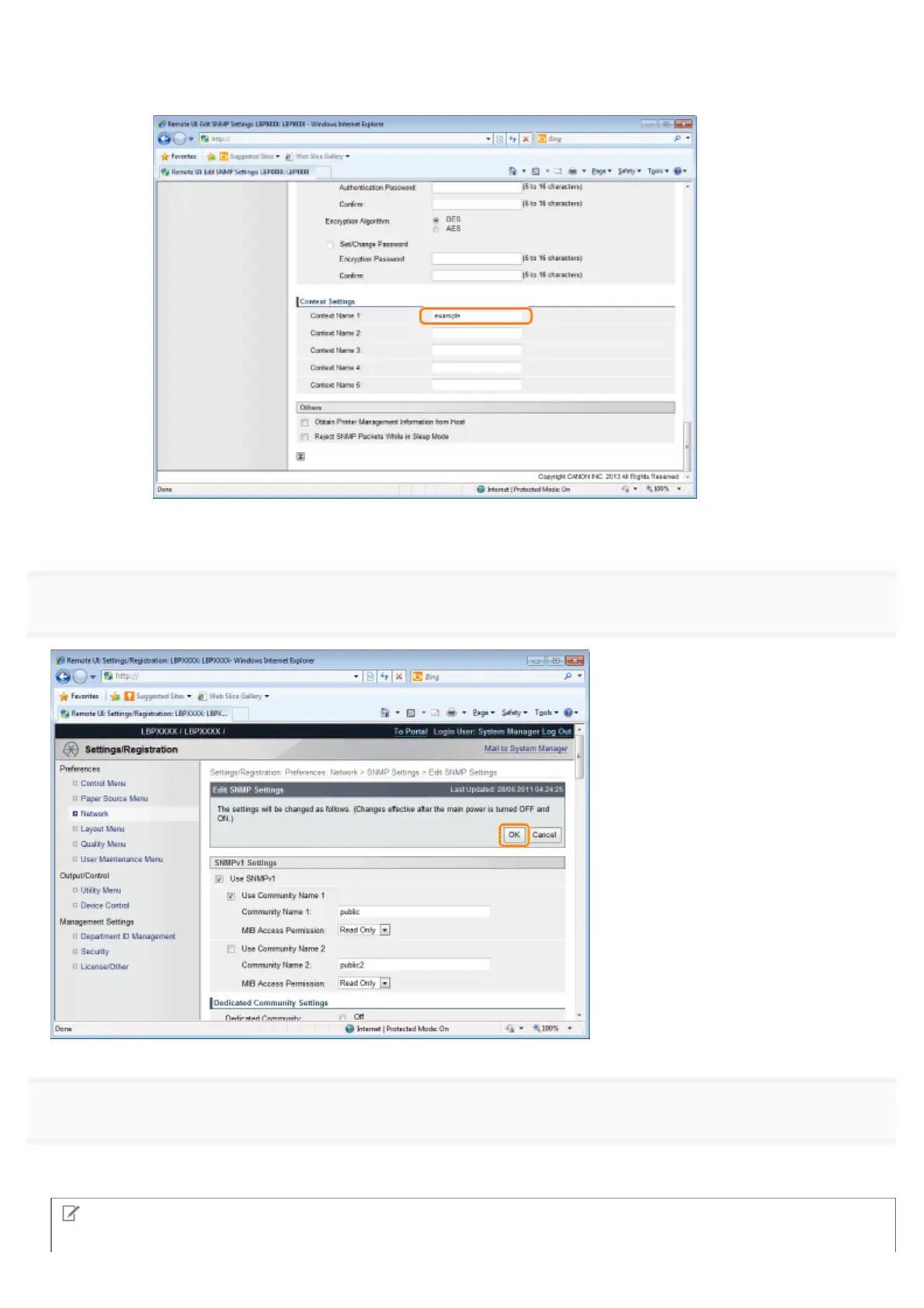
If You Want to Erase Context Information
1. Delete the context names that are entered in [Context Name 1] to [Context Name 5] under [Context
Settings] that you want to delete.
(2) Proceed to Step 7.
7
Click [OK].
8
Perform a hard reset or restart the printer.
ĺ After performing a hard reset or restarting the printer, the settings are effective.
NOTE
㻟㻤㻞㻌㻛㻌㻥㻣㻜



 To Next Page