(SNMP_COMMUNITY1_ACCESS)
([Read/Write],
[Read Only])
([Read
Only])
[Use Community Name 2]
(SNMP_COMMUNITY2_ENB)
ON, OFF OFF
[Community Name 2]
(SNMP_COMMUNITY2_NAME)
Up to 32
characters
public2
[MIB Access Permission]
(SNMP_COMMUNITY2_ACCESS)
RW, RO
([Read/Write],
[Read Only])
RO
([Read
Only])
[Use SNMPv3]
(SNMP_V3_ENB)
ON, OFF OFF
[Obtain Printer Management
Information from Host]
(SNMP_GET_PRT_MNG_INFO)
ON, OFF OFF
[Reject SNMP Packets While in
Sleep Mode]
ON, OFF OFF
User Settings (SNMPv3)
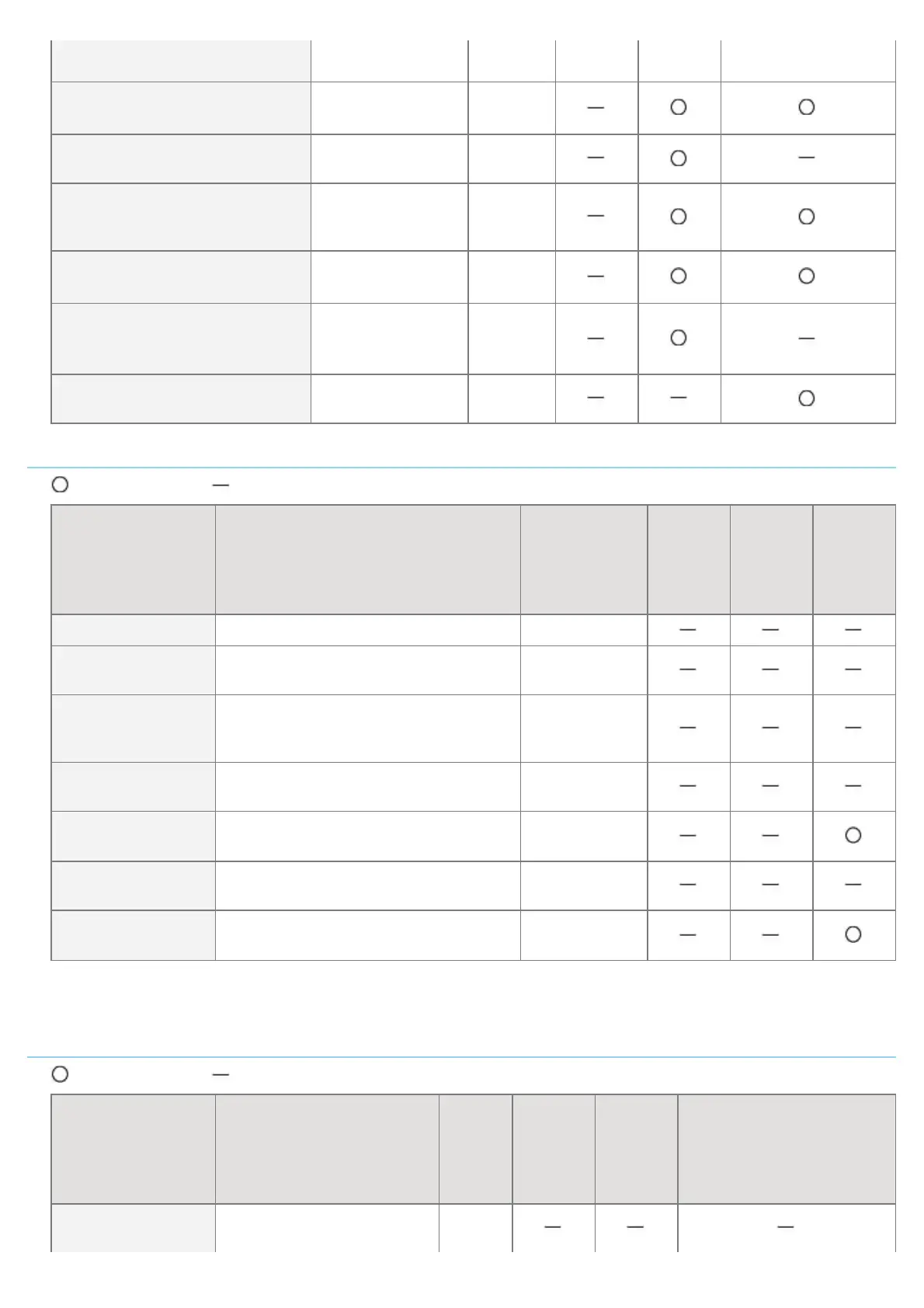
: Can be specified : Cannot be specified
Option Contents Default
Settings
Using
NetSpot
Device
Installer
Settings
Using
FTP
Client
Settings
Using
the
Control
Panel
[User Name] Up to 32 alphanumeric characters initial
[MIB Access
Permission]
[Read/Write], [Read Only] [Read/Write]
[Security Settings]
[Authentication Yes/Encryption Yes],
[Authentication Yes/Encryption No],
[Authentication No/Encryption No]
[Authentication
Yes/Encryption
Yes]
[Authentication
Algorithm]
[MD5], [SHA1] [MD5]
[Authentication
Password]
*
6 to 16 alphanumeric characters initial
[Encryption
Algorithm]
[DES], [AES] [DES]
[Encryption
Password]
*
6 to 16 alphanumeric characters initial
*
Can be specified only when the printer is in the state of SSL encrypted communication. (If the printer is not in the
state of encrypted communication, specify the setting using the printer's control panel.)
Context Settings (SNMPv3)
: Can be specified : Cannot be specified
Option Contents Default
Settings
Using
NetSpot
Device
Installer
Settings
Using
FTP
Client
Settings Using the
Control Panel
[Context Name 1] -
[Context Name 5]
Up to 32 alphanumeric
characters
(Blank)
㻠㻜㻡㻌㻛㻌㻥㻣㻜



 To Next Page