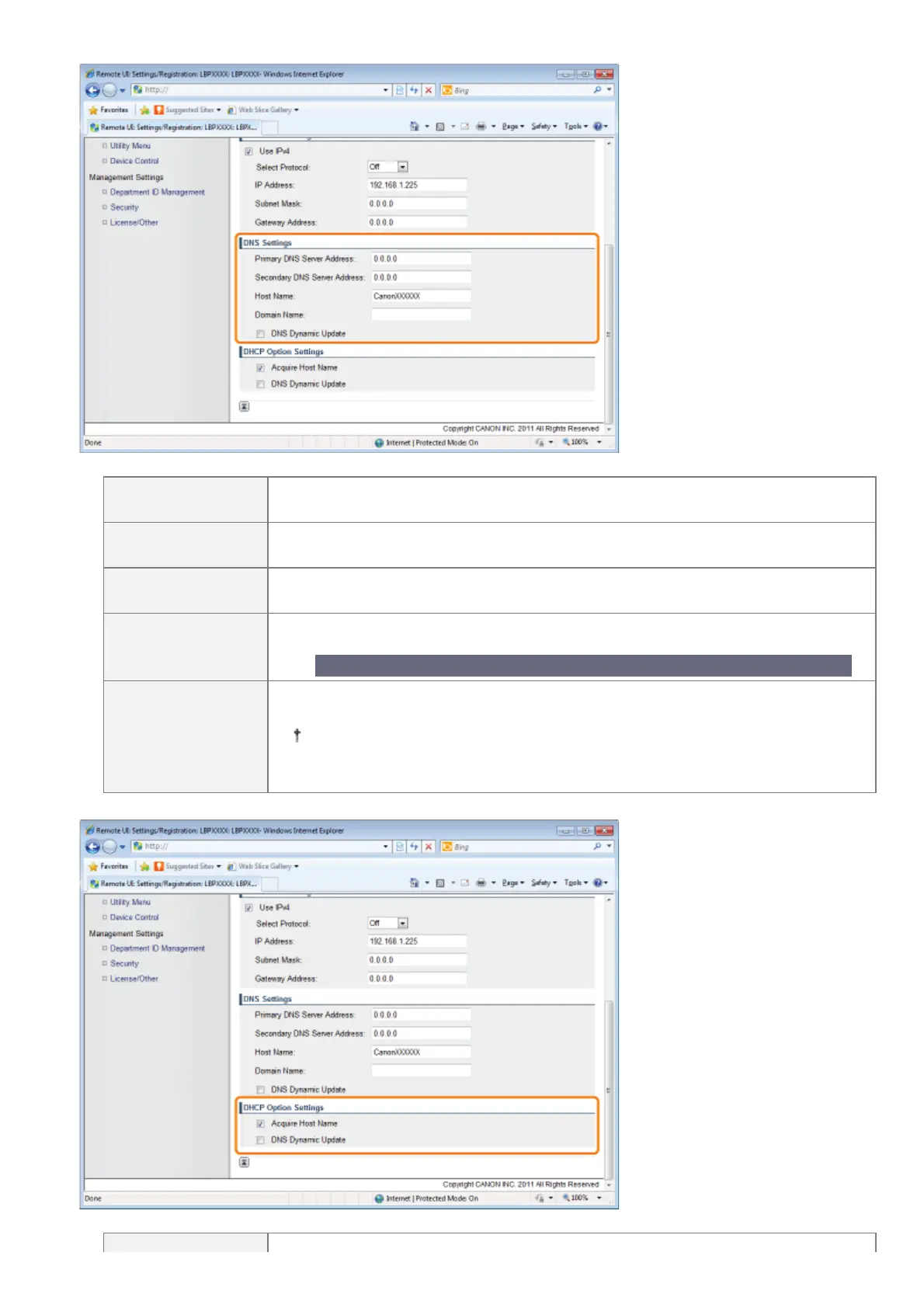
(3) Set DNS.
[Primary DNS
Server Address]
Enter the IP address of the primary DNS server.
[Secondary DNS
Server Address]
Enter the IP address of the secondary DNS server.
[Host Name]
Enter the host name to be added to the DNS server. Up to 47 characters can be
entered.
[Domain Name]
Enter the name of the domain to which the printer belongs. Up to 47 characters can
be entered.
Entry example: "example.com"
[DNS Dynamic
Update]
Select the check box when using the DNS Dynamic Update function. When you are
not using the DNS Dynamic Update Function, clear the check box.
Using the DNS Dynamic Update function, by registering the [Host Name] and
[Domain Name] to the DNS server, the printer's IP address can be used
without being fixed.
(4) Set DHCP option settings.
㻠㻟㻜㻌㻛㻌㻥㻣㻜



 To Next Page