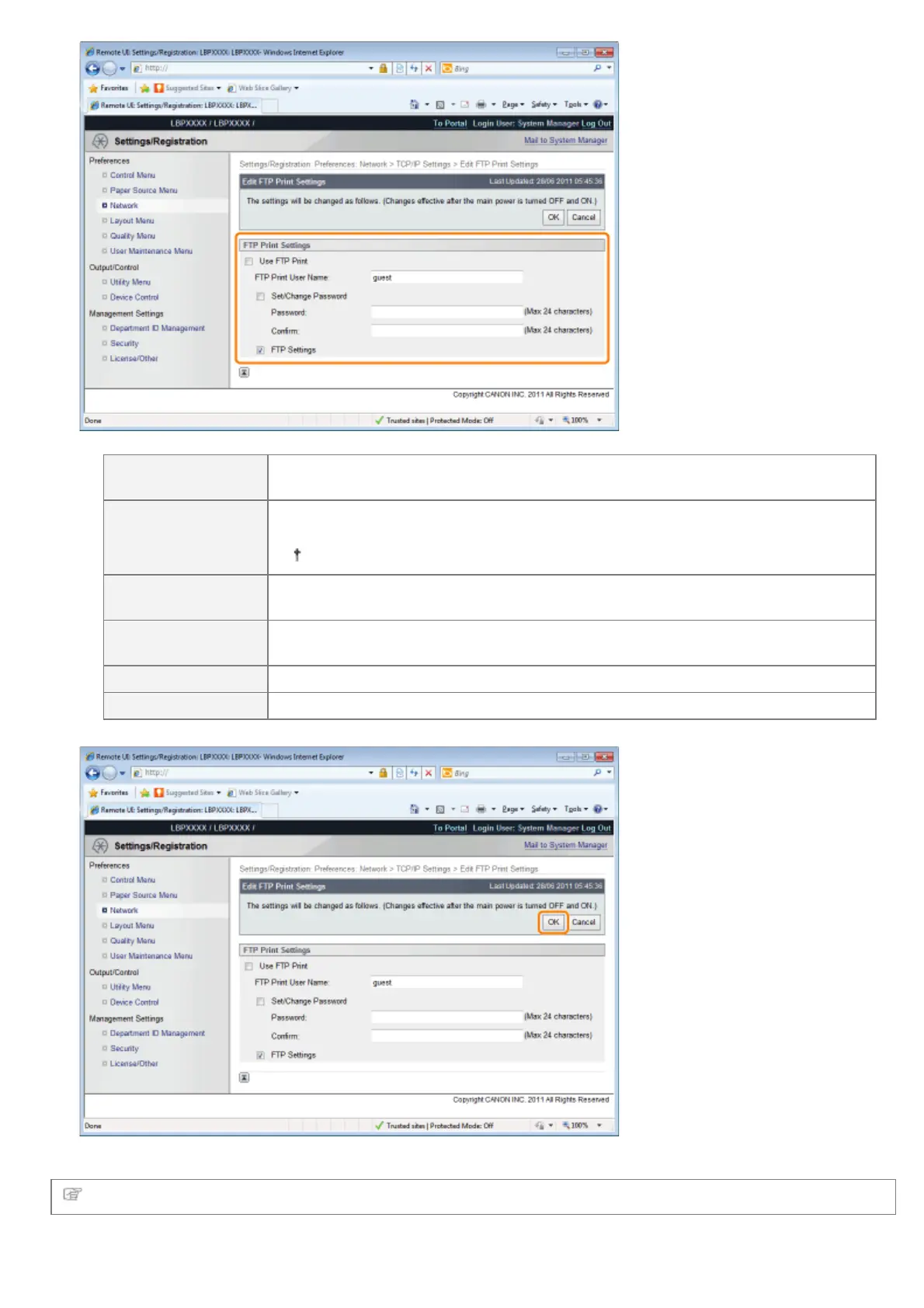
[Use FTP Print]
When the check box is selected, you can access the printer's FTP server using the
FTP client and print files.
[FTP Print User
Name]
Enter the user name for logging in to the FTP server. Up to 24 alphanumeric
characters can be entered.
You cannot set "root."
[Set/Change
Password]
Select the check box when setting/changing the password.
[Password]
Enter the password for logging in to the FTP server. Up to 24 alphanumeric
characters can be entered.
[Confirm] To confirm the password, enter the entered [Password] again.
[FTP Settings] When the check box is selected, changing settings from the FTP client is allowed.
(3) Click [OK].
Proceed to Step 6 if you do not specify the settings for the other options.
㻠㻟㻡㻌㻛㻌㻥㻣㻜



 To Next Page