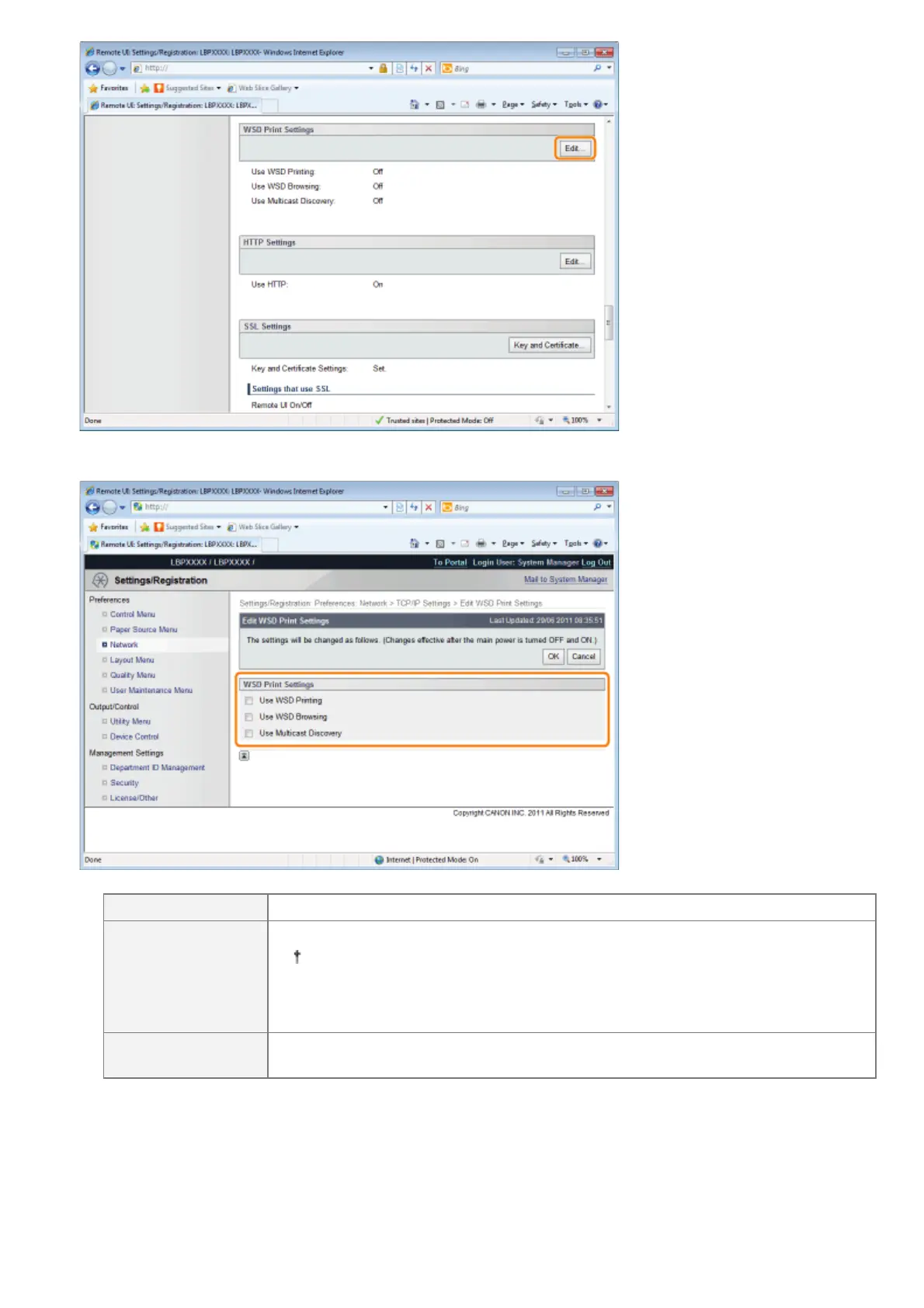
(2) Set WSD printing.
[Use WSD Printing] Select the check box to use WSD printing.
[Use WSD
Browsing]
When the check box is selected, it obtains printer information using WSD reference.
If you select the [Use WSD Printing] check box, the [Use WSD Browsing]
check box will always be selected.
You can only clear the [Use WSD Browsing] check box when the [Use WSD
Printing] check box is cleared.
[Use Multicast
Discovery]
Select the check box to use Multicast Discovery.
(3) Click [OK].
㻠㻠㻝㻌㻛㻌㻥㻣㻜



 To Next Page