If the [User Account Control] dialog box appears
Click [Yes] or [Continue].
3
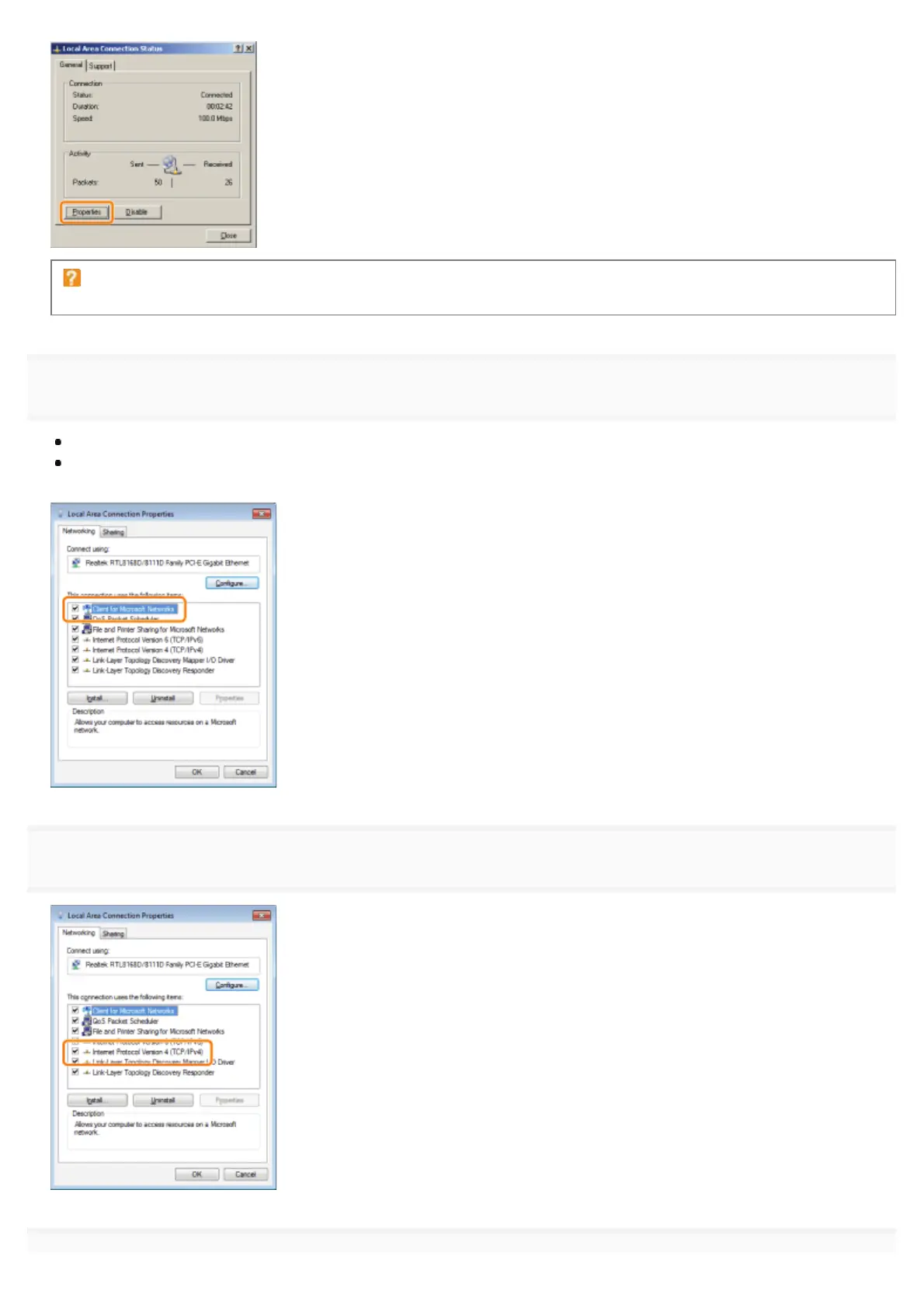
Make sure that the check boxes for the following options are selected.
[Client for Microsoft Networks]
[Internet Protocol Version 4 (TCP/IPv4)] (or [Internet Protocol (TCP/IP)])
If the check boxes are not selected, select them.
4
Double-click [Internet Protocol Version 4 (TCP/IPv4)] (or [Internet Protocol (TCP/IP)]).
㻡㻜㻣㻌㻛㻌㻥㻣㻜



 To Next Page