5
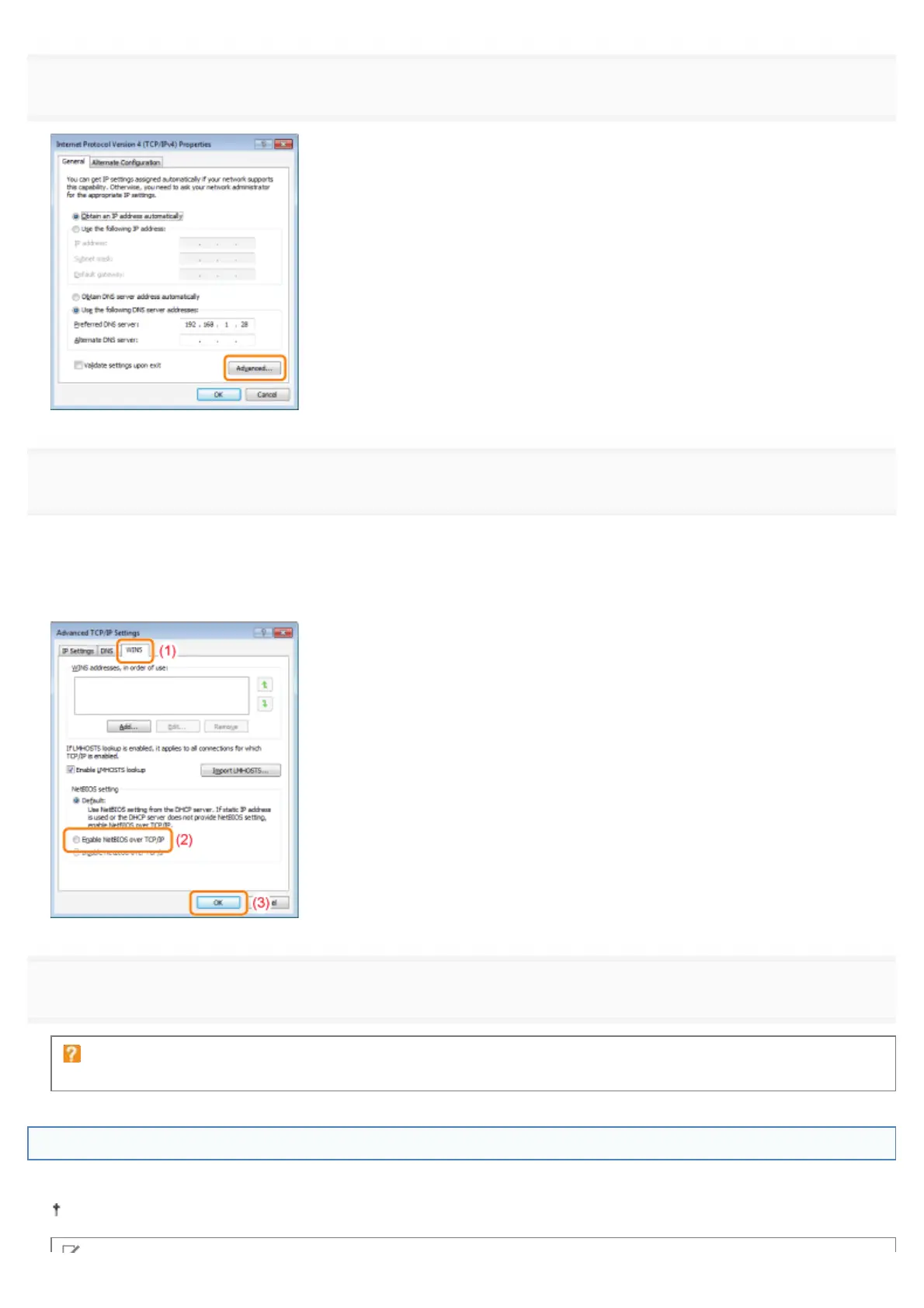
Click [Advanced] in the [General] tab.
6
Enable NetBIOS over TCP/IP.
(1) Display the [WINS] tab.
(2) Select [Enable NetBIOS over TCP/IP].
(3) Click [OK].
7
Continue to click [OK] until all the dialog boxes close.
If a message that prompts you to restart the computer appears
Restart the computer.
Installing the Printer Driver
A printer driver is required for printing. Following "Printer Driver Installation Guide", install the printer driver.
For details on the procedure for viewing "Printer Driver Installation Guide", see "Installation."
㻡㻜㻤㻌㻛㻌㻥㻣㻜



 To Next Page