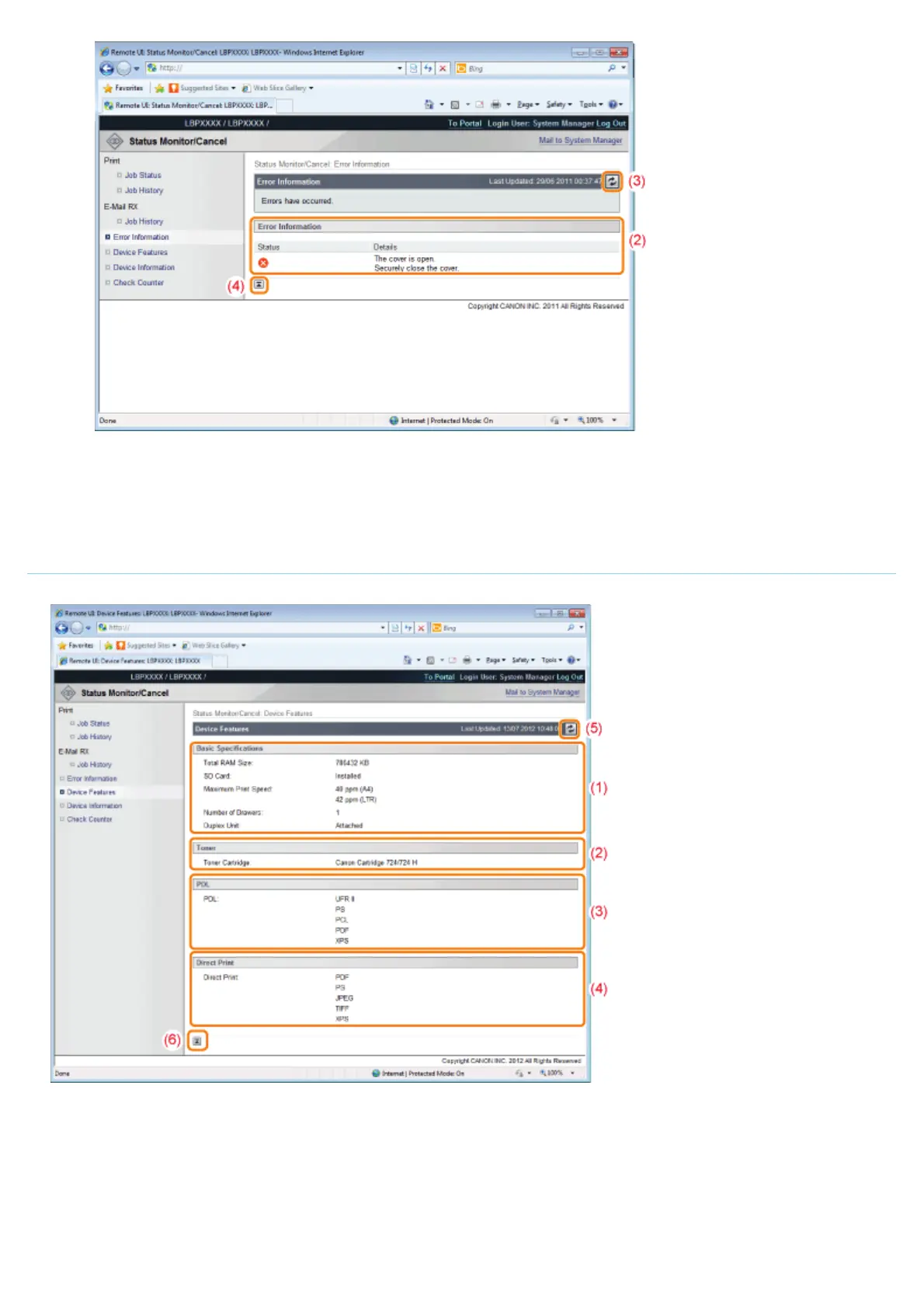
(3) Update Button
It refreshes the [Error Information] page display to the latest status.
(4) [Back to Page Top]
It moves the scroll box up to the top of the page.
[Device Features] Page
The printer equipment information and the functions that can be used in the current equipment status are displayed.
(1) [Basic Specifications]
The amount of RAM installed in the printer console, the installed options and the basic printing performance are
displayed.
(2) [Toner]
Information about the toner cartridges installed in the printer is displayed.
(3) [PDL]
The page description languages that can be used by the printer are displayed.
㻡㻟㻢㻌㻛㻌㻥㻣㻜



 To Next Page