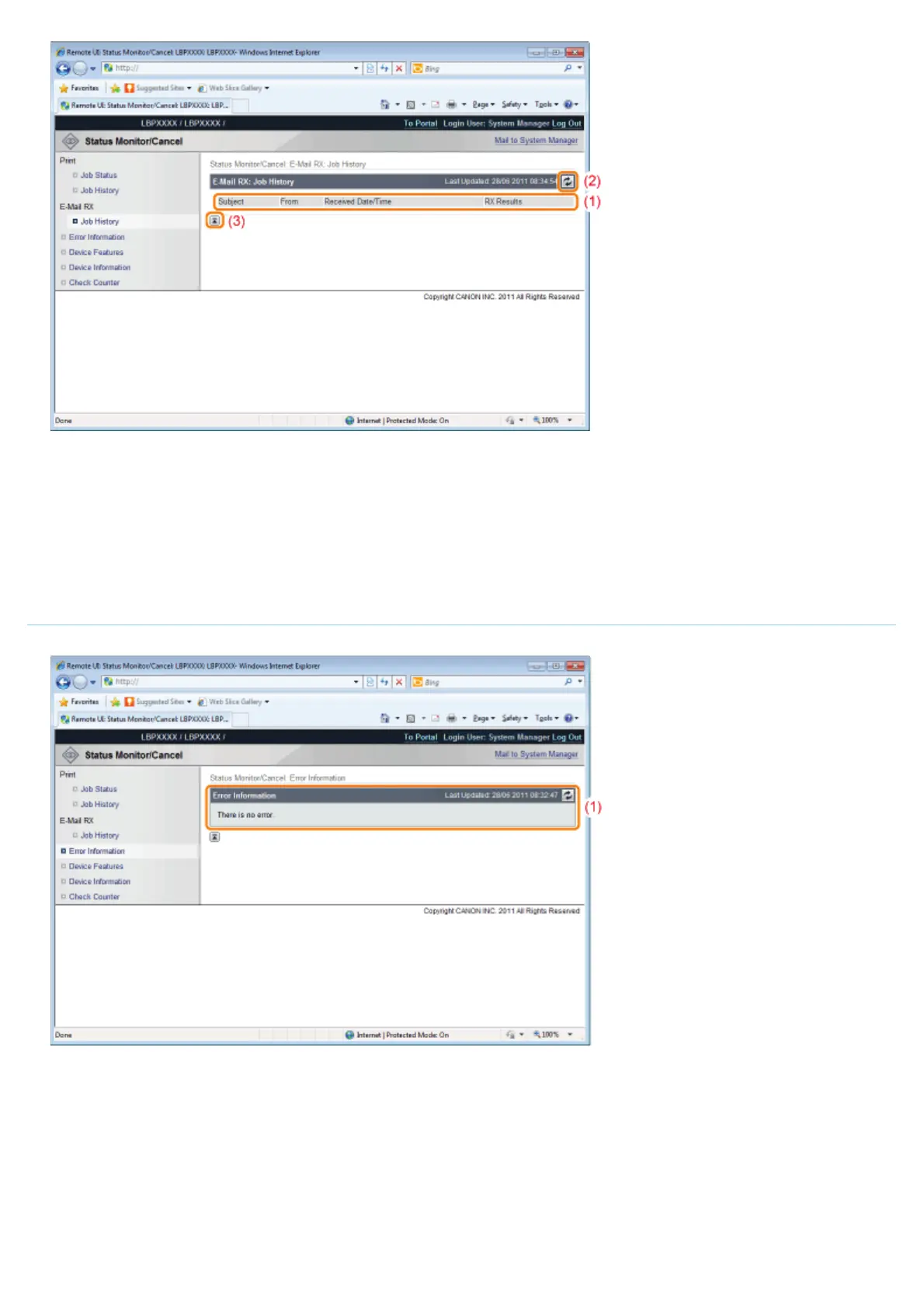
(1) Display Job History
The received e-mail history list is displayed.
(2) Update Button
It refreshes the [Job History] page display to the latest status.
(3) [Back to Page Top]
It moves the scroll box up to the top of the page.
[Error Information] Page
Information about errors occurring in the printer is displayed.
(1) [Error Information] (Number of Errors)
It displays whether or not errors have occurred, and if there are errors, the number of errors.
(2) [Error Information] (Information)
It displays status and solutions for the error information occurring in the printer.
The meanings of the displayed icons are shown below.
㻡㻟㻡㻌㻛㻌㻥㻣㻜



 To Next Page