(7) [Startup Time Settings]
It displays the startup time settings.
How to change settings
"Specifying the Setting for Startup Waiting Time"
(8) [Ethernet Driver Settings]
It displays the network interface settings.
How to change settings
"Changing the Network Transmission Speed or Transfer Mode"
(9) [IEEE802.1X Settings]
It displays IEEE802.1X security settings.
How to change settings
"Setting IEEE802.1X Authentication"
(10) [E-Mail Print Settings]
It displays the e-mail print settings.
How to change settings
"Receiving E-mail Data on the Mail Server and Printing (E-mail Print)"
(11) [Back to Page Top]
It moves the scroll box up to the top of the page.
NOTE
Changing Settings
You can only change settings when you are logged on in system manager mode.
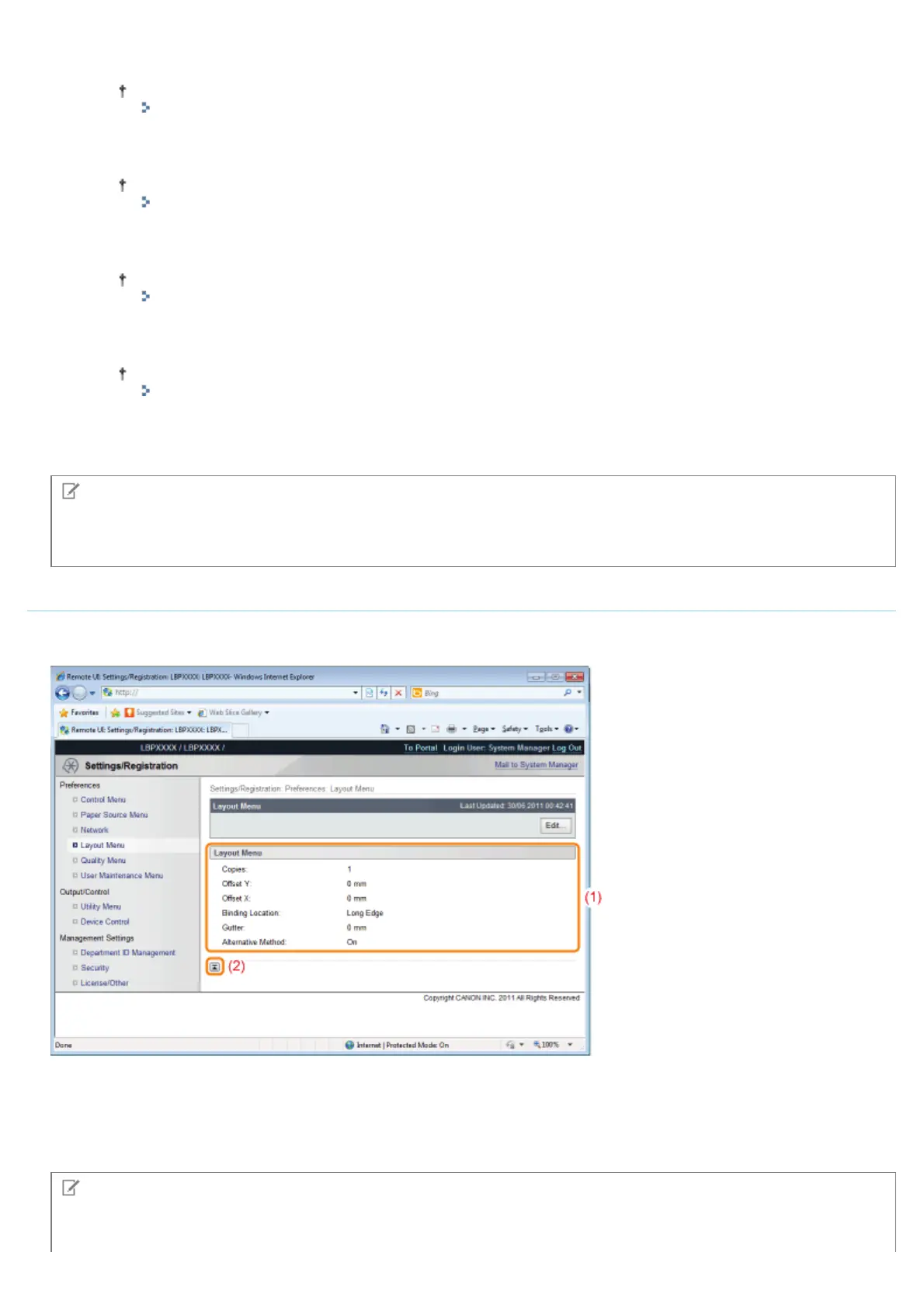
[Layout Menu] Page
It displays the settings relating to print appearance, such as adjustment of print position and setting gutter margins.
For details on the settings, see "[Setup] Menu ([Layout] Options)."
(1) [Layout Menu]
The settings for number of pages and print appearance are displayed.
(2) [Back to Page Top]
It moves the scroll box up to the top of the page.
NOTE
Changing Settings
㻡㻠㻞㻌㻛㻌㻥㻣㻜



 To Next Page