Network Status Print
E-Mail RX History List
Printing Position Adjustment Print
Stored Job List *
PCL Font List
PS Configuration Page
PS Font List
Print History List (Print Job/Direct Print)
Print History List (Stored Job) *
Print History List (Report)
Print History List (E-Mail Print)
A4 Cleaning
LTR Cleaning
Counter Report
Page Count List
Print MEAP System Information
* Only when the optional SD card is installed
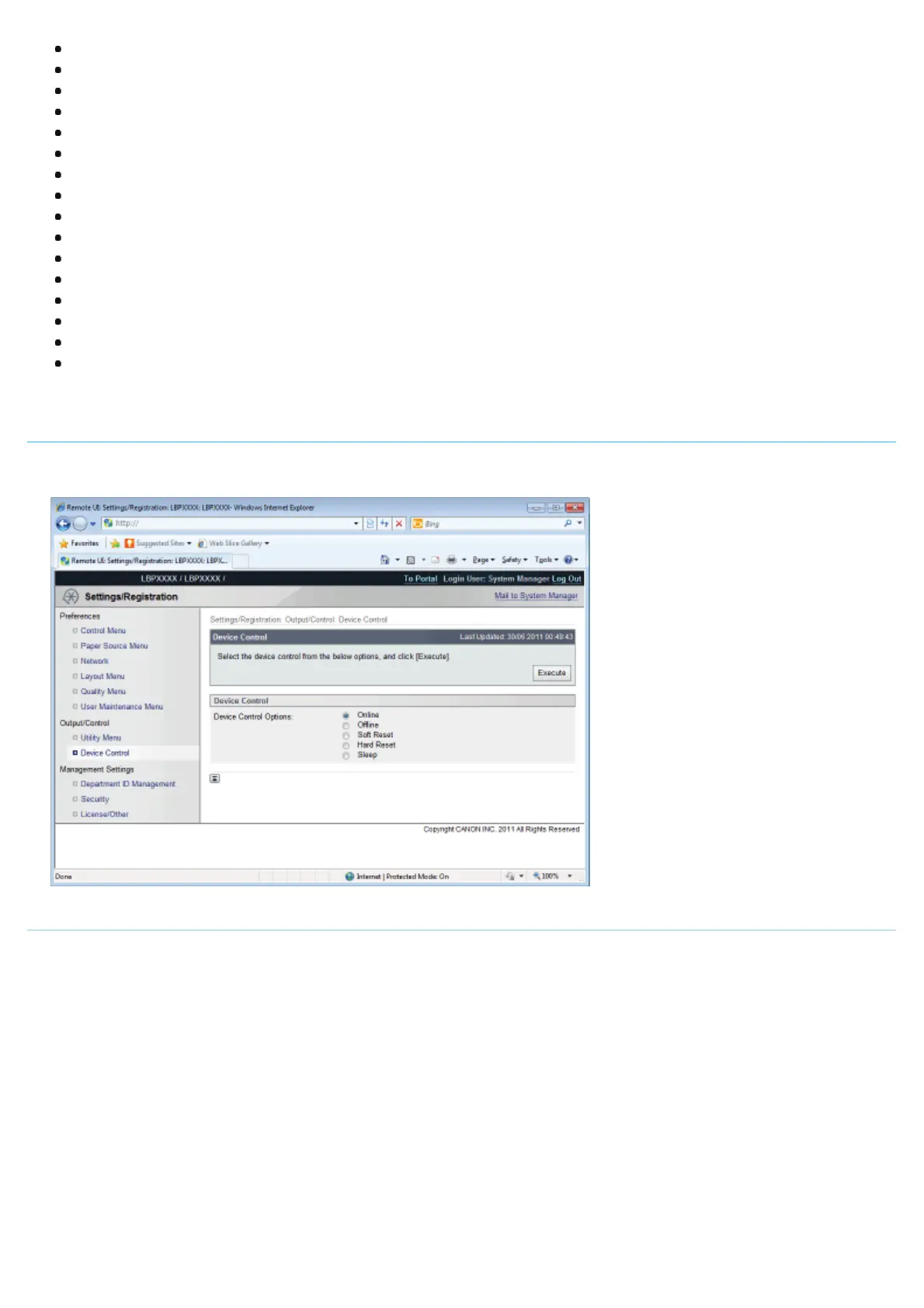
[Device Control] Page
It controls the printer. Select the item to run, and then click [Execute].
For details on the settings, see "[Reset] Menu" or "Basic Printer Operations."
[Department ID Management] Page
If department ID management is set, it displays the number of pages printed by each registered department.
For details on the settings, see "Specifying an ID for Each Department ."
㻡㻠㻡㻌㻛㻌㻥㻣㻜



 To Next Page