* Due to changes in the paper type or operating environment,
selecting [Off] may also prevent vertical streaks from appearing on
the printed paper.
* Selecting [On] decreases the printing speed.
[Special Print Adj.
D]
[Off], [On]
Depending on the paper type or the operating environment, residual images
appear in unprinted areas. If this happens, set this item to [On].
[Update Firmware]
[USB] -
This option is to be executed only when the firmware of the printer needs to
be updated.
[Network] -
[Paper Feed
Method]
[Multi-
Purpose
Tray]:
[Speed
Priority],
[Print Side
Priority]
[Drawer 1]
: [Speed
Priority],
[Print Side
Priority]
[Drawer
2]
*
:
[Speed
Priority],
[Print Side
Priority]
[Drawer
3]
*
:
[Speed
Priority],
[Print Side
Priority]
Specifies on which side of the loaded paper the printer should print.
Perform printing after selecting the paper drawer or tray to feed paper.
Select the paper source.
"[Setup] Menu ([Paper Source] Options)"
The setting of this item determines which side of paper is printed on. Load
the paper in proper orientation.
"Paper Loading Orientation"
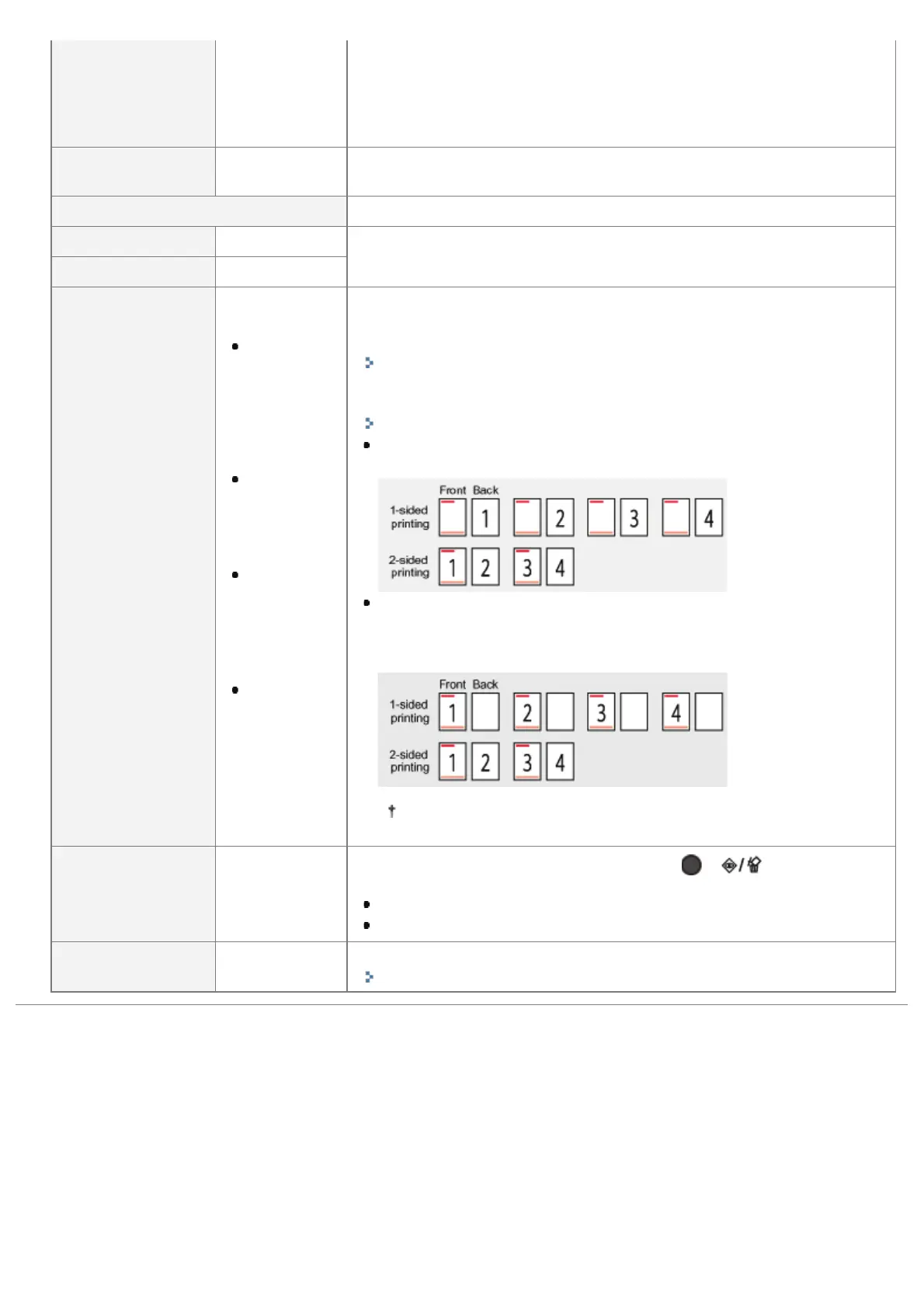
If [Speed Priority] is specified, the printing sides of the paper for 1-
sided printing and 2-sided printing do not match.
If you specify [Print Side Priority], the printer matches the printing sides
of the paper for 1-sided printing and 2-sided printing. Therefore, when
you print previously printed paper, you do not need to reload the paper
each time you switch between the settings.
If you specify [Print Side Priority], the print speed drops.
[Show Job List] [Off], [On]
Specifies whether to display the job list when [
] ( : Job
Status/Cancel) is pressed.
If [On] is specified, the printer displays the job list.
If [Off] is specified, the printer does not display the job list.
[IMPORT/EXPORT]
[EXPORT],
[IMPORT]
You can save and read printer settings.
"Importing and Exporting Settings"
㻡㻤㻝㻌㻛㻌㻥㻣㻜



 To Next Page