EasyManua.ls Logo

Canon LBP6780x - Page 643

Canon LBP6780x
970 pages
Print Icon
To Next Page IconTo Next Page
To Previous Page IconTo Previous Page
Loading...
3
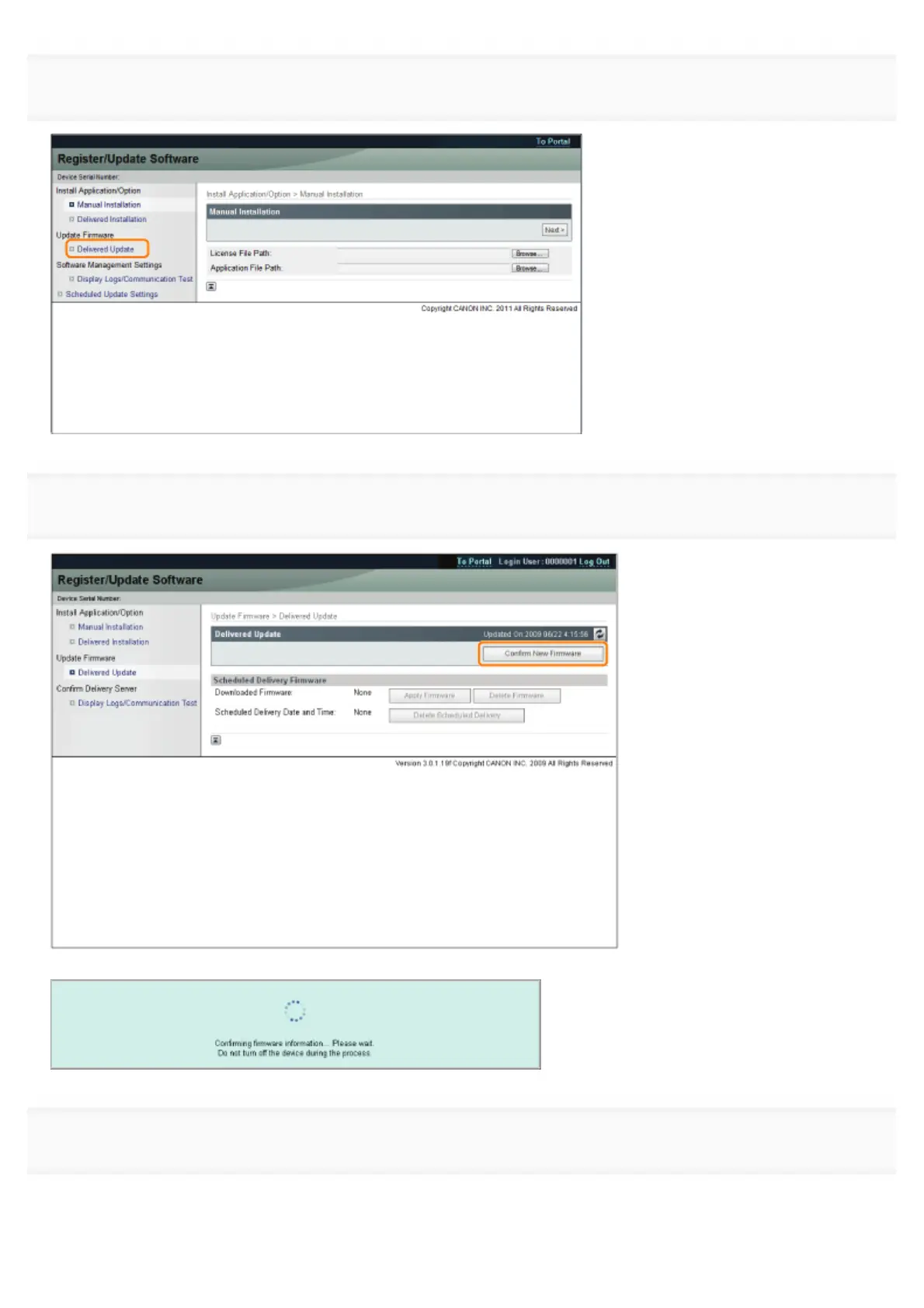
Click [Delivered Update].
4
Click [Confirm New Firmware].
Contact the delivery server for information on whether an applicable new firmware is available or not.
5

If the agreement screen is displayed, read the agreement. If you abide with the agreement, press [I Accept].
㻢㻠㻟㻌㻛㻌㻥㻣㻜


Table of Contents

Other manuals for Canon LBP6780x

Related product manuals