Delivery Schedule and Timing to Apply
When the Delivery Schedule is set to [Deliver now] and the Timing to Apply is set to [Auto]
The firmware is applied after the new firmware is downloaded from the delivery server. When the application is
completed, the printer automatically restarts.
When the Delivery Schedule is set to [Deliver now] and the Timing to Apply is set to [Manual]
The new firmware is downloaded.
When the Delivery Schedule is set to [Deliver at specified date and time]
The scheduled delivery is set to the specified date/time.
Applying the Downloaded Firmware
You can apply the downloaded firmware to the printer.
NOTE
If the Timing to Apply in Delivery Settings is set to [Auto], this step is not necessary.
1
Start the Remote UI, and then log in as Administrator.
"Starting the Remote UI"
2
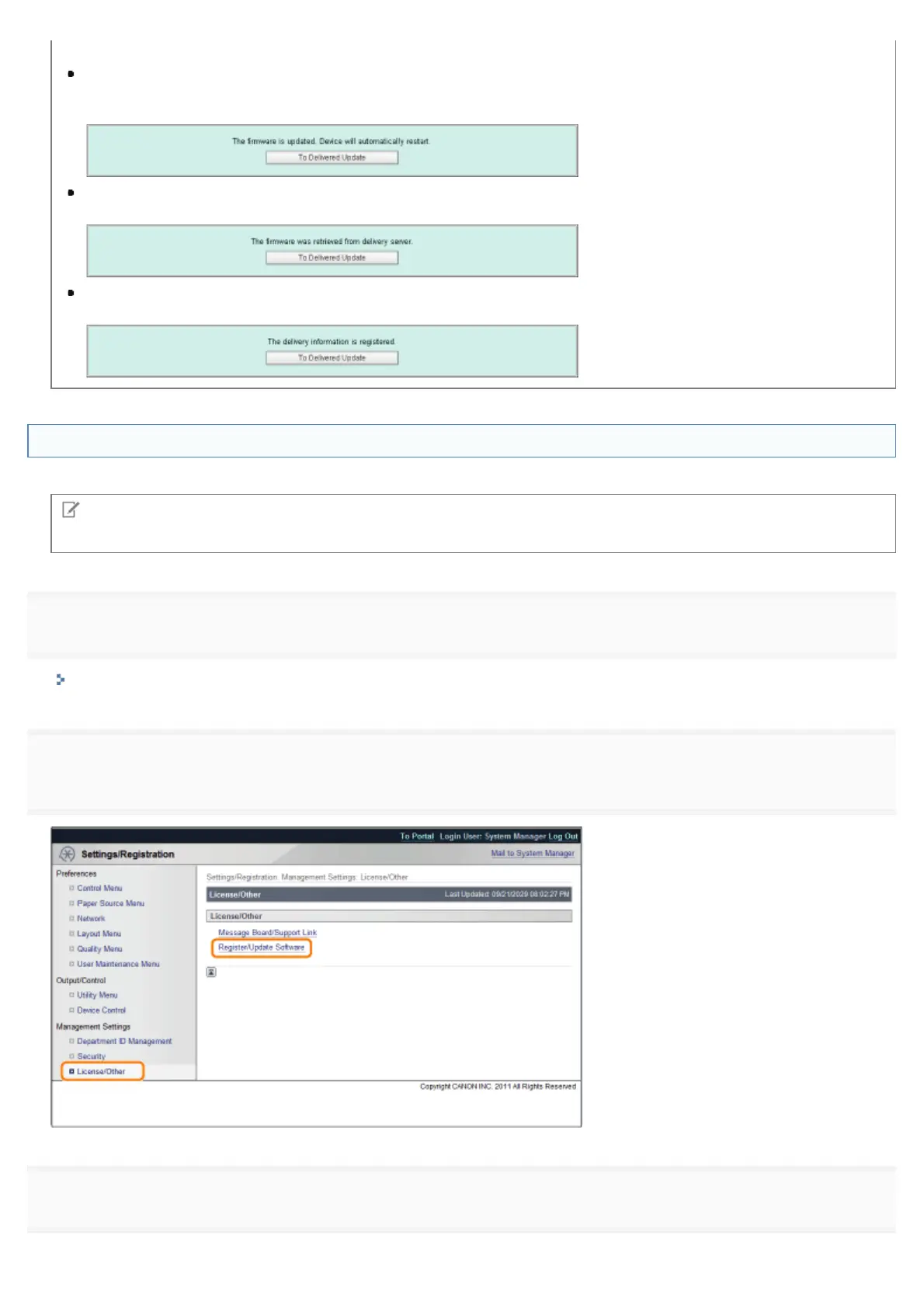
[Register/Update Software].
3
Click [Delivered Update].
㻢㻠㻡㻌㻛㻌㻥㻣㻜



 To Next Page