All the IP addresses become the target for rejection or permission.
When "32" is entered in [Prefix Length]
The IP address of the printer becomes the target for rejection or permission.
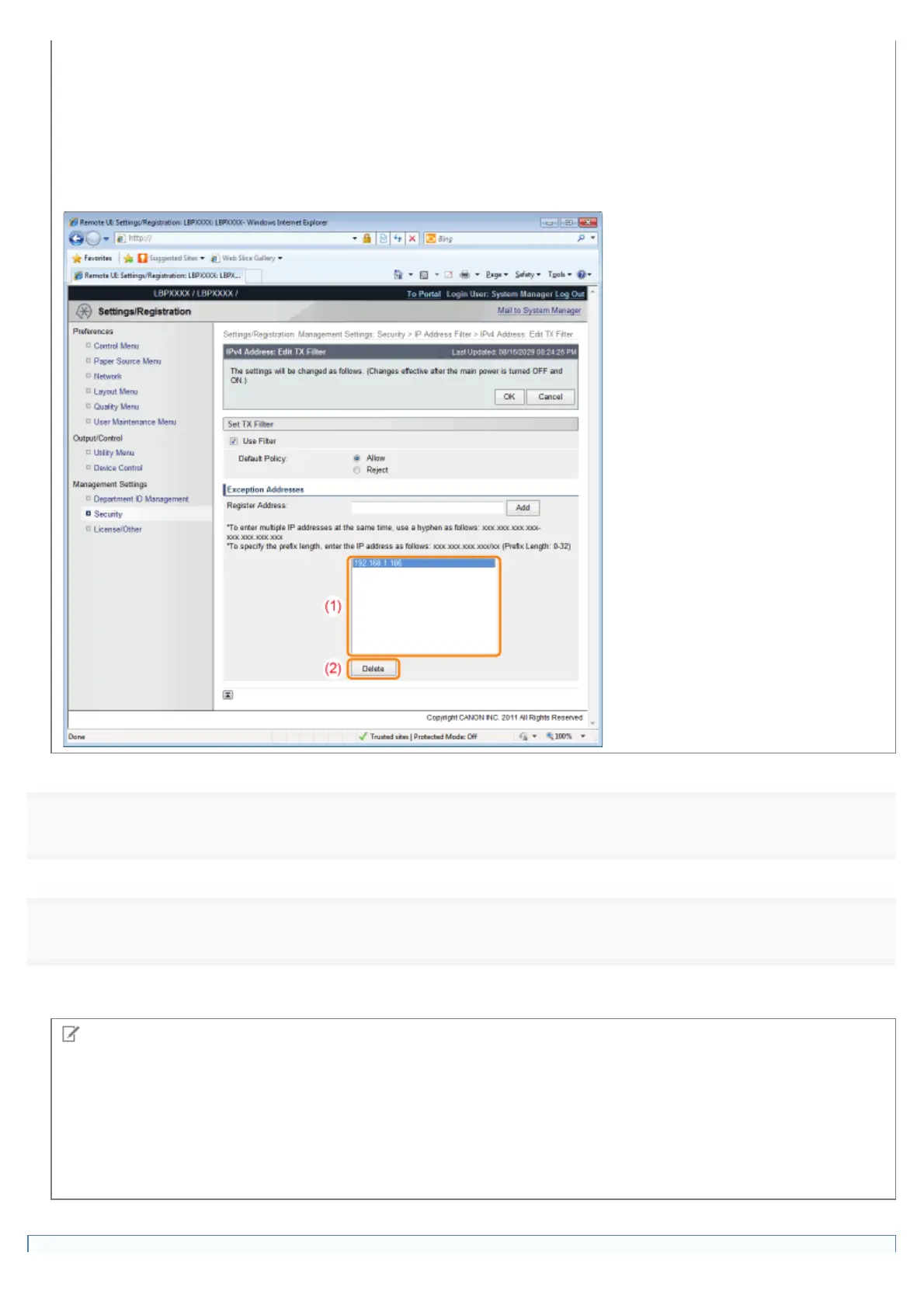
When deleting a set IP address
(1) Select an IP address you want to delete.
(2) Click [Delete].
8
Click [OK].
9
Perform a hard reset or restart the printer.
ĺ After performing a hard reset or restarting the printer, the settings are effective.
NOTE
To perform a hard reset
You can perform a hard reset using the following procedure.
1. Click [Settings/Registration].
2. Select [Device Control] from the [Output/Control] menu.
3. Select [Hard Reset], and then click [Execute].
㻢㻢㻜㻌㻛㻌㻥㻣㻜



 To Next Page