6
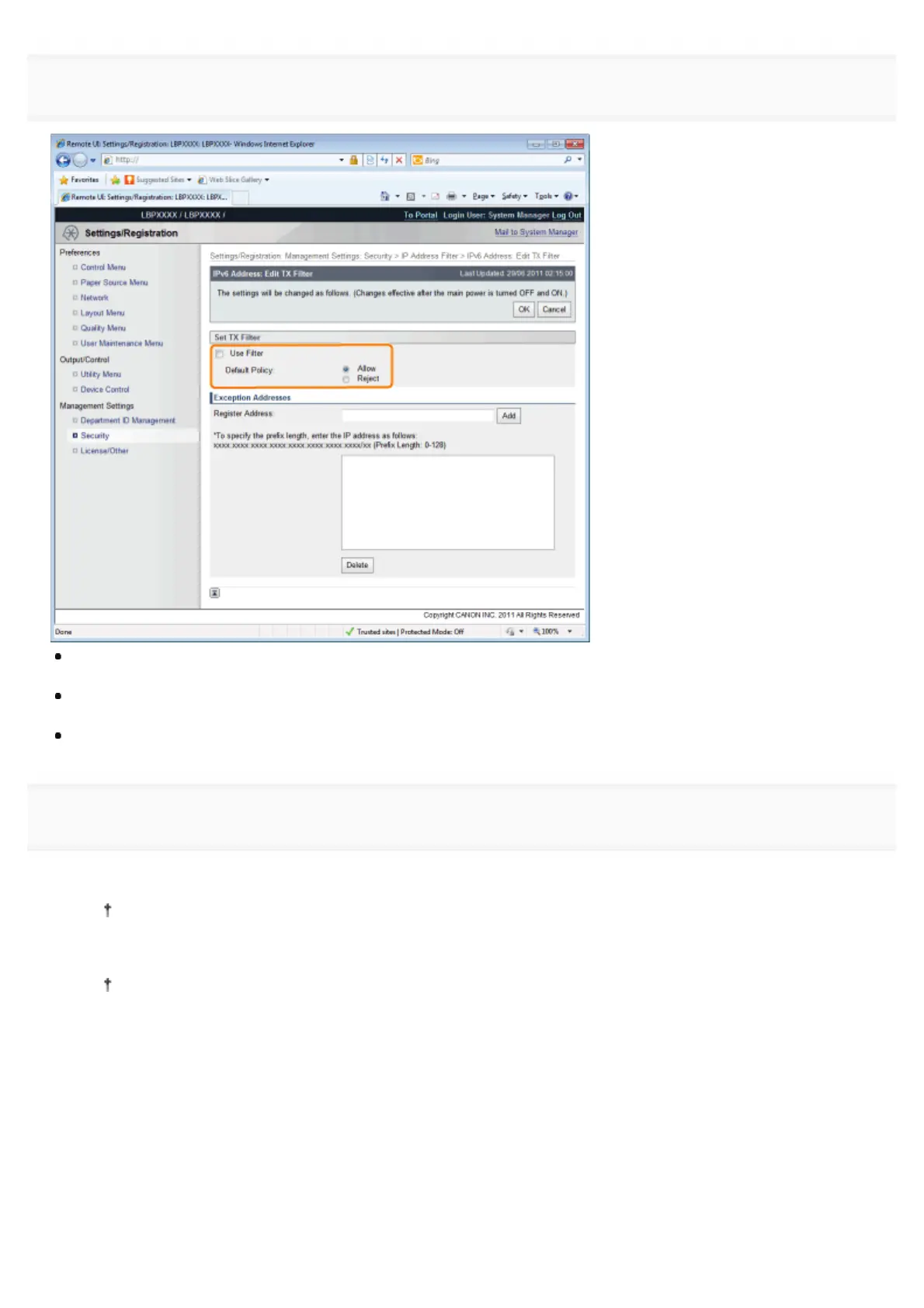
Select the [Use Filter] check box, and then select [Default Policy].
If you select [Reject], you will only be able to transmit or print from users (clients) entered in the [Exception Addresses]
field.
If you select [Allow], you will not be able to transmit or print from users (clients) entered in the [Exception Addresses]
field.
If you clear the [Use Filter] check box, you will be able to transmit and print from all users (clients).
7
Set the IP address.
(1) Enter the IP address for which you want to reject or permit to print.
Enter the IPv6 address, which is a hexadecimal value, by adding ":" (colons) as delimiters.
(2) Click [Add].
You can set up to 16 IP addresses (16 sets of IP addresses for when you have specified with [Register
Address]).
㻢㻢㻟㻌㻛㻌㻥㻣㻜



 To Next Page