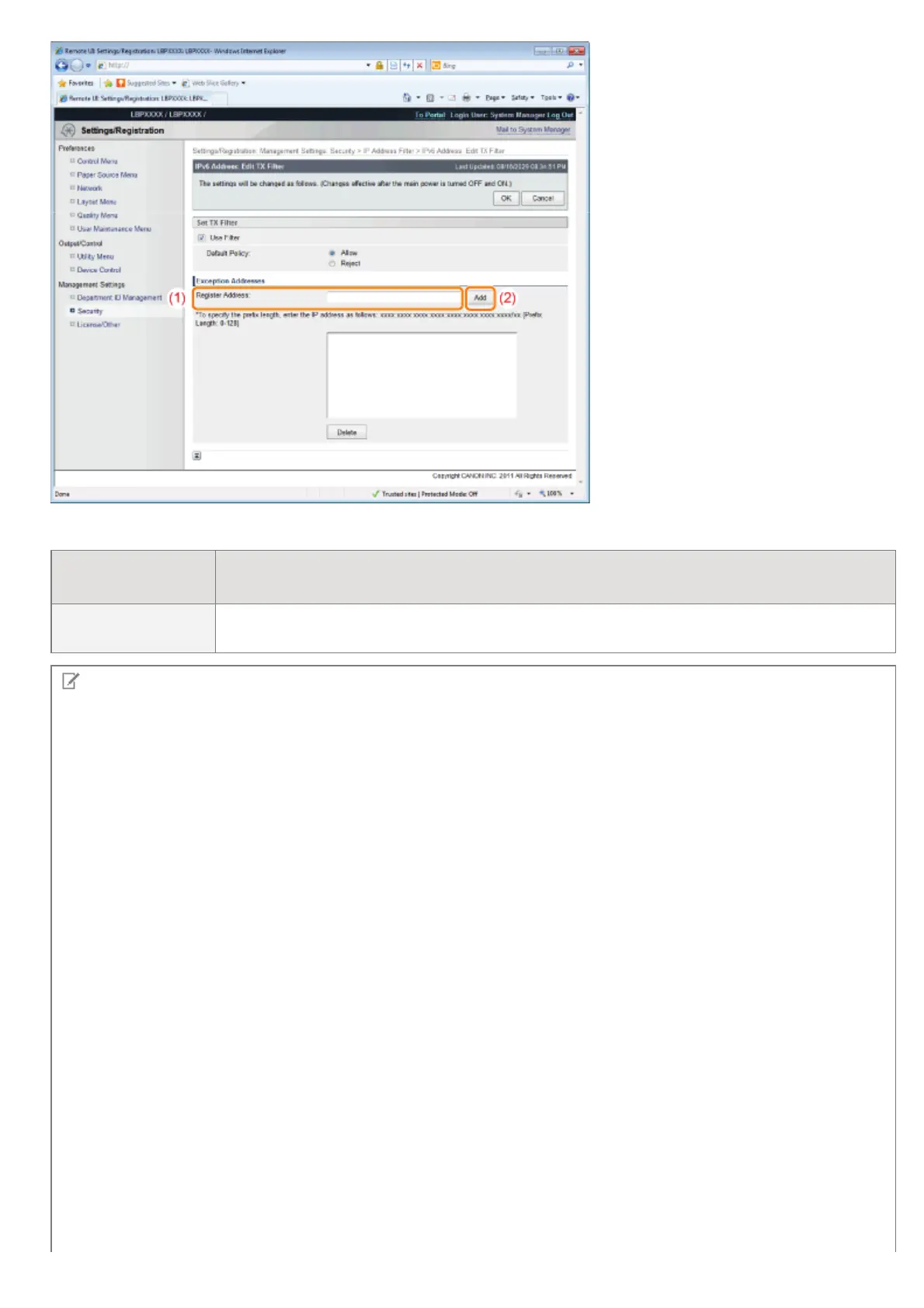
You can also enter IP addresses as follows.
Input example of
the IP addresses
Method for entering IP addresses
fe80::0000/64
In order to specify the subnet range (prefix length), enter a "/" (slash) after the normal IP
address symbol, and then enter another prefix length (maximum 128).
NOTE
When "0" is entered in [Prefix Length]
All the IP addresses become the target for rejection or permission.
When "128" is entered in [Prefix Length]
The IP address of the printer becomes the target for rejection or permission.
When deleting a set IP address
(1) Select an IP address you want to delete.
(2) Click [Delete].
㻢㻢㻠㻌㻛㻌㻥㻣㻜



 To Next Page