6
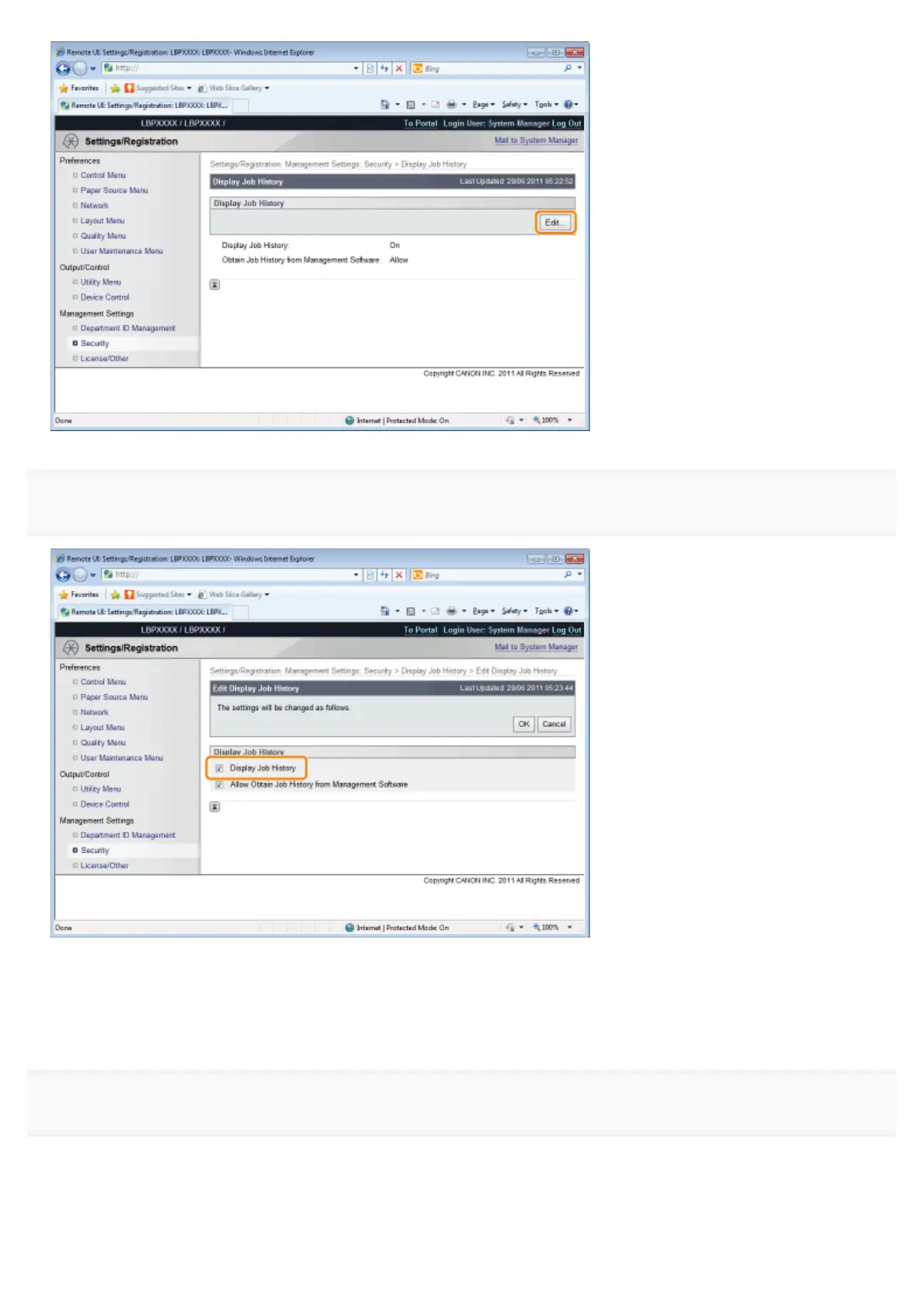
Specify whether the printer should display the job logs.
If the [Display Job History] check box is selected, you can display the job logs
*
.
If the [Display Job History] check box is cleared, the job logs
*
are not displayed.
*
The [Job History] page in the [Status Monitor/Cancel] menu
7
Select whether to permit management software to obtain job logs.
㻣㻟㻥㻌㻛㻌㻥㻣㻜


 To Next Page
 Loading...











