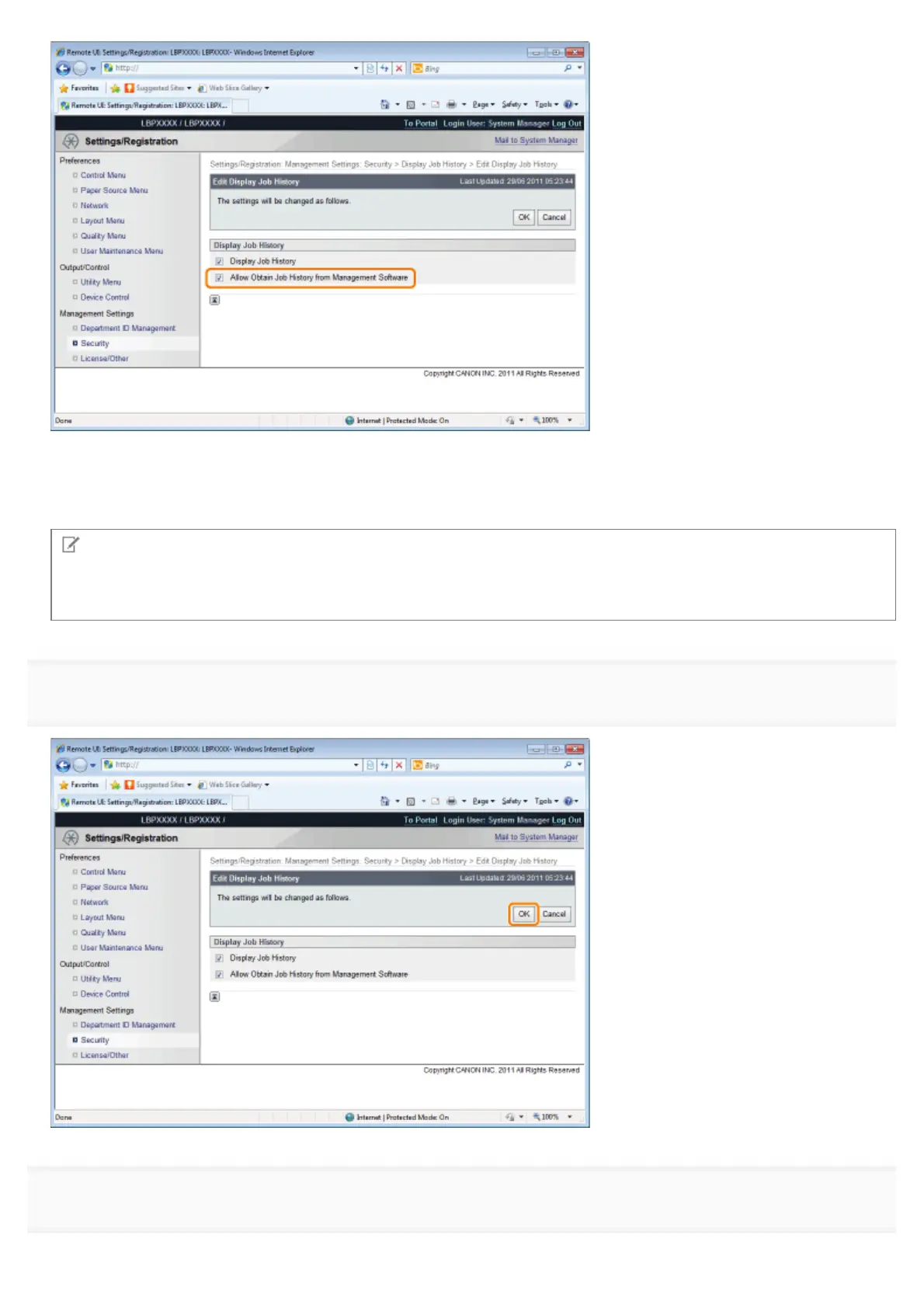
If the [Allow Obtain Job History from Management Software] check box is selected, you can obtain the job logs from
management software.
If the [Allow Obtain Job History from Management Software] check box is cleared, job logs cannot be obtained from
management software.
NOTE
If the [Display Job History] check box is selected
The [Allow Obtain Job History from Management Software] check box is selected automatically.
8
Click [OK].
9
Perform a hard reset or restart the printer.
㻣㻠㻜㻌㻛㻌㻥㻣㻜



 To Next Page