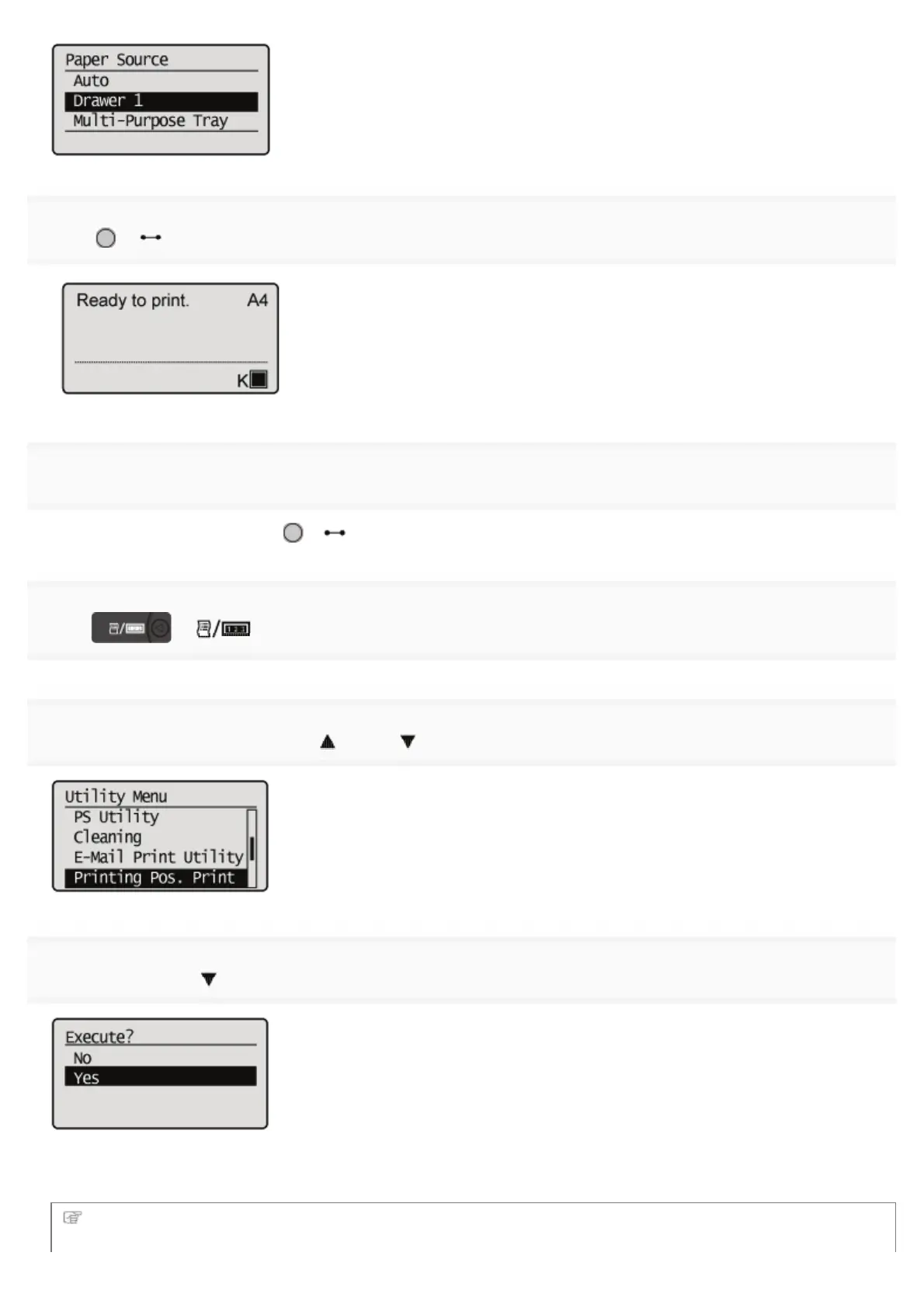
4
Press [ ] ( : Online).
5
Make sure that the printer is online.
If the printer is not online, press [
] ( : Online).
6
Press [ ] ( : Utility).
7
Select [Printing Pos. Print] using [ ] and [ ], and then press [OK].
8
Select [Yes] using [ ], and then press [OK].
ĺ The Printing Position Adjustment Print is printed. The top of the output paper is the top of the Printing Position
Adjustment Print.
Next, check the printout results and specify the direction and position to be adjusted in "Adjusting the Printing
Position" (See the next item).
㻣㻢㻌㻛㻌㻥㻣㻜



 To Next Page