8
Make sure that the printer is online.
If the printer is not online, press [
] ( : Online).
9
Press [ ] ( : Utility).
10
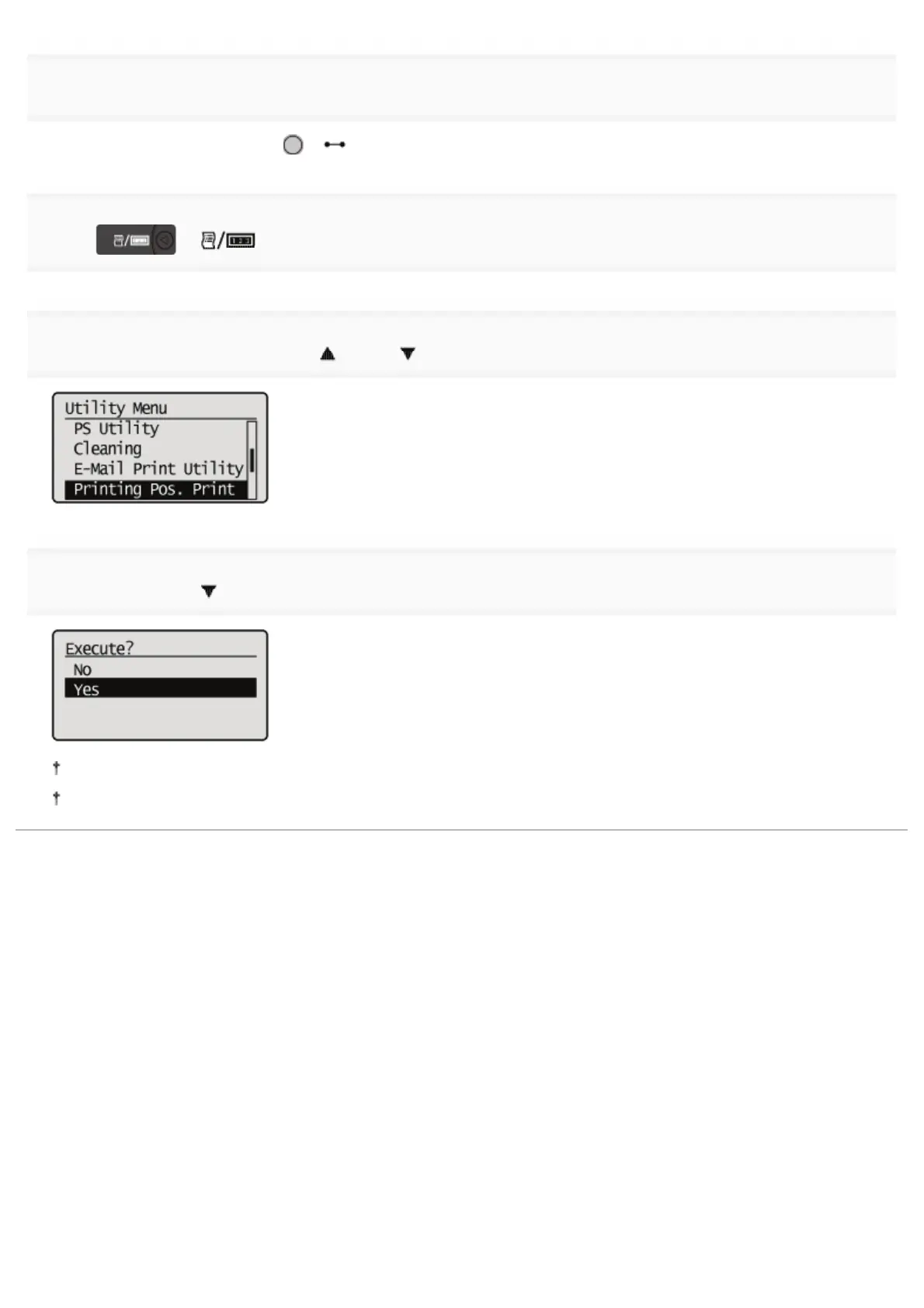
Select [Printing Pos. Print] using [ ] and [ ], and then press [OK].
11
Select [Yes] using [ ], and then press [OK].
The Printing Position Adjustment Print in which the setting is changed is printed.
Check the printout results to confirm the printing position. To make further adjustment, repeat Steps 1 to 11.
㻣㻥㻌㻛㻌㻥㻣㻜



 To Next Page