4
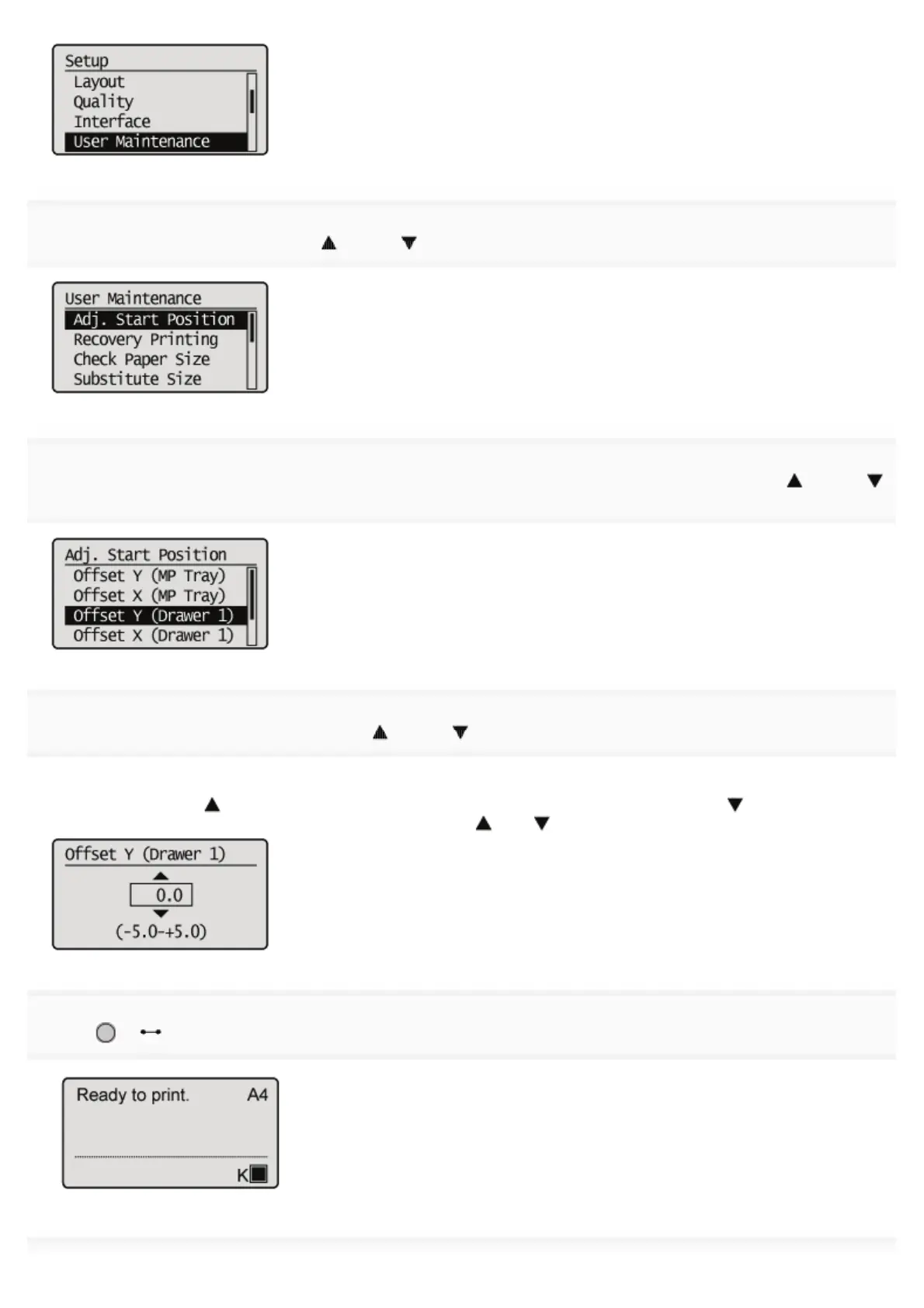
Select [Adj. Start Position] using [ ] and [ ], and then press [OK].
5
Select the direction and paper source that you want to check the printing position using [ ] and [
], and then press [OK].
6
Specify the target numeric value using [ ] and [ ], and then press [OK].
Check the printout results of the Printing Position Adjustment Print and select the numerical value to adjust the position.
Each time you press [
], the value increases in +0.1 mm increments, and each time you press [ ], the value
decreases in -0.1 mm increments. If you keep holding down [
] or [ ], the value changes consecutively.
7
Press [ ] ( : Online).
㻣㻤㻌㻛㻌㻥㻣㻜



 To Next Page