Unconnected
Connect the cable properly.
"Connecting to a Computer"
<Question 6> Check the settings for [Interface Selection].
"[Setup] Menu ([Interface] Options)"
[USB] is set to [On]. To <Question 7>
[USB] is set to [Off]. Set it to [On].
<Question 7> Can you print a test page in Windows?
"Basic Operations/Various Information for Windows"
Printable
There is no problem with the printer and driver.
Check the printing preferences in the application.
Not printable To <Question 8>
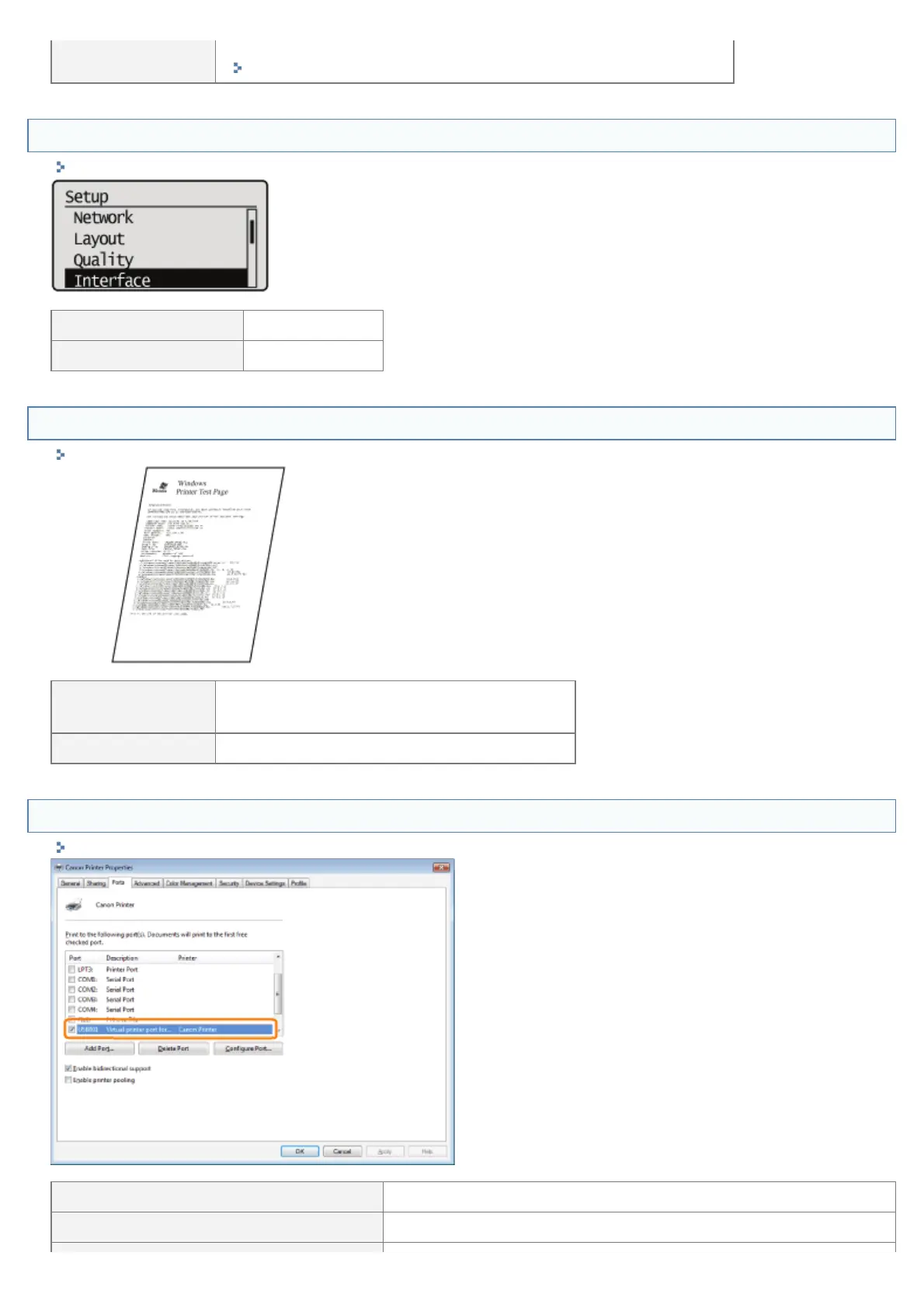
<Question 8> Is the port to be used selected correctly?
"Basic Operations/Various Information for Windows"
Selected To <Question 9>
Not selected Select the correct port.
㻤㻟㻥㻌㻛㻌㻥㻣㻜



 To Next Page