The port to be used cannot be found.
Install the printer driver again.
For details on the procedure for installing and uninstalling the printer
driver, see "Printer Driver Installation Guide."
For details on the procedure for viewing "Printer Driver Installation
Guide", see "Installation."
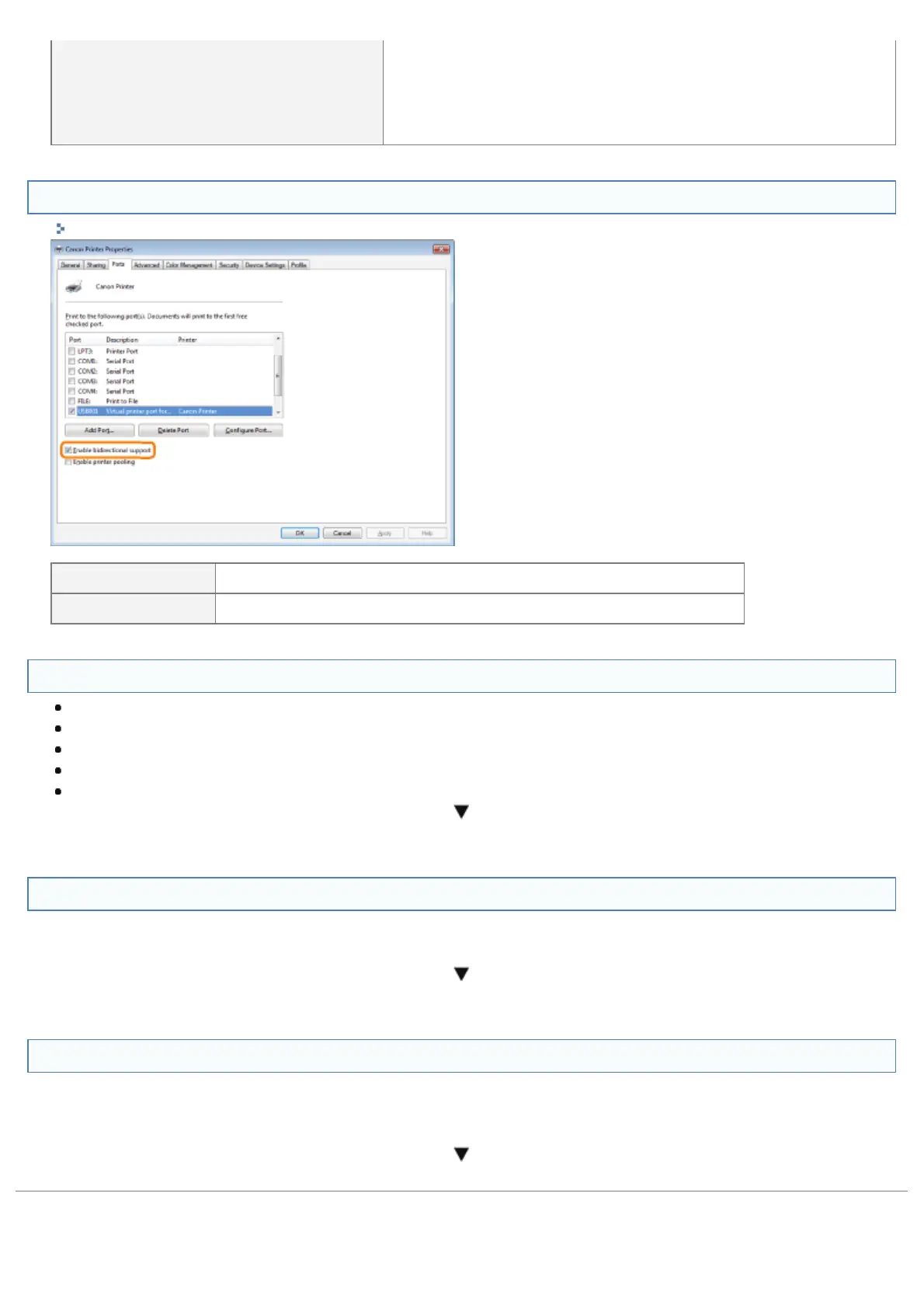
<Question 9> Is bi-directional communication enabled?
"Basic Operations/Various Information for Windows"
Enabled To <Question 10>
Not enabled Enable bi-directional communication and restart the computer and printer.
<Question 10> Try the following points.
Make resident software invalid including security software.
If any other devices are connected to your computer by USB connection, disconnect those unneeded.
If drivers or software of any other devices (USB connection) is installed on your computer, uninstall those unneeded.
Connect the USB cable to another USB port on your computer.
Connect the printer to another computer with a USB cable.
If printing does not work, proceed to <Question 11>.
<Question 11> Install the printer driver again.
For details on the procedure for installing the printer driver, see "Printer Driver Installation Guide."
For details on the procedure for viewing "Printer Driver Installation Guide", see "Installation."
If printing does not work, proceed to <Question 12>.
<Question 12> Uninstall the USB class driver, and then install the printer driver again.
For details on the procedure for uninstalling the USB class driver and installing the printer driver, see "Printer Driver
Installation Guide" on the User Software CD-ROM.
For details on the procedure for viewing "Printer Driver Installation Guide", see "Installation."
If printing does not work, contact your local authorized Canon dealer.
㻤㻠㻜㻌㻛㻌㻥㻣㻜



 To Next Page