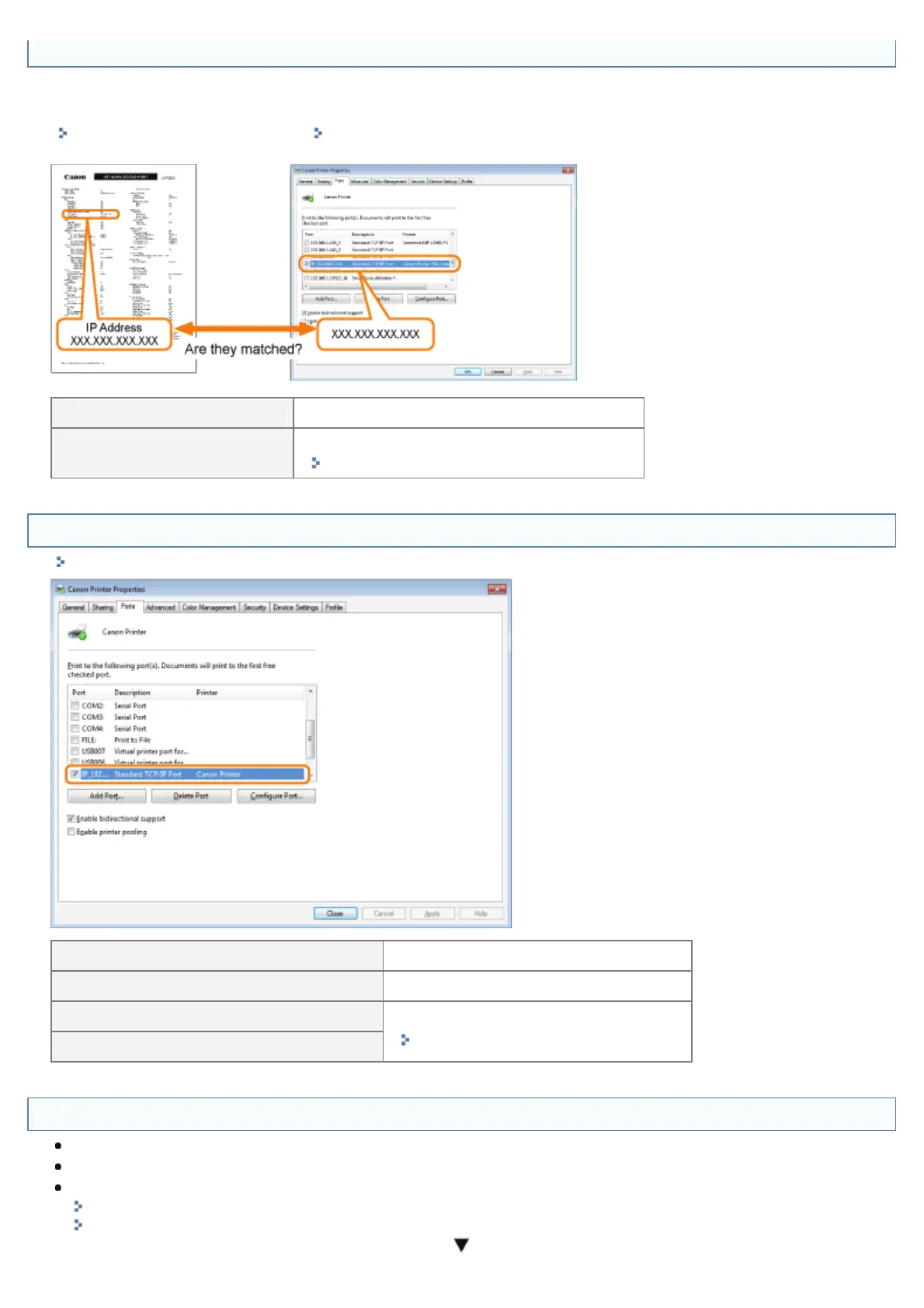
<Question 10> Is the IP address set properly?
Check if the IP address written on Network Status Print printed in <Question 4> matches the one configured for the port of
your PC.
"Checking the Printer Settings" "Basic Operations/Various Information for Windows"
Yes, they are matched. To <Question 11>
No, they are not matched.
Configure the printer to a static IP address.
"Setting the Printer to a Static IP Address"
<Question 11> Is the port to be used selected correctly?
"Basic Operations/Various Information for Windows"
Selected To <Question 12>
Not selected Select the correct port.
The port to be used cannot be found.
Create a port.
"Connecting the Printer (LPD/RAW)"
The IP address was changed.
<Question 12> Check the following points.
The printer is specified as the default printer.
The TCP/IP protocol is running.
The users who can print are not restricted.
"Restricting the Users Who Can Print or Perform the Printer Settings"
"Restricting the Users Who Can Access"
㻤㻠㻠㻌㻛㻌㻥㻣㻜



 To Next Page