Set To <Question 18>
Not set Set AppleTalk properly.
<Question 18> Check the following points.
The printer destination is set properly.
AppleTalk is available.
For details on the procedure for setting the printer destination, see "Driver Guide."
For details on the procedure for displaying "Driver Guide", see "Viewing the Driver Guide."
Set To <Question 19>
Not set Set them properly.
<Question 19> Connect the printer and computer directly with the cross-type
*
LAN cable.
*
This is a LAN cable which is used to connect a printer and computer directly without a hub (LAN network).
If printing does not work or if you cannot prepare a cross-type LAN cable, proceed to <Question 20>.
<Question 20> Install the printer driver again.
For details on the procedure for installing the printer driver, see "Printer Driver Installation Guide."
For details on the procedure for viewing "Printer Driver Installation Guide", see "Installation."
If printing does not work, proceed to <Question 21>.
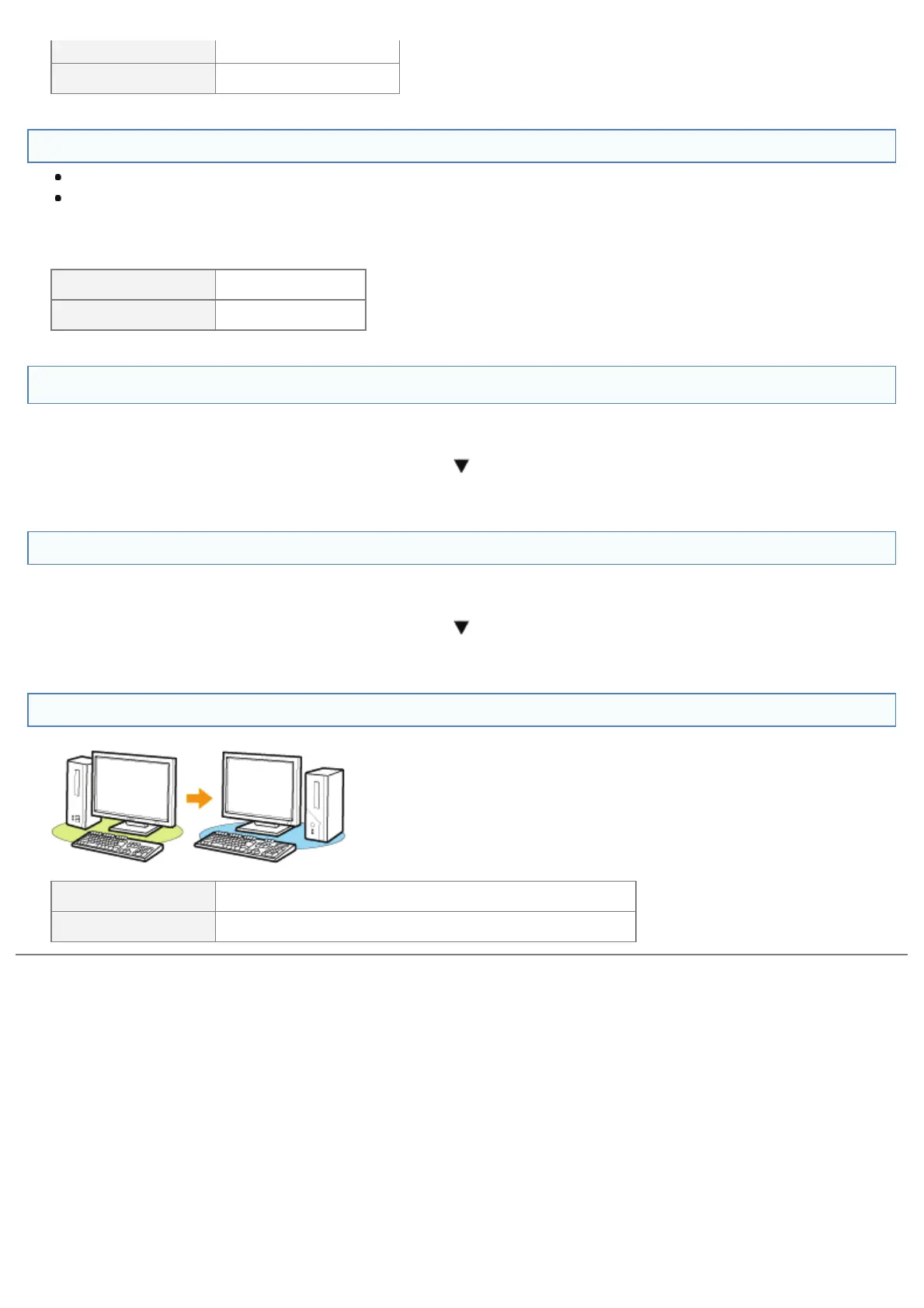
<Question 21> Can you print from another computer (LAN connection)?
Printable Make resident software invalid including security software.
Not printable Contact your local authorized Canon dealer.
㻤㻠㻢㻌㻛㻌㻥㻣㻜



 To Next Page