USB cable
*
(2) Turn the computer off.
(3) Disconnect the cable from the printer.
LAN cable
*
(4) Disconnect the cable from the printer.
Power cord
(5) Disconnect the power plug from the AC power outlet.
(6) Disconnect the cord from the printer.
*
Whether the cable is connected or not varies depending on your environment.
IMPORTANT
Do not turn ON the printer again.
A fixing unit error is displayed. Do not turn ON the printer after turning it OFF.
2
Contact your local authorized Canon dealer.
If you are not sure what the problem is, contact your local authorized Canon dealer.
If a Service Error Is Displayed
1
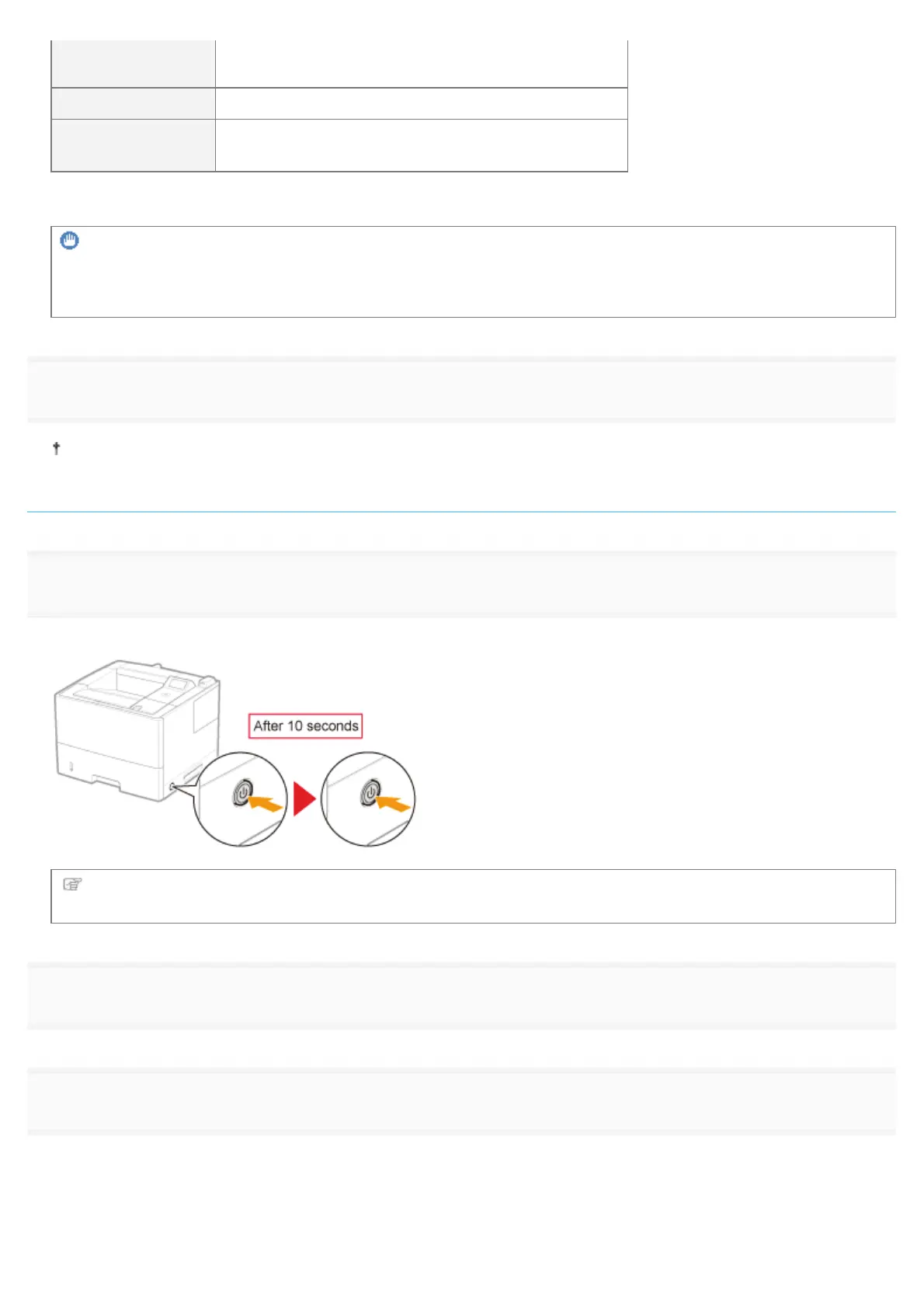
Turn the printer OFF, wait for 10 seconds or longer, and then turn it ON again.
If the message does not reappear, the printer is ready.
If the message reappears, you need to request service.
Follow the procedure below, and then contact your local authorized Canon dealer to request service.
2
Note down the error code displayed in the display.
3
Turn the printer OFF, and then disconnect the cables or cords from the printer.
㻤㻤㻣㻌㻛㻌㻥㻣㻜



 To Next Page