Checking the Bi-directional Communication
1
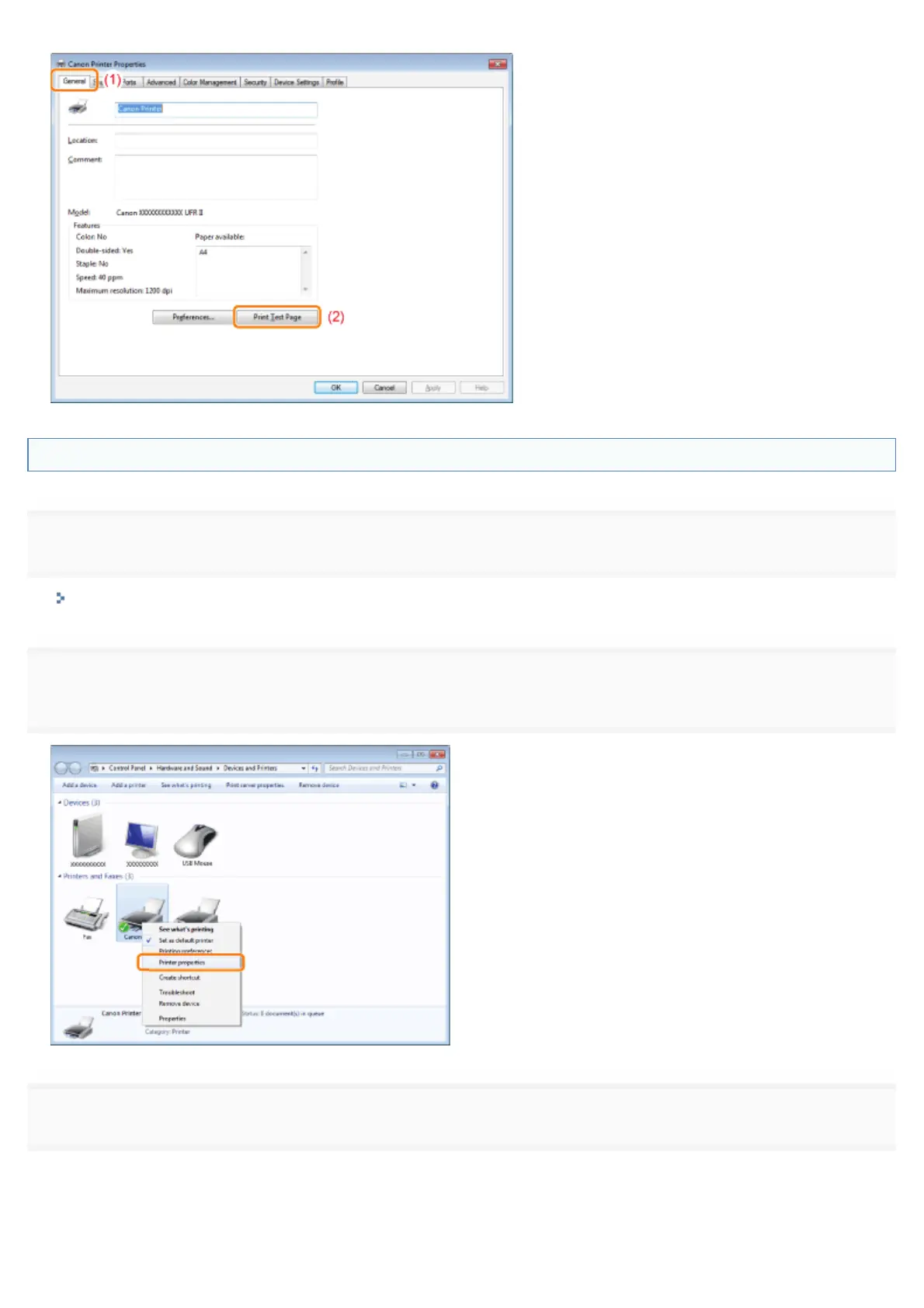
Open the printer folder.
"Displaying the Printer Folder"
2
Right-click the icon for this printer, and then select [Printer properties] or [Properties] from the pop-
up menu.
3
Check the bi-directional communication.
(1) Display the [Ports] tab.
(2) Check the [Enable bidirectional support] check box is selected.
㻥㻡㻟㻌㻛㻌㻥㻣㻜



 To Next Page