OPERATOR’S MANUAL
CMA-9000 FLIGHT MANAGEMENT SYSTEM
1. To determine the predicted HIL for any waypoint, key the waypoint identifier into the scratchpad and move it
to the IDENT field by pressing LSK 1L.
The ETA field is replaced by dashes ("---"), and the right side of the display blanks.
2. Key the ETA for the new waypoint into the scratchpad and move it to the ETA field by pressing LSK 2L.
The range of arrival times appears on the right side of the display and after a short delay the predicted HIL
value for each arrival time is displayed.
NOTES:
1. A HIL prediction can be initiated at any time and for any waypoint stored in the system whether or not it is part
of the active route. If the identifier is that of an airport, and an approach has been selected, the integrity
computation is based on the missed approach waypoint, otherwise the airport reference location is used. If the
waypoint is not part of the route, the ETA must also be entered.
2. Also used for oceanic/remote phase of flight.
If the predictive RAIM function indicates that GPS instrument approach integrity will not be available at
the ETA, the operator should modify the ETA (new ETA attainable by flying at a different speed or making
a flight plan change), conduct the approach with other approved equipment, or discontinue IFR
operations.
PREDICTIVE RAIM SATELLITE DESELECTION
Display the GPS SAT DESELECT page by pressing <SAT DESEL> (LSK 6R) from the GPS PREDICT RAIM
1/1 page.
GPS Satellites can be excluded from the PRAIM calculations if a satellite is known to be providing erroneous
data. Satellite status information may be obtained from Notices to Airmen (NOTAM).
1. Key into scratchpad the satellite Pseudo Range Number (PRN).
2. Press LSK 1L to deselect the satellite. The corresponding number will appear in reverse video white color.
Or
3. Press LSK 2L to re-select the satellite. The corresponding number will reappear in medium font white color.
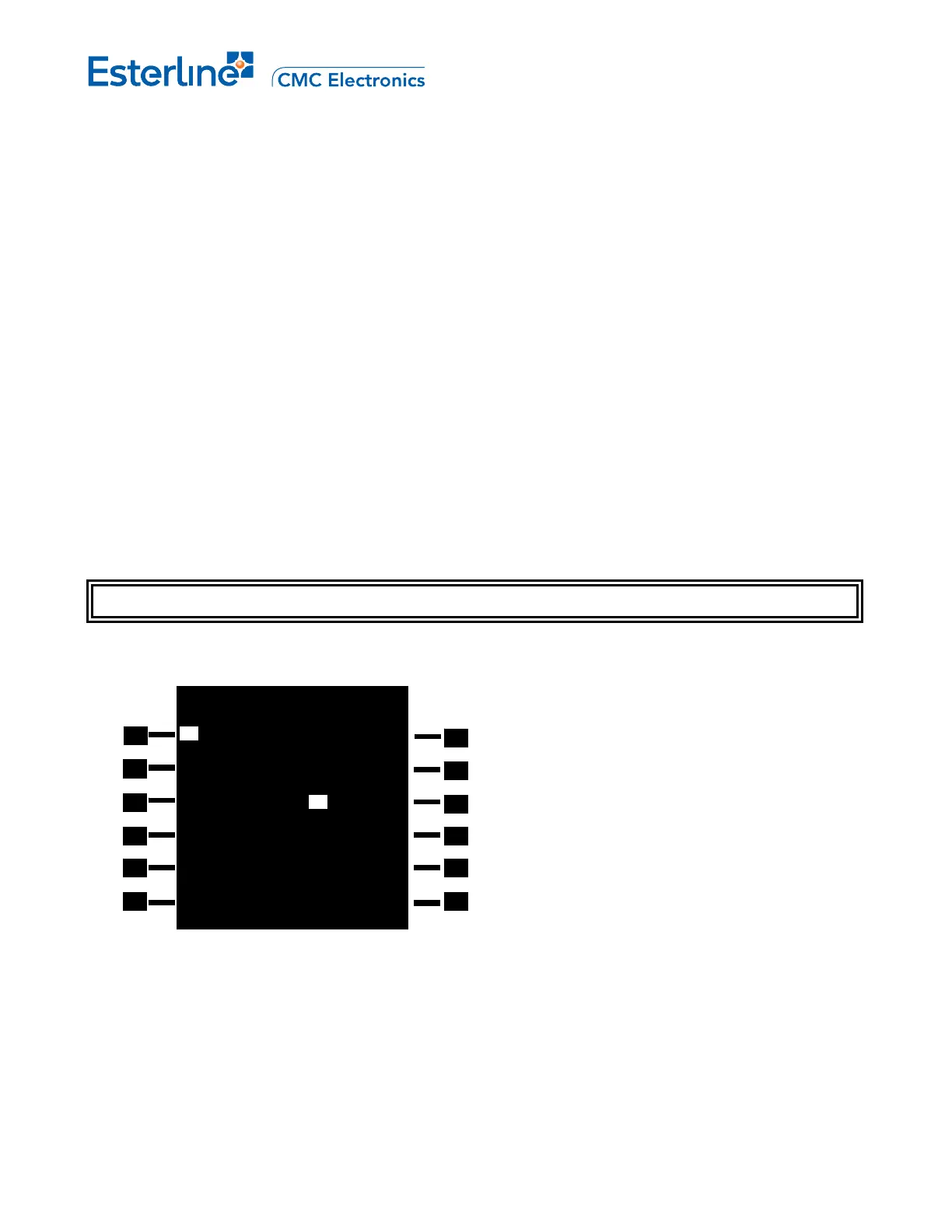
GPS SAT DESELECT 1/1
DESEL -SATELLITE PRN--
-- 01 02 03 04 05
RESEL 06 07 08 09 10
-- 11 12 13 14 15
16 17 18 19 20
21 22 23 24 25
26 27 28 29 30
31 32
<PREDICT RAIM
Page 5-25
August 17, 2010



 To Next Page