OPERATOR’S MANUAL
CMA-9000 FLIGHT MANAGEMENT SYSTEM
Page A-13
August 17, 2010
DESELECT 1/1
The DESELECT 1/1 page displays the status of the system True Air Speed (TAS) and Heading data. It is also
used to prevent usage of any unsuitable sensor for navigation (GPS, VOR, DME, etc).
NOTE: Flight crew must deselect all unwanted sensors after each long power outage. All sensors are
automatically re-selected after a long power outage.
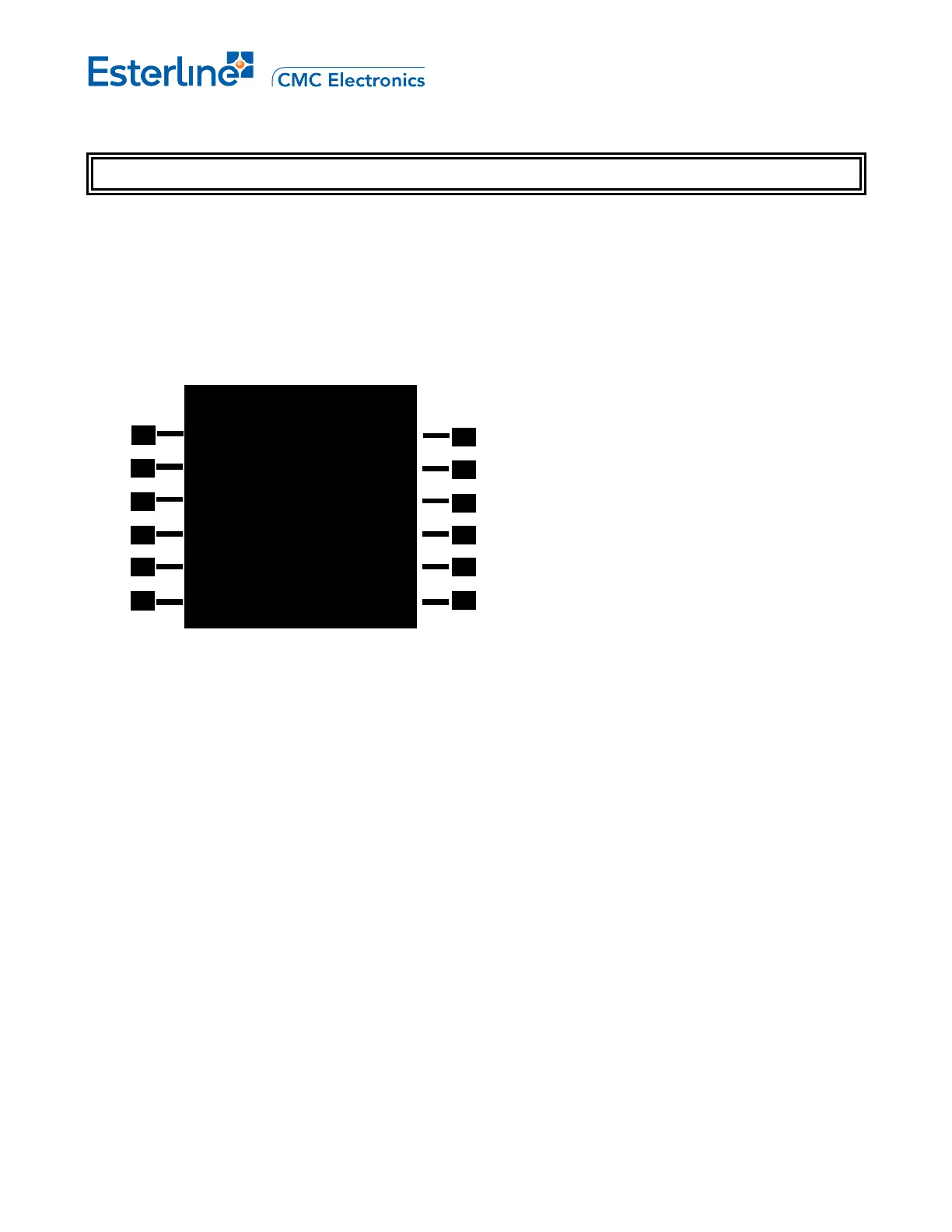
Display DESELECT 1/1 page by pressing [INIT REF], <NAV STATUS>, and <DESELECT>.
A. Display with IRS interfaces configured:
NAV STATUS [6L]: Access to NAV STATUS INDEX 1/1 page.
GPS [1R]: Toggles between VALID/DESEL or ACQ/DESEL. options to control usage of the GPS in the
navigation solution.
DME[2R]: Toggles between VALID/DESEL or ACQ/DESEL options to control usage of the DME sensor used to
generate the DME/DME navigation solution (If DME interface is configured).
VOR/DME [3R]: Toggles between VALID/DESEL or ACQ/DESEL options to control usage of the
VOR/DME sensors used to generate the VOR/DME navigation solution. Field disappears or changes to
VOR/DME depending on the configured equipment configuration.
IRS [4R]: Toggles between VALID/DESEL or ACQ/DESEL options to control usage of the IRS in the navigation
solution (if IRS is configured).
X-FMS [5R]: Not shown in the page example. Toggle options: VALID/DESEL or ACQ/DESEL (if X-FMU is
configured).
NOTE: ACQ - Acquisition mode.
DESELECT 1/1
GPS
VALID<
DME
VALID<
VOR/DME
VALID<
IRS
VALID<
<NAV STATUS



 To Next Page