OPERATOR’S MANUAL
CMA-9000 FLIGHT MANAGEMENT SYSTEM
RADIO TEST 3/4 PAGE
The radio names on the RADIO TEST pages are identical to those appearing on the other radio pages.
The RADIO TEST page is only available while the aircraft is on the ground. This page is removed from the top-
level menu after take-off. Individual radio selftest functions are then accessible from the specific radio
equipment.
Press [RADIO], [NEXT], [NEXT]
NOTE: The page number is based on the number of RADIO top page(s).
Unless accessed for the first time the page may display the results of radio test previously done. Pressing the
corresponding LSK brings the radio test states to READY.
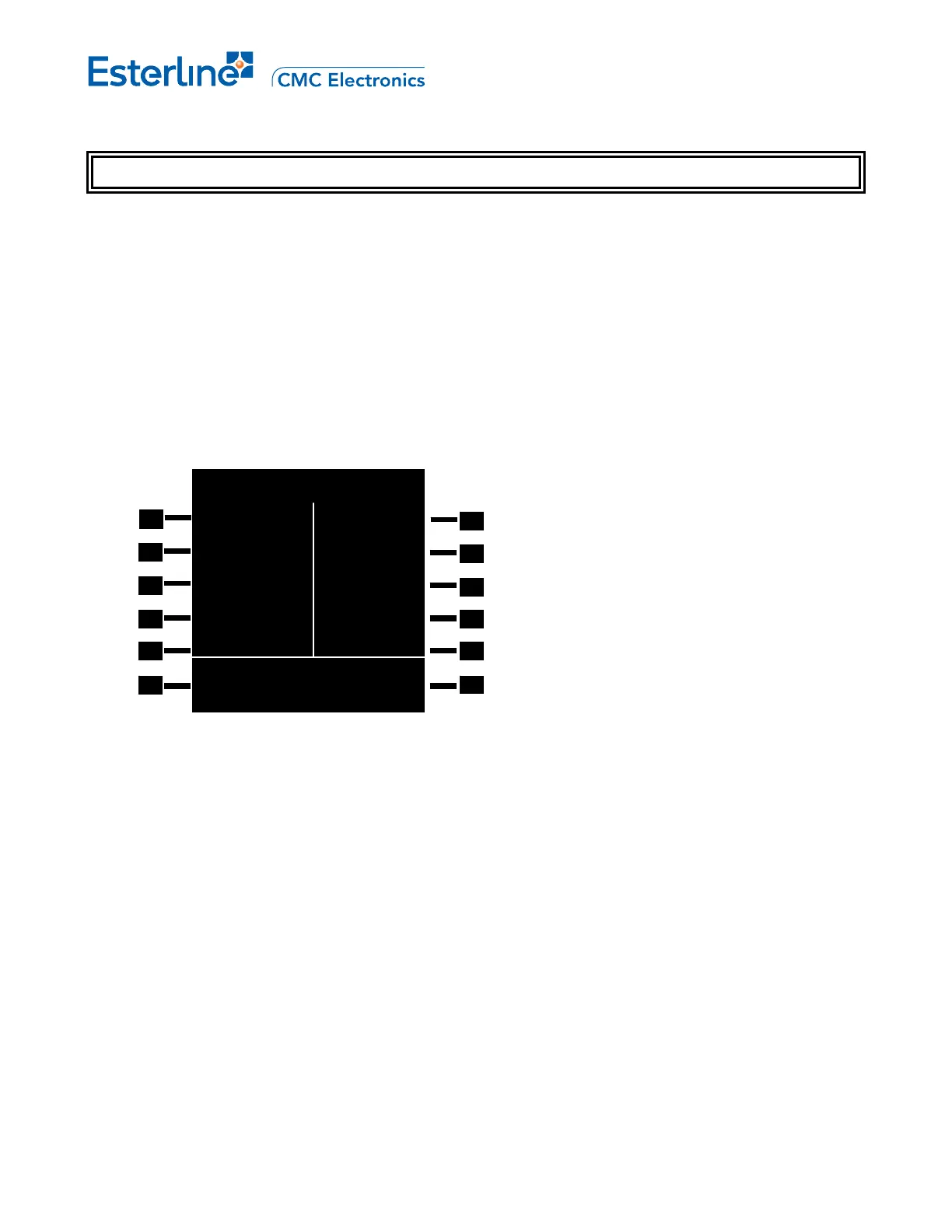
The RADIO TEST Y/X page provides the capability of initiating self-tests on the radios.
NOTE: The page layout can differ based on the radios equipment installed as well as the configured radio
names
Toggle options for test status are READY, CONFIRM?, INIT, STARTED. Pressing LSK the first time causes
CONFIRM? to appear the second press initiates the tests. Test result is: PASS or FAIL or TIMEOUT. Pressing for
the third timerestores the display to READY.
VOR1/2 TEST [xx]: Displays VOR test status & results.
ADF1/2 TEST [xx]: Displays ADF test status & results.
XPDR/TCAS 1/2 TEST [xx]: Displays XPDR/TCAS test status & results.
DME1/2 TEST [xx]: Displays DME test status & results.
Where x
1
= 1, 2, 3, 4, or 5.
Where x
2
= L or R.
TEST ALL [6R]: Executes the test (only available when the aircraft is on-ground) for all the listed radios on the
RADIO TEST x/y pages. Pressing the LSK the first time causes CONFIRM? to appear besides each radio LSK.
Pressing the LSK again cause the test to start. The status and test result appear beside each radio's LSK.
CLEAR ALL [6R]: Clears all test results (only available when the aircraft is on-ground).
RADIO TEST 3/4
VOR1 VOR2
>READY READY<
ADF1 ADF2
>READY READY<
XPDR1/TCAS XPDR2/TCAS
>READY READY<
DME1 DME2
>READY READY<
TEST ALL>
Page 13-7
August 17, 2010



 To Next Page