OPERATOR’S MANUAL
CMA-9000 FLIGHT MANAGEMENT SYSTEM
INSERTING WAYPOINTS
A. PLACE/BEARING/DISTANCE WAYPOINTS
With the desired reference waypoint identifier in the scratchpad by keyboard entry or LSK action:
1. Key the bearing and distance separated by a slash (/), into the scratchpad. e.g.: YZP320/45.
2. Display the desired insert location in the route by pressing [LEGS], and [NEXT] or [PREV] as required.
Move the waypoint to the desired place in the route by pressing the appropriate LSK.
The new waypoint is inserted ahead of the existing waypoint. The new waypoint identifier is created with a
name based on the first three characters of the reference waypoint identifier followed by a sequence number,
e.g.: YZP01.
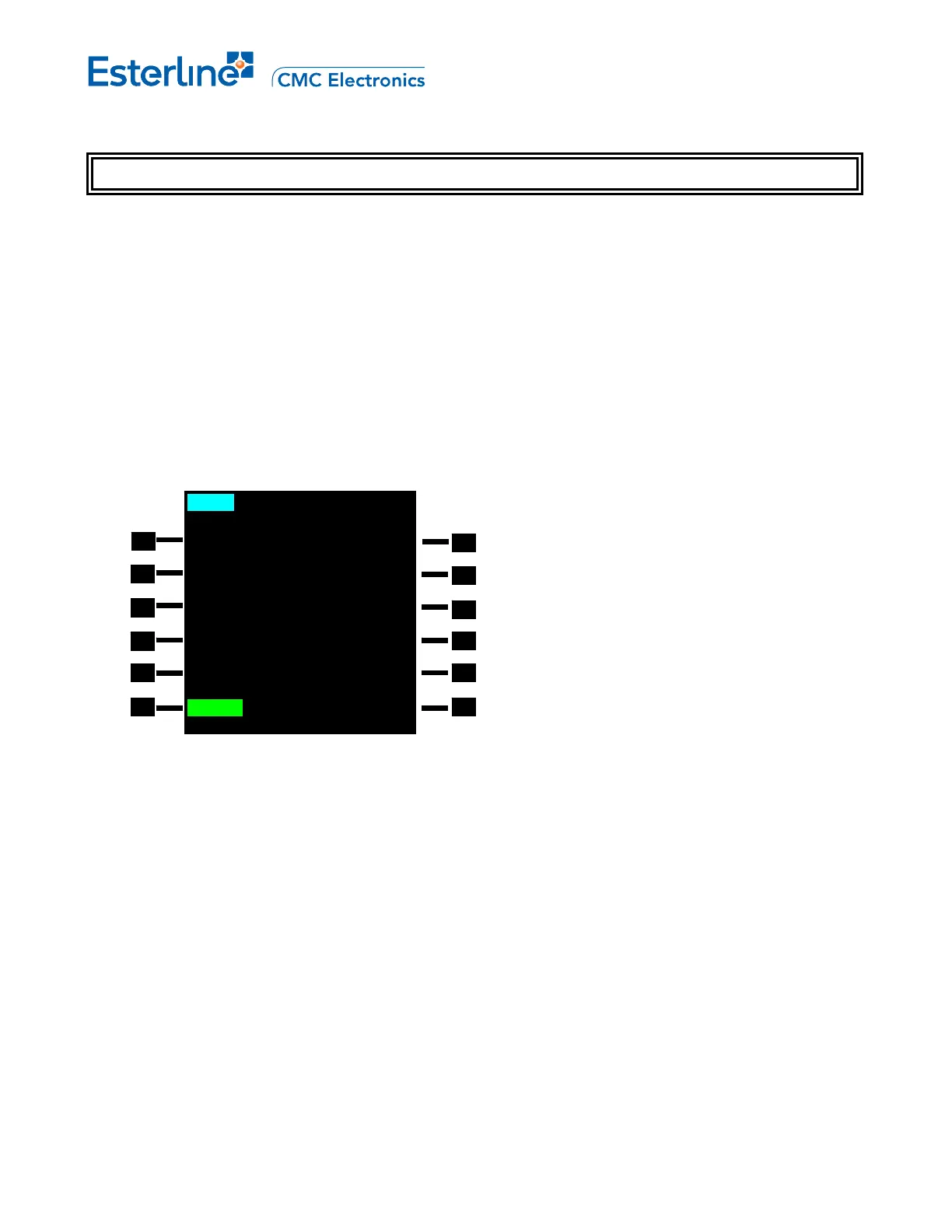
3. Verify the waypoint entry by checking the course and distance of the previous and next legs.
299
o
39.6NM
CAFTA
298
o
154NM
YZP01
THEN
-- ROUTE DISCONTINUITY -
MOCA1
306
o
165NM
BKA
<ERASE LEGS ETA>
MOD RTE 1 LEGS 2/4
4. Make the modified route active by pressing [EXEC].
NOTE: The system allows for a maximum of 99 temporary waypoints in a flight plan.
B. PLACE/BEARING-PLACE/BEARING WAYPOINTS
With the first reference waypoint identifier in the scratchpad:
1. Key into the scratchpad the bearing of the waypoint from the first reference waypoint followed by a slash
(/) and the second reference waypoint and bearing e.g. CAFTA268/YZP148.
2. Display the desired insert location in the route by pressing [LEGS] and [NEXT] or [PREV] as required.
3. Move the waypoint to the desired place in the route by pressing the appropriate LSK.
The new waypoint is inserted ahead of the existing waypoint. The new waypoint identifier is created based on
the identifier of the first reference waypoint as described in the previous procedure, e.g. CAF01.
4. Verify the waypoint entry by checking the course and distance of the previous and next legs.
Page 5-4
August 17, 2010



 To Next Page