OPERATOR’S MANUAL
CMA-9000 FLIGHT MANAGEMENT SYSTEM
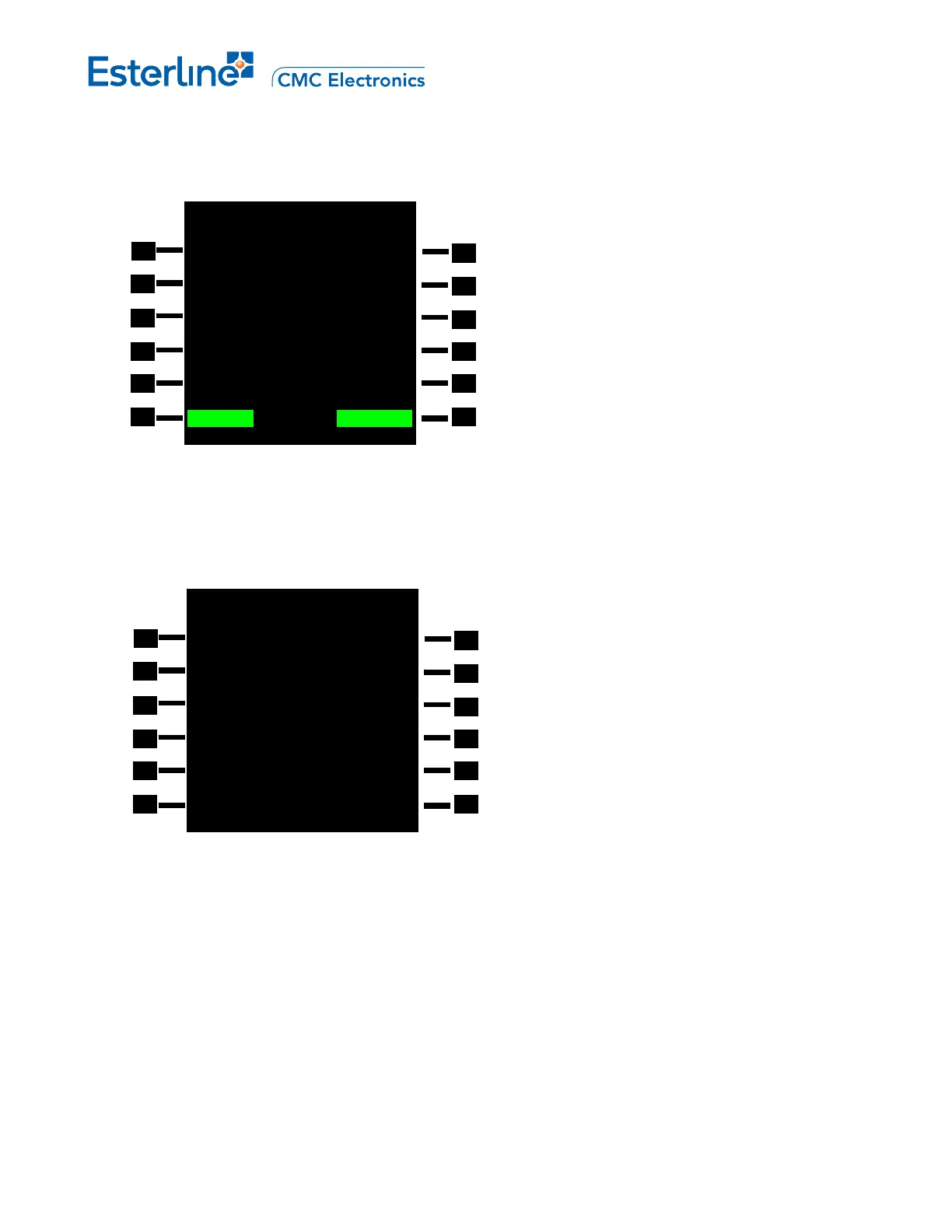
On the USER WPT 2/2 page press the DELETE ALL prompt (LSK 6R) and a CANCEL/CONFIRM prompt is
displayed. Press <CONFIRM> (LSK 6R) to accept or <CANCEL> (LSK 6L).
USER WPT 2/2
ID FREE= 459 TYPE
YUL NDB NAV>
REGION
---/--
E. VIEW ALL THE USER WAYPOINTS IN THE DATABASE
The complete list of the user waypoints can be viewed by pressing [INIT REF], <WPT LISTS>, <USER
WPT>. Up to 10 user waypoints are displayed on a single page and a maximum of 460 waypoints can be
defined. To view the other pages press [NEXT] or [PREV].
<CANCEL DELETE? CONFIRM>
USER WPT LIST 1/2
DIS NM DIS NM
<BASET 20.1 GABRE 0.79>
<BINDY
28.9 HEC 82.7>
<CIVET 36.3 INTC 32.6>
<DAG
81.6 LAHAB 24.1>
<DOWNE
21.5 LAX16 23.8>
<NEW USER WPT
Page 11-6
August 17, 2010



 To Next Page