OPERATOR’S MANUAL
CMA-9000 FLIGHT MANAGEMENT SYSTEM
DIRECT-TO A WAYPOINT WITH AN INTERCEPT PROCEDURE
A. ON THE DEFAULT INBOUND COURSE (LEG INTERCEPT)
Enter the identifier of the desired direct-to waypoint in the scratchpad:
1. Display the first ACT LEGS page by pressing LEGS.
2. Move the waypoint identifier to the TO WPT field by pressing LSK 1L.
The "INTC CRS" prompt is displayed, at the LSK 6R location, with the default inbound course shown in
medium font size. If the direct-to waypoint is part of the active route, the default inbound course is the
inbound course of the route leg to the selected waypoint. If it is an off-route waypoint, the default inbound
course is direct from present position and is also displayed as the TO WPT course.
3. Select the direct-to intercept mode with default inbound course by pressing INTC CRS (LSK 6R).
The default inbound course changes to LARGE font, and is copied to the TO WPT course. If the current
track/heading will not intercept the inbound course prior to reaching the TO WPT, a "NOT ON
INTERCEPT TRK" or "NOT ON INTERCEPT HDG" advisory message will be displayed.
4. Verify the course and distance of the leg to the TO WPT.
NOTE: If the aircraft track/heading is incorrect, turn the aircraft to the correct track/heading prior to pressing
EXEC key.
5. Make the direct-to leg active by pressing EXEC.
The "MOD" status in the title line is replaced by "ACT". Navigation and guidance will change to the new
leg from present position to intercept the inbound course to the TO waypoint on the current track/heading.
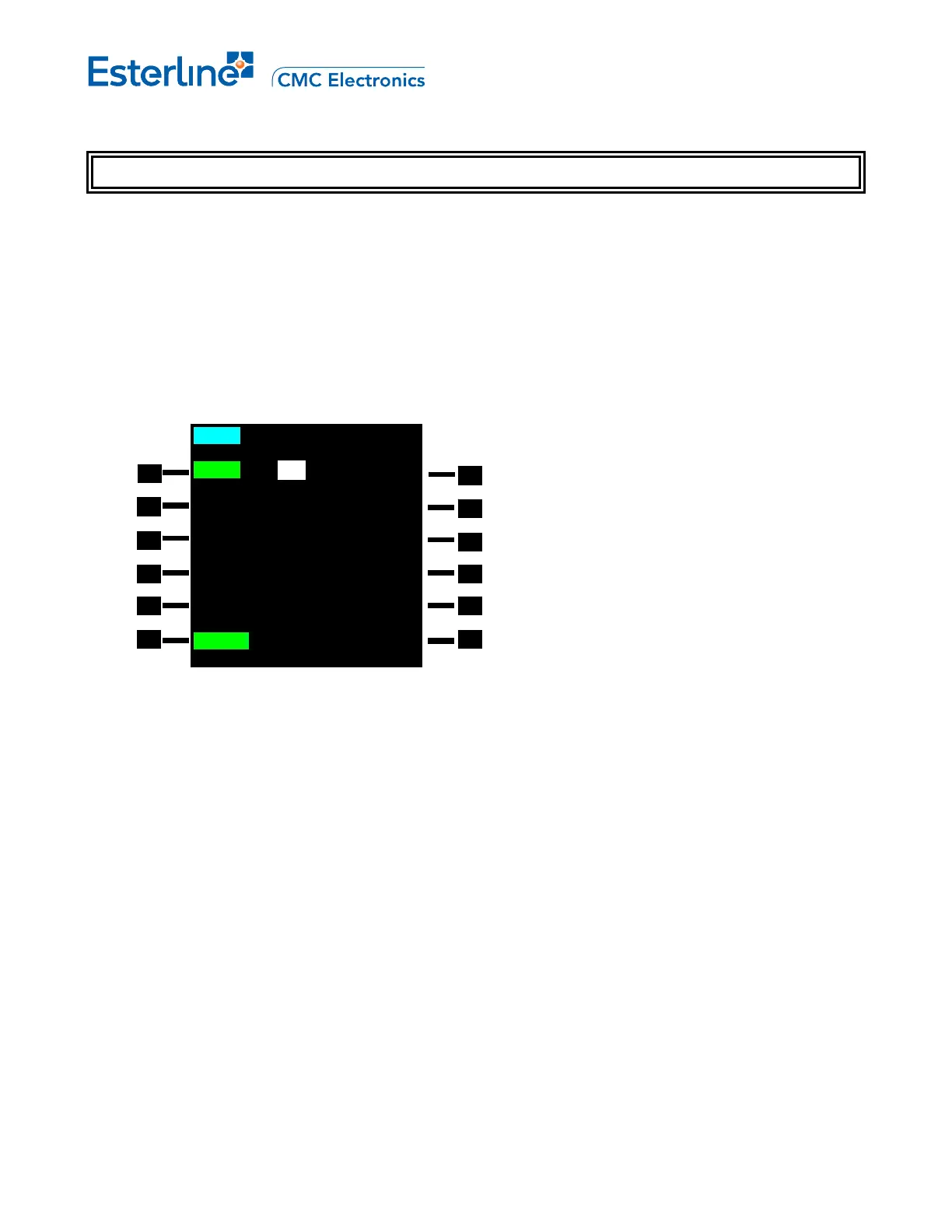
MOD RTE 1 LEGS 1/1
101
o
CRS 32.4NM
RW06R /oMAP
081
o
CRS 1.67NM
(4000)
086
o
HDG 12.1NM
(INTC)
089
o
CRS 4.55NM
JCT /H
R120
o
FR NANCY 22.1NM
NA16R /o
INTC CRS
<ERASE 089
o
>
Page 9-7
August 17, 2010



 To Next Page