OPERATOR’S MANUAL
CMA-9000 FLIGHT MANAGEMENT SYSTEM
C. DELETE A USER WAYPOINT FROM THE USER DATABASE
Any existing user waypoint can be deleted from the user database by displaying the waypoint information and
then using the CLR functional key. This user waypoint deletion can be performed in several ways:
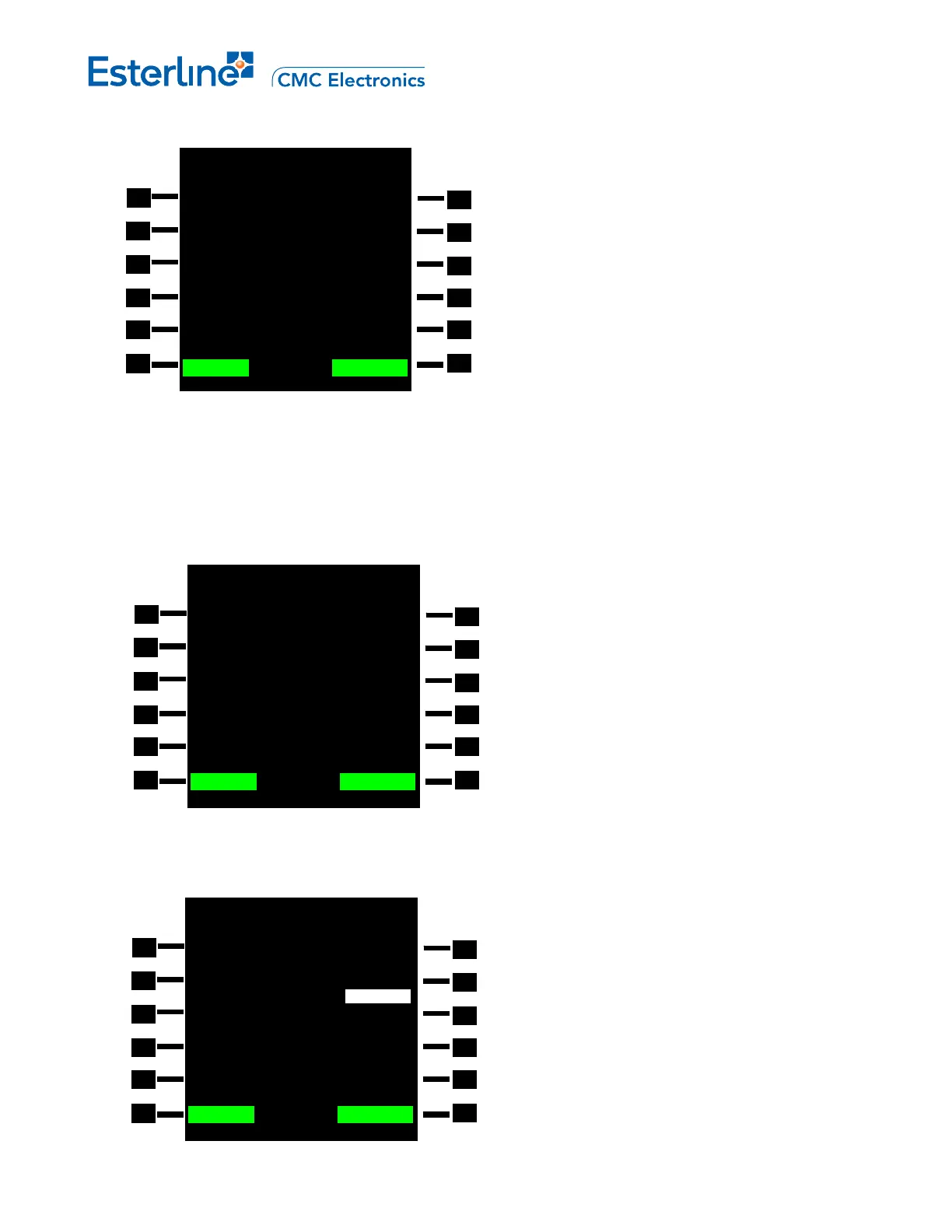
1. With the USER WPT 1/2 page displayed press the CLR functional key and then LSK 1L. The
CANCEL/CONFIRM prompt is displayed. Press <CONFIRM> (LSK 6R) to accept or <CANCEL> (LSK
6L).
2. With the NAV DATA 1/1 page displayed press the CLR functional key and then LSK 1L. The
CANCEL/CONFIRM prompt is displayed. Press <CONFIRM> (LSK 6R) to accept or <CANCEL> (LSK
6L).
USER WPT 1/2
ADFF ID/POS FREE= 459
N45
o
12.23 043
o
32.12
BRG/DIS
223
T
/115NM
TYPE
>FIXED
REF WPT ID RAD/DIS
----- 000
o
/0.00NM
REF WPT POS
---
o
--.-- ----
o
--.--
<CANCEL DELETE? CONFIRM>
USER WPT 2/2
ID FREE= 459 TYPE
YUL AIRPORT>
REGION
CAN/CY
ELEVATION
323FT
<CANCEL SAVE? CONFIRM>
NAV DATA 1/1
ADFF WPT POS
N45
o
12.23 043
o
32.12
BRG/DIS 134
T
/123NM
DATABASE USER ACT RTE
<CANCEL DELETE? CONFIRM>
Page 11-4
August 17, 2010



 To Next Page