OPERATOR’S MANUAL
CMA-9000 FLIGHT MANAGEMENT SYSTEM
B. EXIT BY DIRECT-TO NAVIGATION TO THE HOLDING FIX
Perform a standard direct-to procedure to the holding fix.
When the direct-to is executed, navigation and guidance is provided for an immediate turn towards the
inbound holding course. Sequencing of the holding fix is done with turn anticipation (Fly-by).
C. EXIT BY DIRECT-TO NAVIGATION TO ANY WAYPOINT
Perform a standard direct-to procedure to any waypoint.
When the direct-to is EXECuted, navigation and guidance is provided to turn in the shortest direction to the
direct-to course.
CONTINUE TO HOLD
When a procedure is defined with an exit type equals to “ONCE” or “AT TGT ALT”, and it is required to remain in
the hold, the following procedure should be executed:
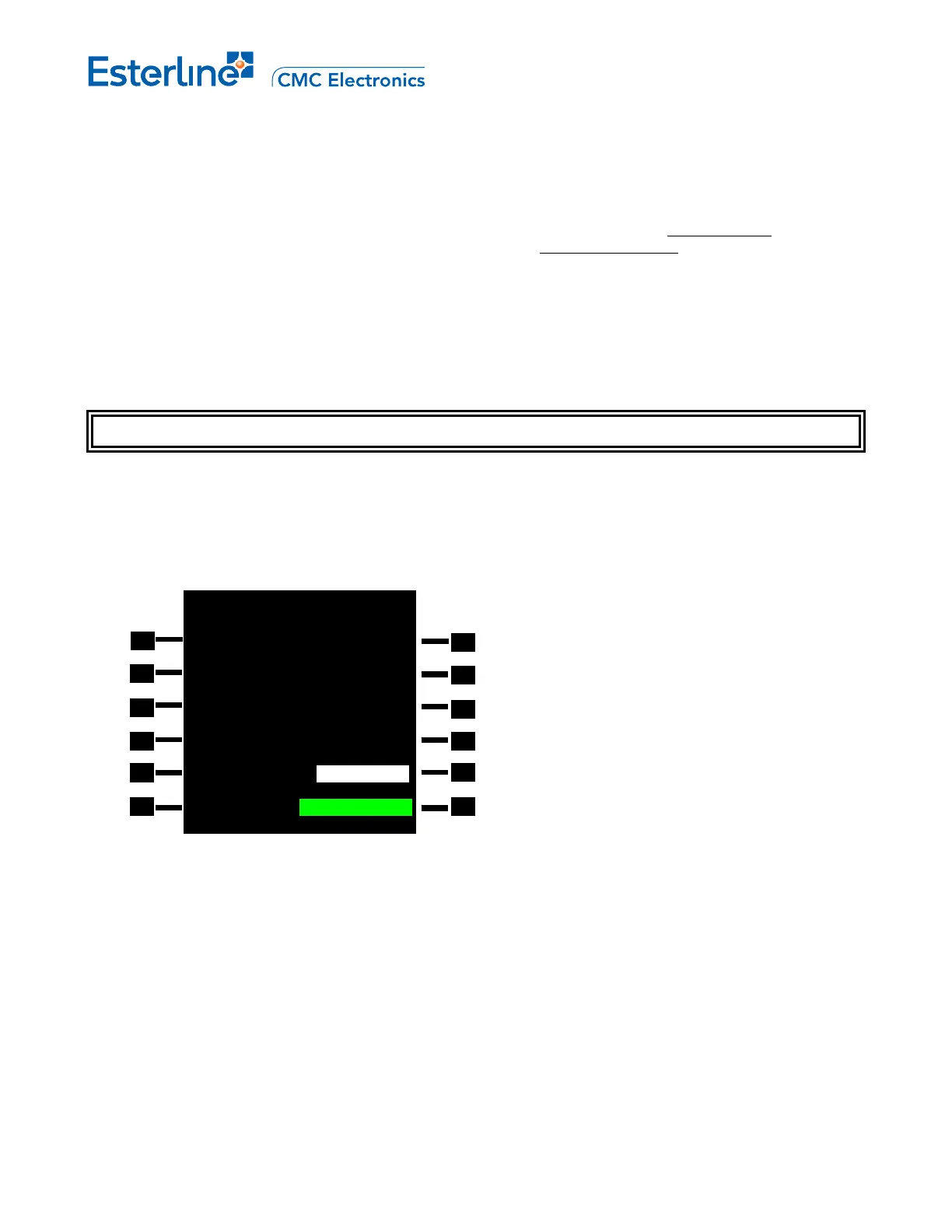
1. Display the ACT HOLD 1/X page by pressing [HOLD].
Refer to HOLD 1/1 page in Appendix A for details.
2. Resume the exit hold procedure by pressing <ONCE> (LSK 5L).
The "RESUME HOLD" prompt disappears, the status changes to RESUMING HOLD, the exit type changes to
MANUAL and the <ERASE> prompt is displayed in green reverse video. "ACT" status in the title line changes
to "MOD", and the EXEC annunciator illuminates.
NOTE: The resuming hold can be cancelled at this point by pressing <ERASE> (LSK 6L). The prompt reverts to
"NEW HOLD", the <RESUME HOLD> prompt is displayed in green reverse video, the status changes to
EXIT ARMED, "MOD" status reverts to "ACT", and the EXEC annunciator extinguishes.
NOTE: After the ONCE or AT TGT ALT procedure has been changed to a manual hold, it is impossible to return
to the hold procedure defined in the navigation database.
ACT RTE 1 HOLD 1/1
FIX SPD/TGT ALT
ESPIG 2000A
TURN DIR FIX ETA
>LEFT 1425.1Z
INBD CRS HOLD TIME
306° 01+45.0
LEG TIME/DIS BEST SPD
-.-MIN/5.0 NM 208KT
EXIT TYPE STATUS
> ONCE EXIT ARMED
<NEW HOLD RESUME HOLD>
Page 10-11
August 17, 2010



 To Next Page