OPERATOR’S MANUAL
CMA-9000 FLIGHT MANAGEMENT SYSTEM
Page A-33
August 17, 2010
IRSx ACCURACY X/X (X: 1, 2 or 3; if IRSx is in NAV mode)
For LASEREF_V: Display IRSx ACCURACY X/X page by pressing [INIT REF], <NAV STATUS> and <IRS>,
<ACCURACY>.
There are three identical pages, one for each IRS. The first page accessed refers to the IRS previously
displayed on the IRSx STATUS X/3 page. Pressing PREV or NEXT key will display other IRSx ACCURACY X/3
pages.
FMS POS (1L or 1R): Displays FMS present position.
ENTER REF POS [2L or 2R]: Valid latitude and longitude entry will enable accuracy test to be performed and
results displayed on following lines. Default value is FMS POS, as displayed in LSK 1R.
IRS POS ERR (4L): Displays inertial position error once a valid reference position is entered in LSK 2L or LSK
2R, and IRS in NAV mode.
RESID GS (5L): Displays residual ground speed once a valid reference position is entered in LSK 2L or LSK
2R, and IRS in NAV mode.
NAV STATUS [6L]: Returns to the NAV STATUS INDEX 1/1 page.
NAV TIME (4R): Displays elapsed time in hours and minutes (tenths) since IRS entered NAV mode (Time-in-
Nav). For Laseref V: This parameter is decoded from label 126.
IRS DRIFT (5R): Displays inertial drift rate (only when IRS Time in NAV > 10 minutes) once a valid reference
position is entered in LSK 2R, and IRS in NAV mode.
IRSx STATUS [6R]: Returns to the corresponding IRSx STATUS X/3 page.
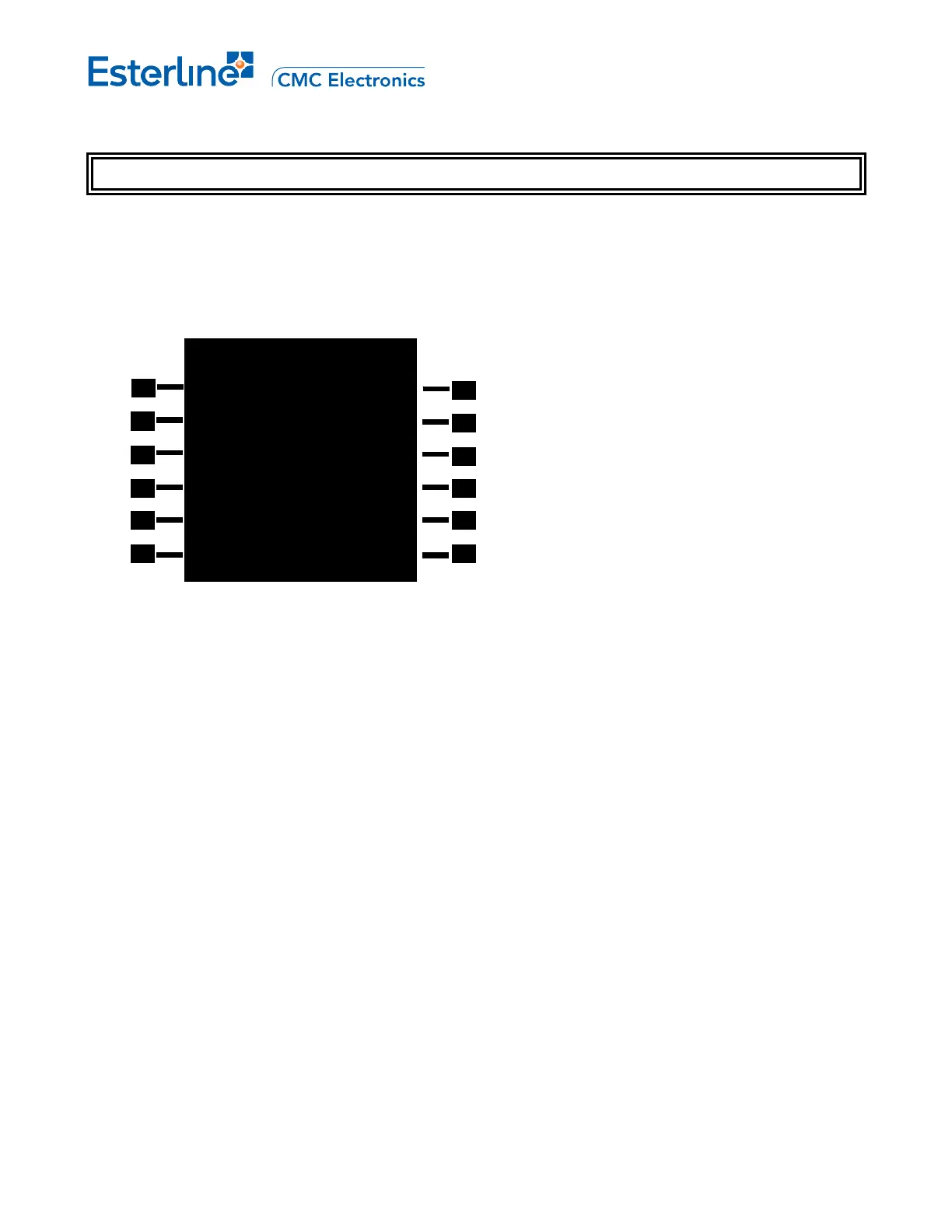
IRS2 ACCURACY 2/3
FMS POS GPS
N47
o
32.44 E122
o
18.52
ENTER REF POS
N47
o
32.44 E122
o
18.52
IRS POS ERR NAV TIME
2.5
NM 02H16.4
RESID GS IRS DRIFT
5.2
KT 1.1NM/HR
<NAV STATUS IRS2 STATUS>



 To Next Page