OPERATOR’S MANUAL
CMA-9000 FLIGHT MANAGEMENT SYSTEM
EXITING A HOLDING PATTERN
A. EXIT OVER FIX (HOLD AT) WAYPOINT
1. Display the ACT HOLD 1/X page by pressing [HOLD].
(Refer to HOLD 1/1 page in Appendix A for details.)
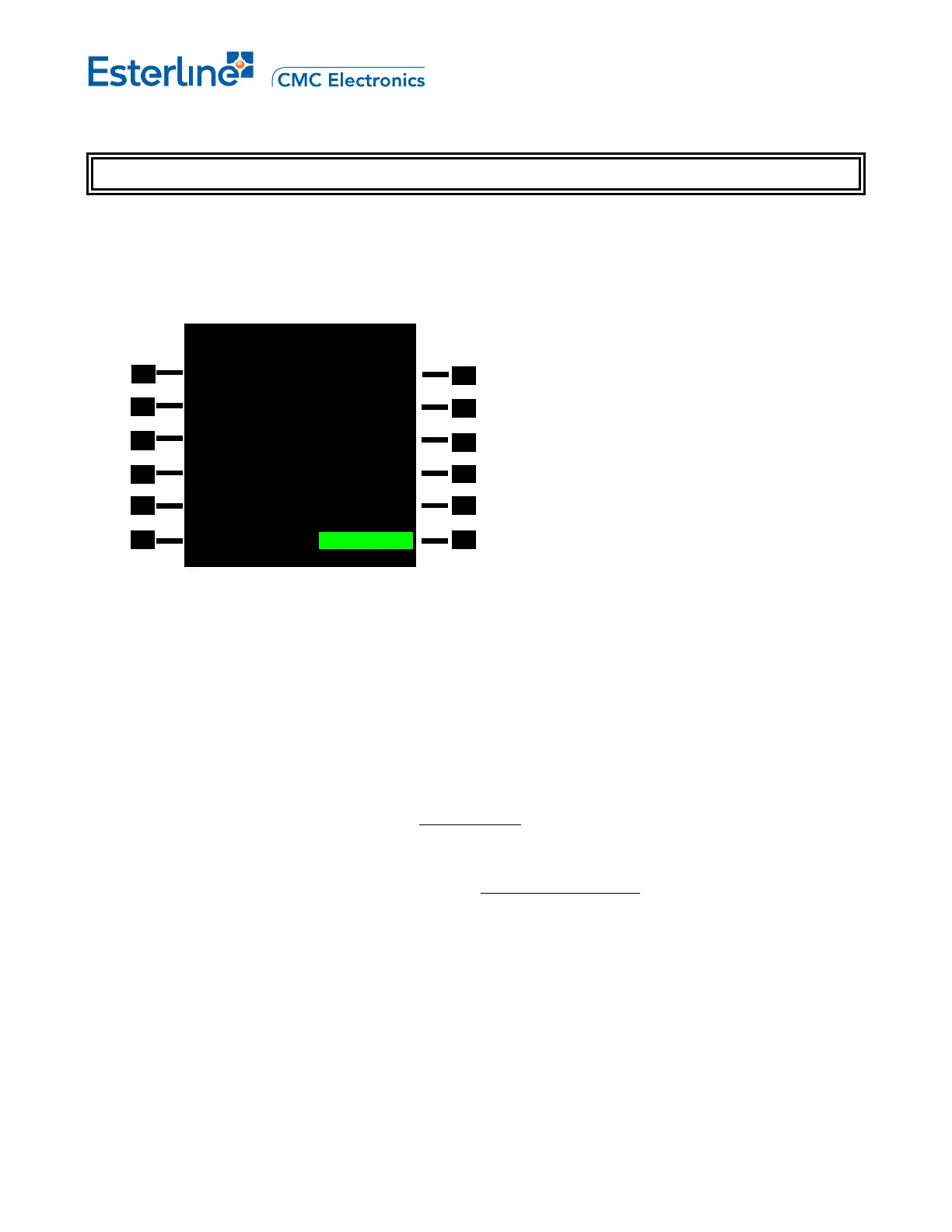
ACT RTE 1 HOLD 1/1
FIX SPD/TGT ALT
KILLA 220/ 5000A
TURN DIR FIX ETA
>RIGHT 2332.5Z
INBD CRS HOLD TIME
050° 01+45.0
LEG TIME/DIS BEST SPD
1.0MIN/--.-NM 208KT
EXIT TYPE STATUS
MANUAL IN PROGRESS
<NEW HOLD EXIT HOLD>
2. Arm the exit hold procedure by pressing <EXIT HOLD> (LSK 6R).
The "EXIT HOLD" prompt disappear, the status changes to EXITING HOLD and the <ERASE> prompt
displays in green reverse video. "ACT" status in the title line changes to "MOD", and the EXEC annunciator
illuminates.
NOTE: The hold exit can be cancelled at this point by pressing <ERASE> (LSK 6L). The prompt reverts to
"NEW HOLD", the <EXIT HOLD> prompt is displayed in green reverse video, the status changes to IN
PROGRESS, "MOD" status reverts to "ACT", and the EXEC annunciator extinguishes.
3. Initiate exit from the hold by pressing [EXEC].
Navigation and guidance is provided for an immediate turn
towards the holding fix to exit the holding pattern
over the fix, followed by continuation of the active route.
If an entry into the holding pattern is being performed, the entry procedure is completed normally prior to
exiting the hold. Sequencing of the holding fix is done without turn anticipation (Fly-over).
In order to sequence the holding fix and proceed with the holding fix sequence when the pattern is flown
manually, the aircraft must overfly (or pass outside) the second temporary (diagonally opposite to the holding
fix) waypoint as shown in Entry Procedures subsection.
Page 10-10
August 17, 2010



 To Next Page