OPERATOR’S MANUAL
CMA-9000 FLIGHT MANAGEMENT SYSTEM
RADIO 2/4 PAGE (Horizontal display format)
Press [RADIO] [NEXT] to display RADIO 2/4 page.
NOTE: The RADIO 2/4 page is only available when configured.
NOTE: The page layout can differ based on the number of radios installed and on which line they are
configured. There may be empty lines. If more than 6 radios are configured, another RADIO top page
2/x will be available. The acronym of some type of radios are configurable items.
VHF1/2 [XL]: Access to the VHF1/2 radio page.
VHF1/2 [XR]: Display and modify the VHF active and standby frequencies/presets. Entry may be made to the
standby position only when a new value is in the scratchpad. If the scratchpad is empty it toggles active/standby
frequencies.
HF1 [XL]: Access to the HF radio page.
HF1 [XR]: Display and modify the HF active and standby frequencies/presets.
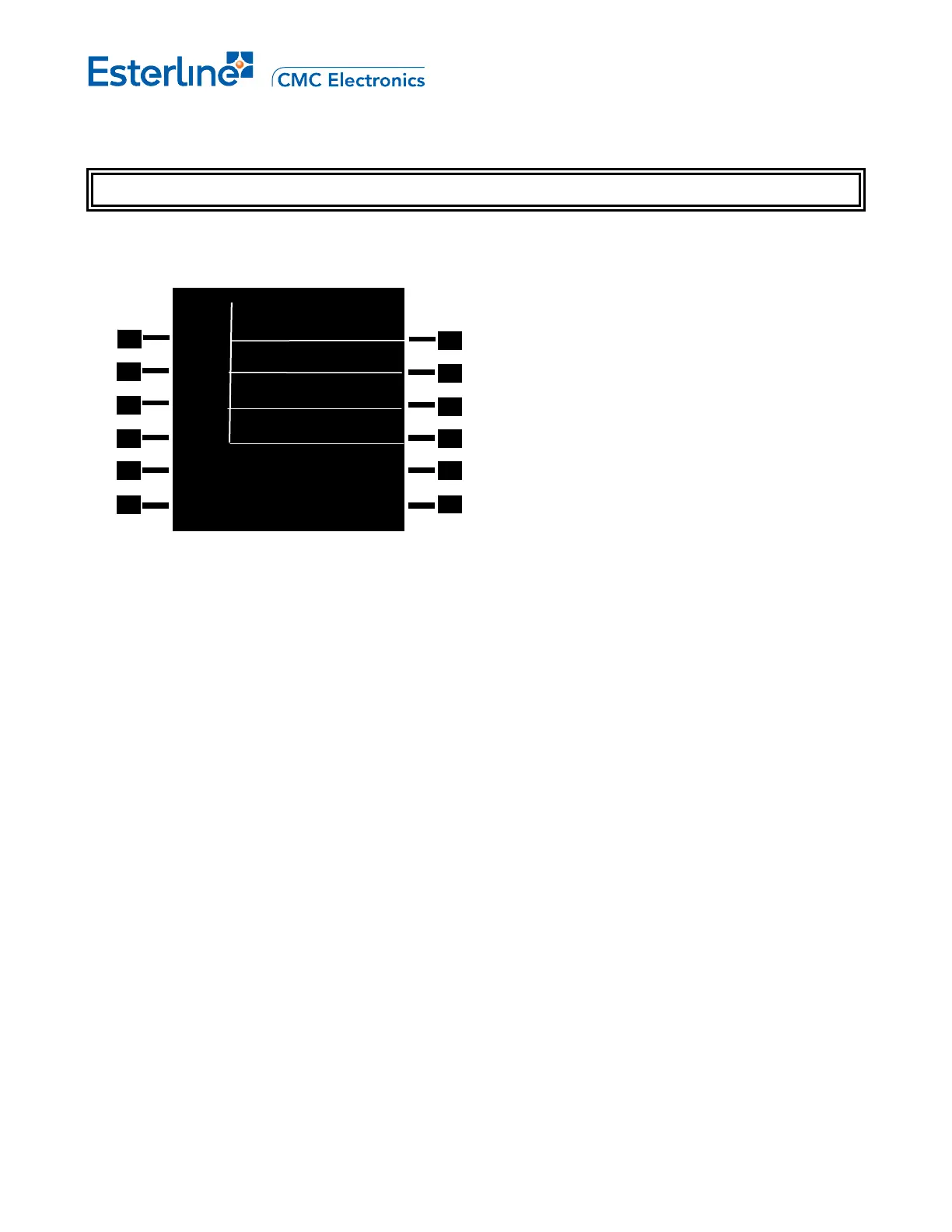
RADIO 2/4
-- 05
<VHF1 123.000 ↔ 121.550
--- 06
<VHF2 122.500 ↔ 132.300
01 --
<HF1 11.2790 ↔ 8.8910
01 --
<HF2 16.2840 ↔ 9.1970
Page 13-6
August 17, 2010



 To Next Page