OPERATOR’S MANUAL
CMA-9000 FLIGHT MANAGEMENT SYSTEM
GO AROUND 5/5
The GO-AROUND page is used to display the GO-AROUND information applicable when the Takeoff-Go-
Around (TOGA) Mode is active as the result of a Missed Approach initiation.
Display the GO AROUND 5/5 page by pressing:
[VNAV] while the ”Go-Around Mode” is active or
[VNAV] [PREV] (When in Climb mode) or
[VNAV] [NEXT] [NEXT] [NEXT](When in Cruise mode) or
[VNAV] [NEXT] [NEXT] (When in Descent mode) or
[VNAV] [NEXT] (When in Approach mode)
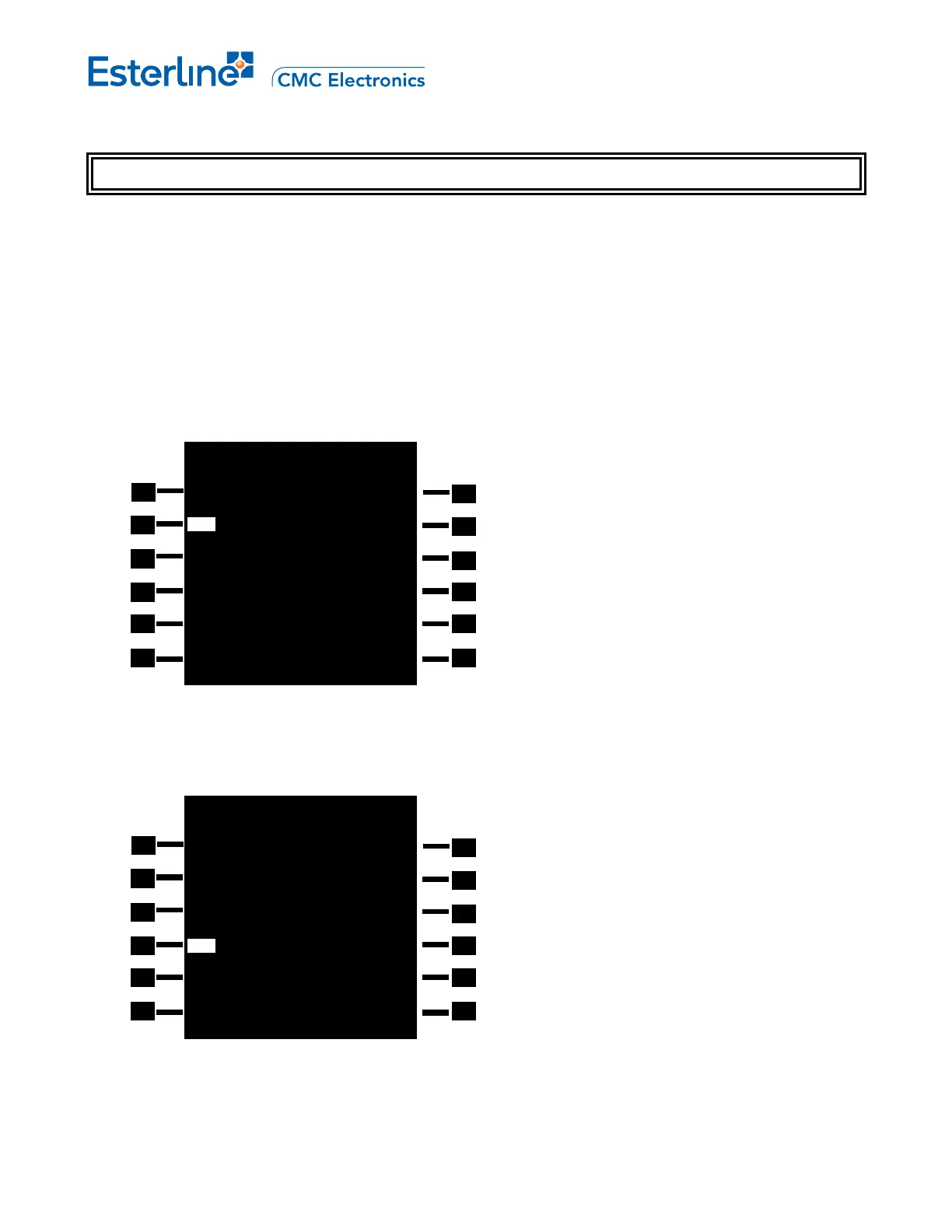
A. Display after the GO-AROUND page was first accessed (VNAV Go-Around mode is active). In this example,
the Go-Around target speed is green dot speed (215 displayed in reverse video at 2L).
B. Another example of VNAV Go-Around mode (active). In this example, the Go-Around target speed is being
limited.
ACT GO AROUND 5/5
CRZ ALT
FMS SPD ACCEL HT
215KT 3000FT
SPD REST THR RED HT
240/10000 2000FT
FLP RETR
144KT
SLT RETR GREEN DOT
185
KT 200KT
PROFILE>
ACT GO AROUND 5/5
CRZ ALT
FMS SPD ACCEL HT
200KT 3000FT
SPD REST THR RED HT
240/10000 2000FT
LIM SPD FLP RETR
210 144KT
SLT RETR GREEN DOT
185
KT 200KT
PROFILE>
Page RRJ-A-38
August 17, 2010



 To Next Page