OPERATOR’S MANUAL
CMA-9000 FLIGHT MANAGEMENT SYSTEM
2. Display the desired STAR by pressing the PREV or NEXT key as required, and select the STAR by pressing
the appropriate left hand LSK.
The STAR list is replaced by the selected STAR, with the legend "<SEL>" beside the name. Transitions
available for the selected STAR are listed below the STAR, under the heading "TRANS". If no transitions are
available, the word "-NONE-" is displayed. A list of the approaches and runways applicable to the selected
STAR appears on the right hand side of the page.
NOTE: If an approach has already been selected, then only those STARs applicable to that approach will be
displayed.
3. Display the desired STAR transition by pressing the PREV or NEXT key as required, and select the
transition by pressing the corresponding left hand LSK.
The list of transitions is replaced by the selected transition, with the legend "<SEL>" beside the name.
NOTE: The selected procedure can be changed by pressing the appropriate left hand LSK to re-display the
desired list (toggles the selection).
4. Display the first STAR leg by pressing LEGS and PREV or NEXT as required.
NOTE: For certain types of STAR and STAR transition, the selection of the approach or approach transition
may also be required before the STAR waypoints are loaded into the route from the navigation
database. The message !SELECT TRANS/APPR/RWY is then displayed in the scratchpad.
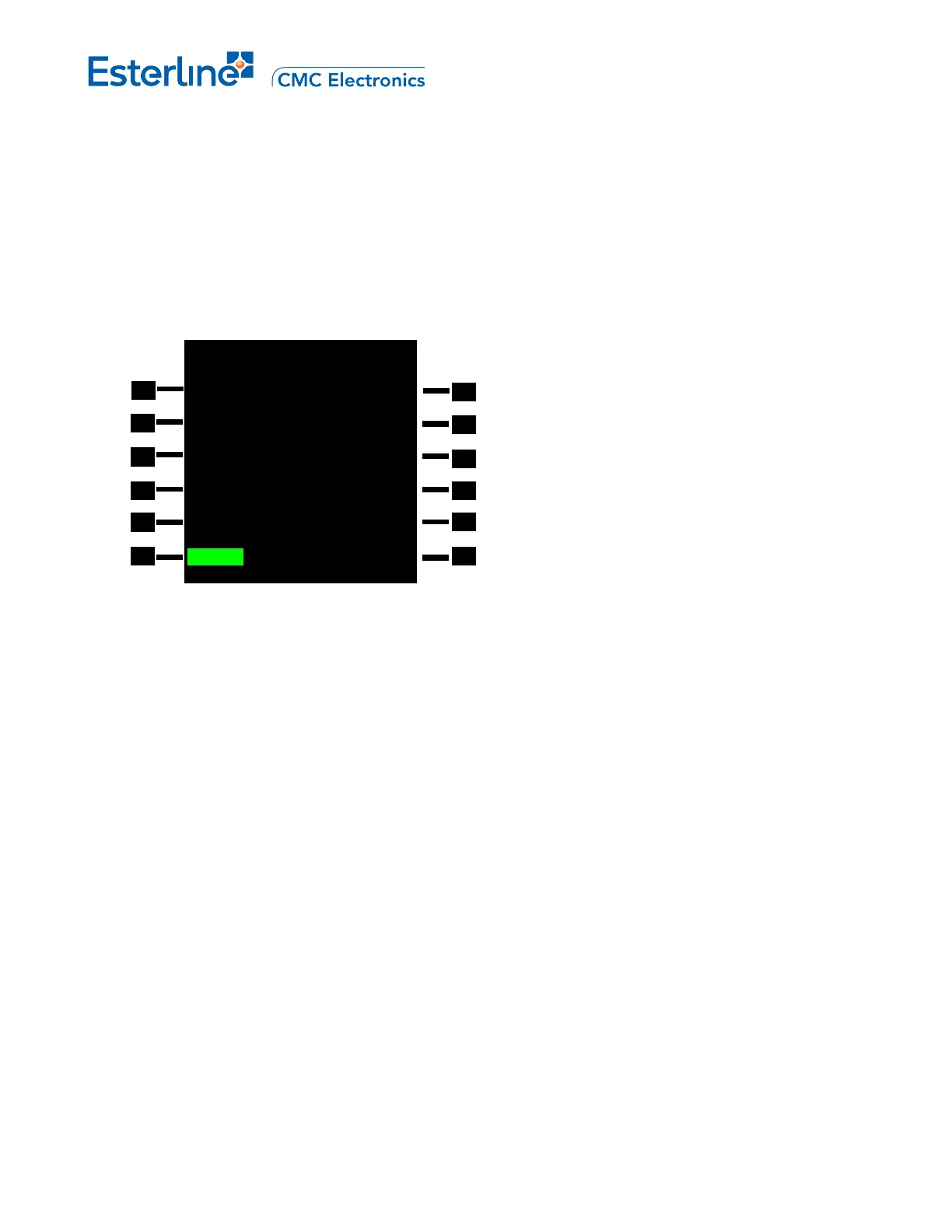
PANC ARRIVALS 1/1
STARS RTE 1 APPROACHES
AMOTT5<SEL> <SEL>VORD06R
TRANS RUNWAYS
ODK <SEL> O6L
06R
14
24L
<ERASE ROUTE>
Page 6-5
August 17, 2010



 To Next Page