EasyManua.ls Logo

Esterline CMA-9000 - Page 325

Esterline CMA-9000
561 pages
Print Icon
To Next Page IconTo Next Page
To Previous Page IconTo Previous Page
Loading...
OPERATOR’S MANUAL
CMA-9000 FLIGHT MANAGEMENT SYSTEM
Page A-63
August 17, 2010
C. Page display when route activated and executed, and aircraft airborne (dual/triple FMS installation):
D. Page display after a DELETE (press [CLR] key) to the ORIGIN or ERASE RTE1 key is pressed:
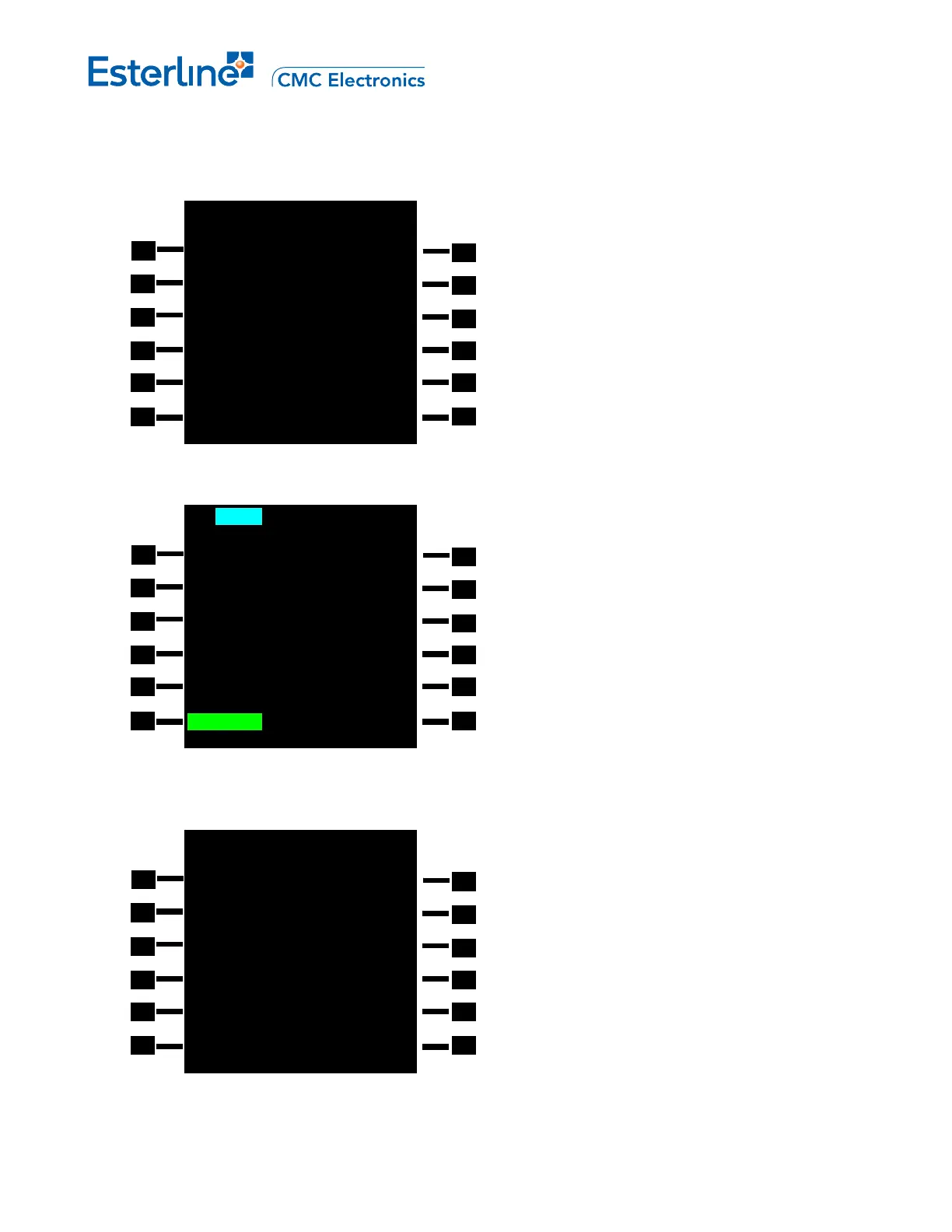
E. The inactive route (RTE 1 or RTE 2) is displayed in monochrome cyan to distinguish it from the active route:
1R
2R
3R
4R
5R
6R
MOD RTE 1 1/2
ORIGIN DEST
 
RUNWAY FLT NO
----- --------
ROUTE
----------
CO ROUTES>
USER ROUTES>
OFFSET
<RESTORE R0.0NM
1L
2L
3L
4L
5L
6L
1R
2R
3R
4R
5R
6R
RTE 2 1/2
ORIGIN DEST
 
RUNWAY FLT NO
----- --------
ROUTE
----------
CO ROUTES>
<RTE COPY USER ROUTES>
<RTE 1
1L
2L
3L
4L
5L
6L
1R
2R
3R
4R
5R
6R
ACT RTE 1 1/2
ORIGIN DEST
KSEA PANC
RUNWAY FLT NO
----- KL007
ROUTE
KSEAPANC1
<RTE XFILL CO RTES>
USER RTES>
OFFSET
<RTE 2 PANC R0.0NM
1L
2L
3L
4L
5L
6
L
DRAFT

Table of Contents