OPERATOR’S MANUAL
CMA-9000 FLIGHT MANAGEMENT SYSTEM
Page A-90
August 17, 2010
USER WPT 2/2
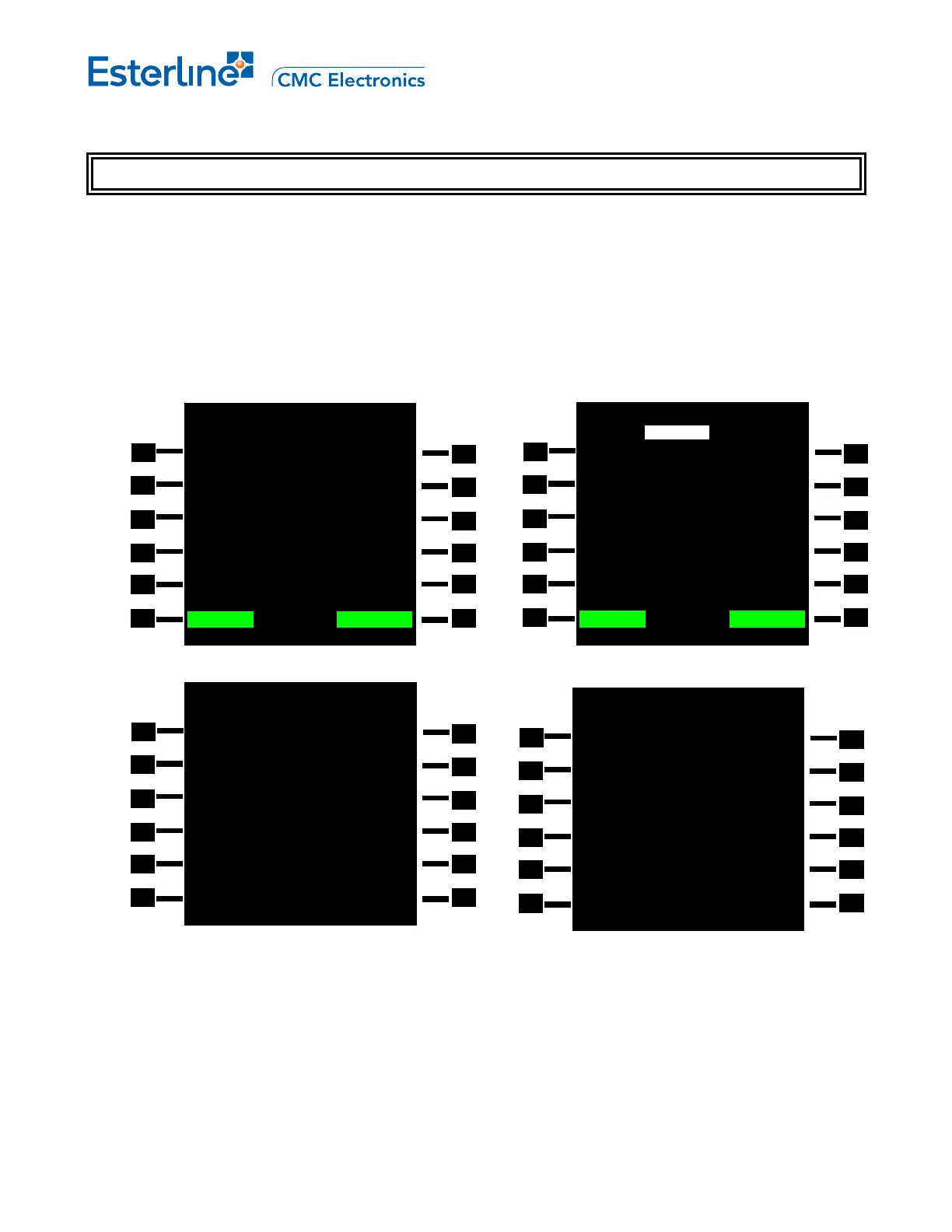
Display USER WPT 2/2 page to modify parameters of an existing waypoints by pressing [INIT_REF],
<NAV DATA>, <NEW USER WPT> and [NEXT]. This page is only available when the USER DBASE
configuration option is enabled.
The USER WPT pages allows for the creation of new user waypoints of different class and types or the
modification of existing user waypoints. USER WPT 1/2 allows to enter basic property of waypoint such its
identifier and position. USER WPT 2/2 allows the definition of the type and class of the new waypoint along with
their additional properties.(mandatory and optional field):
When the new waypoint created is of type other than WAYPOINT, mandatory fields must be entered as
indicated by the display of the page.
USER WPT 2/2
ID FREE=459 TYPE
YUL AIRPORT>
REGION
CAN/CY
ELEVATION
10323FT
<CANCEL SAVE? CONFIRM>
USER WPT 2/2
ID FREE=459 TYPE
YUL WAYPOINT<
REGION
---/--
<NAV DATA DELETE ALL>
USER WPT 2/2
ID ACT RTE TYPE
YYV WAYPOINT<
<CANCEL SAVE? CONFIRM>
USER WPT 2/2
ID FREE=459 TYPE
YKL VHF NAV<
REGION CLASS
---/-- TACAN
HIGH LEVEL<
CHAN
DECLIN ELEVATION
----
o
FT
<NAV DATA DELETE ALL>



 To Next Page