OPERATOR’S MANUAL
CMA-9000 FLIGHT MANAGEMENT SYSTEM
Page A-94
August 17, 2010
Other pages 1/X are viewed using the key [NEXT]. The distance between present position (PPOS) and waypoints
are updated every second.
User waypoint can be deleted by pressing [CLR] followed by the LSK corresponding the waypoint to be deleted.
USER WPT ID [1L,2L,3L,4L,5L,1R,2R,3R,4R,5R]: User waypoint identifier and distance from the present
position (PPOS). Selecting the waypoint will display the NAV DATA 1/1 page with all the information pertaining
to that waypoint.
NEW USER WPT [6L]: Access to the USER WPT page for user waypoint creation.
CANCEL [6L]: Cancel the deletion of the USER WPT.
CONFIRM [6R]: Delete the selected waypoint. Cross-talks the deletion to the cross-side FMS if FMSs are in
synchronized mode.
DEL ALL [6R]: Request to delete all user waypoints and triggers the CANCEL/CONFIRM prompts.
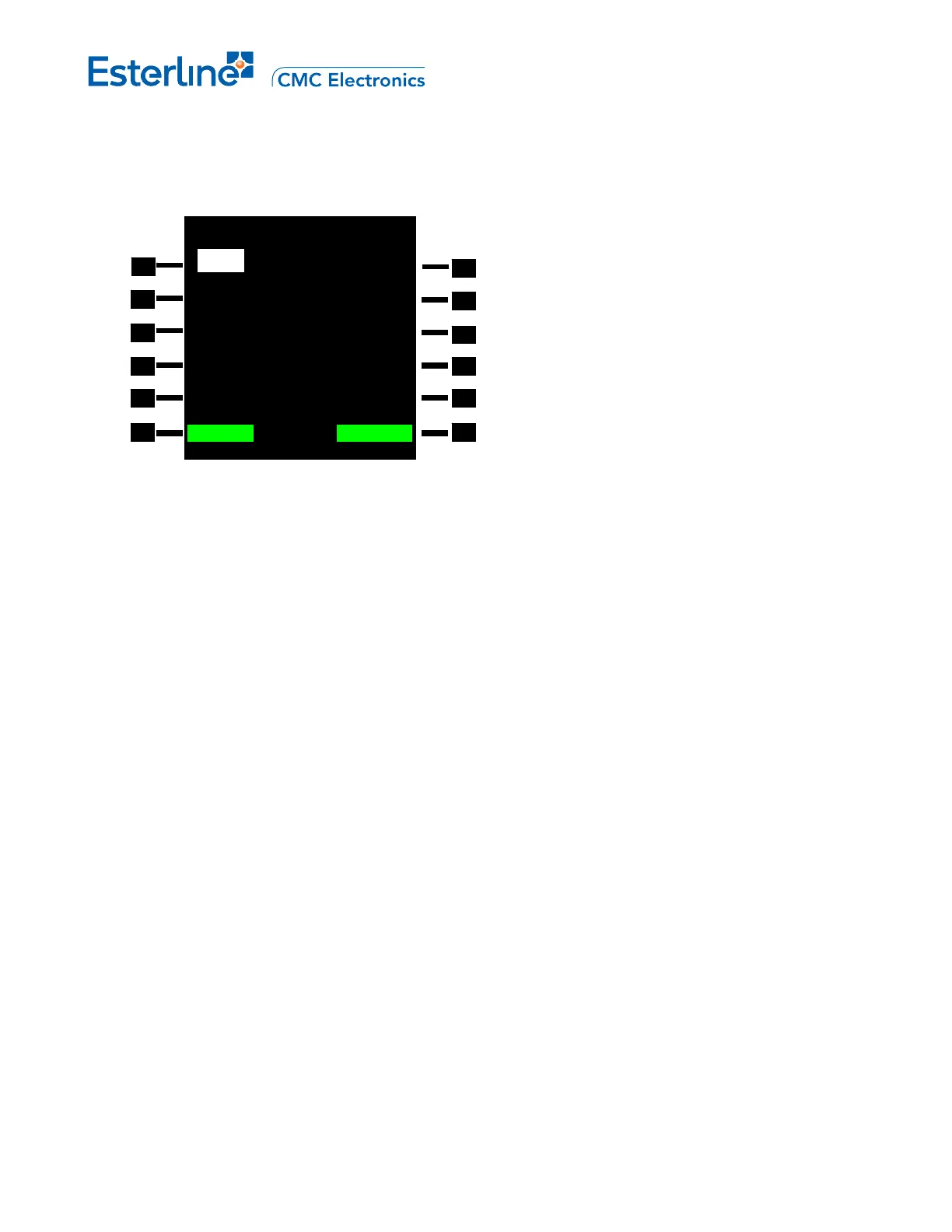
USER WPT LIST 1/2
DIS NM DIS NM
<BASET 20.1 GABRE 0.79>
<BINDY 28.9 HEC 82.7>
<CIVET
36.3 INTC 32.6>
<DAG
81.6 LAHAB 24.1>
<DOWNE 21.5 LAX16 23.8>
<CANCEL DELETE? CONFIRM>



 To Next Page